

Search Live
Search Live is an AI Mode feature in Google Search for interactive voice and camera conversations—available in all languages and locations where AI Mode is offered.
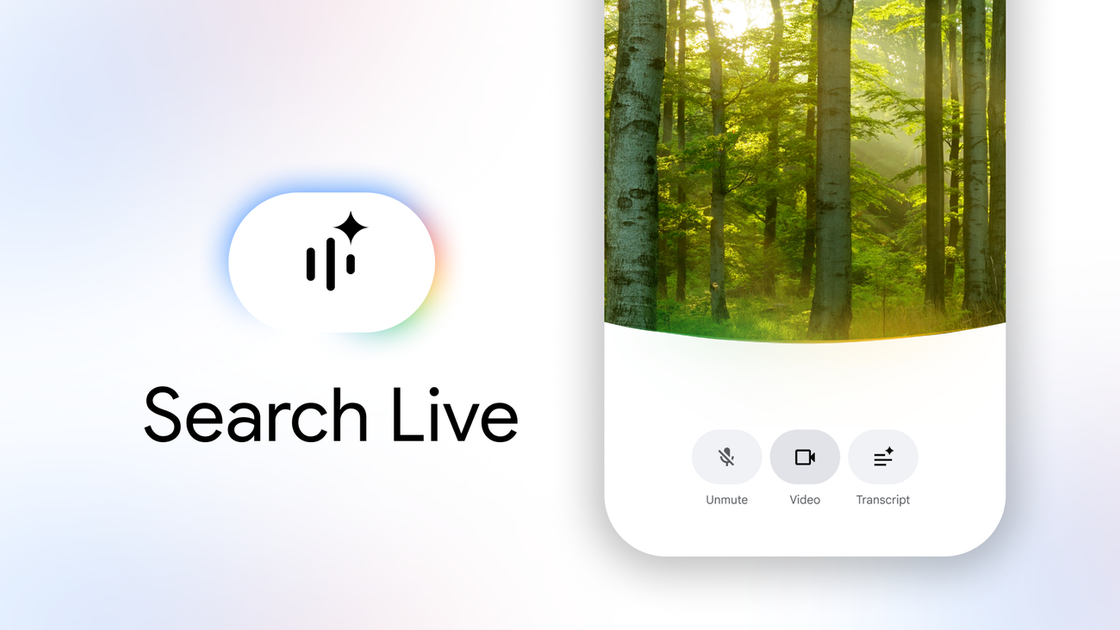
What is Search Live?
Search Live is an AI Mode experience in Google Search that lets people have interactive, multimodal conversations using voice and camera. Instead of typing a query, you can speak your question and continue with follow-up questions, with Search generating helpful audio responses and links.
It’s available in more places globally: Search Live can be used in all languages and locations where AI Mode is offered. The experience is powered by Gemini 3.1 Flash Live, which is described as an audio and voice model designed to support more natural, multilingual conversations.
Key Features
- Voice-driven conversations in AI Mode: Ask questions aloud to receive helpful audio responses and keep the conversation going with follow-up questions.
- Camera-enabled, real-time help: Enable your camera to add visual context so Search can offer suggestions and provide links based on what’s in view.
- Multilingual conversations: Gemini 3.1 Flash Live is described as inherently multilingual, enabling conversations in a user’s preferred language where AI Mode is available.
- Access from the Google app (Android and iOS): Open the Google app and tap the Live icon under the Search bar to start a live conversation.
- Integration with Google Lens: If you’re already using Google Lens, you can tap Live to have a real-time back-and-forth conversation about what you see.
How to Use Search Live
- Open the Google app on Android or iOS.
- Tap the Live icon under the Search bar to start Search Live in AI Mode.
- Choose your input:
- Speak your question to get an audio response.
- Turn on your camera for visual context, or use Google Lens and tap Live.
- Continue the conversation by asking follow-up questions or using the provided web links.
Use Cases
- Getting step-by-step help for something in front of you: Point your camera at an item (for example, instructions or parts you’re dealing with) and ask for guidance based on the visual context.
- Hands-busy questions when typing is inconvenient: Use voice to ask time-sensitive questions and keep going with follow-ups without switching to typing.
- Planning or troubleshooting while exploring the real world: Use camera + links to learn more about what you’re seeing as you move through different locations.
- Learning and exploration in different languages: Have live conversations in your preferred language where AI Mode is available, supported by an inherently multilingual audio/voice model.
- Using Google Lens workflows with conversational Q&A: Start with Google Lens for what you’re looking at, then switch to Live for back-and-forth explanations.
FAQ
-
Where is Search Live available? Search Live is available in all languages and locations where AI Mode is offered.
-
What devices and apps do I need to use it? You can start Search Live from the Google app on Android or iOS.
-
Can I use Search Live with both voice and camera? Yes. Search Live supports interactive conversations using voice and can also use camera for visual context.
-
How do I start a Live conversation? Open the Google app and tap the Live icon under the Search bar. You can also access it from Google Lens by tapping Live at the bottom of the screen.
-
Are the summaries guaranteed to be error-free? The page states that generative AI is experimental, and that summaries were generated by Google AI. Treat outputs as experimental.
Alternatives
- Typing-based Google Search results with AI summaries: Use standard search queries when you don’t need voice or live, camera-based interaction. This is typically less conversational than Live.
- Google Lens (non-Live) image search: If you primarily want identification or information about what you’re viewing, Lens alone can be used without switching into a back-and-forth Live conversation.
- Other mobile AI chat experiences: General-purpose AI chat apps can support multilingual conversations, but they may not tie directly to Search’s voice/camera workflow inside the Google app and Lens.
- Browser-based voice assistants and search: Voice-driven search or assistant tools can answer questions by speech, but may not provide the same camera-based, real-time interaction described for Search Live.
Alternatives

Lemon
Lemon AI agent converts voice to tasks: manage messages, research, delegate work without app switching. Boost productivity.

PXZ AI
An All-In-One AI Platform that combines tools for image, video, voice, writing, and chat to enhance creativity and collaboration.

Gemma AI
Gemma AI is a smart application that calls you directly with personalized, intelligent voice reminders to ensure you never miss important tasks, appointments, or deadlines.

Tavus
Tavus builds AI systems for real-time, face-to-face interactions that can see, hear, and respond, with APIs for video agents, twins & companions.

AakarDev AI
AakarDev AI is a powerful platform that simplifies the development of AI applications with seamless vector database integration, enabling rapid deployment and scalability.

Sanota
Sanota turns your voice into clear, beautiful text—capture memories and ideas easily, then start for free.