
Speech to text story drafting
Sanota turns spoken memories and reflections into readable text, then lets you review and refine the result.

Sanota turns spoken memories and interviews into clear written stories for personal storytelling, family history and shared memories, with guided prompts and subscriptions.
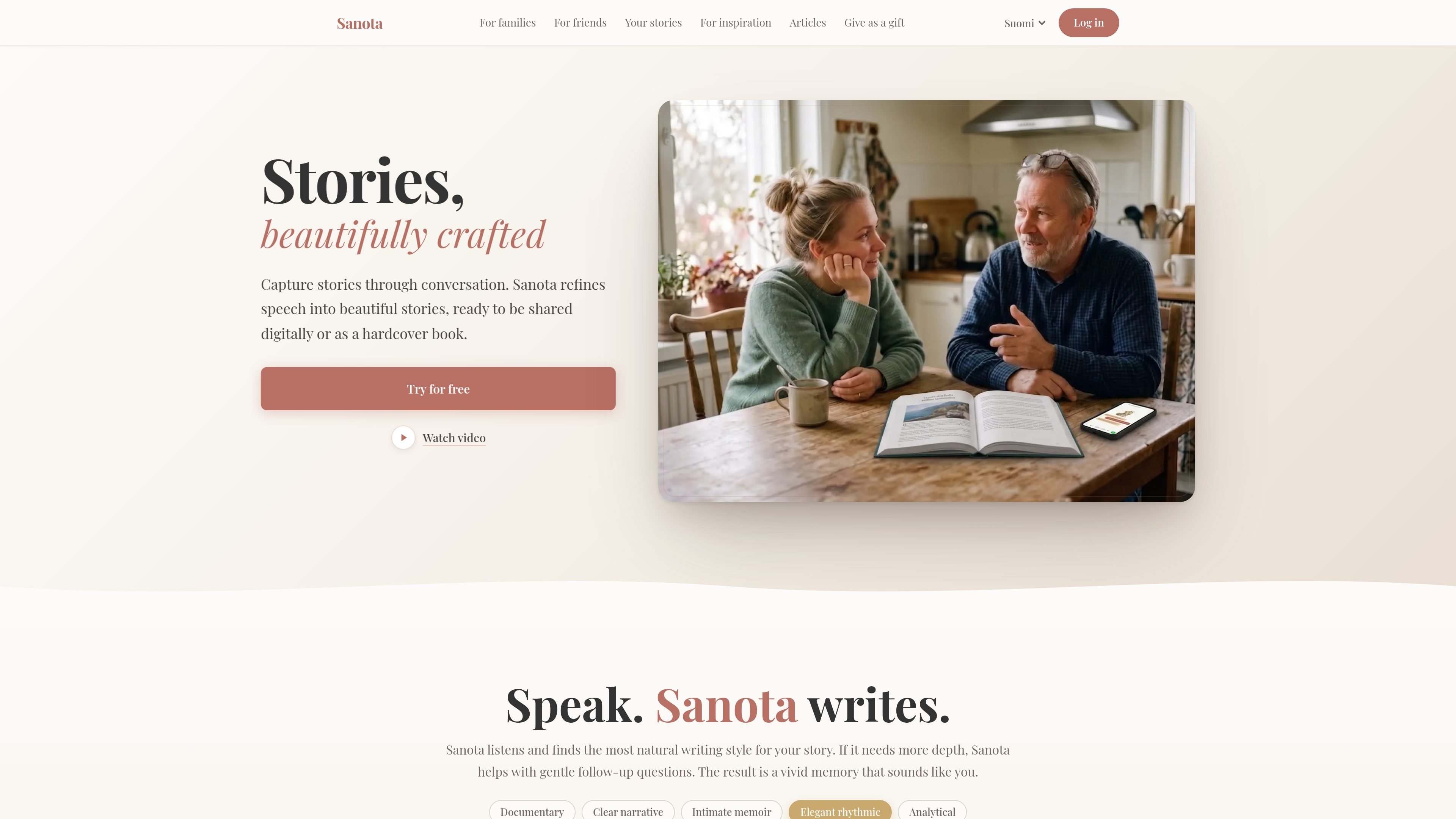
Sanota is an app for capturing stories, memories, and reflections by speaking instead of writing. It listens to recorded speech and turns it into clear, edited text that can be reviewed, developed further, and kept as a personal story collection.
The product is positioned around three main workflows: recording your own life story, preserving family interviews, and combining memories from friends or travel companions. It uses guided question sets to help people start, then organizes the resulting recordings into readable stories that can be revisited or shared.
Pricing on the site includes monthly and yearly subscriptions, plus a yearly plan bundled with a hardcover book of collected stories. The site also says the first recording minutes are free of charge, so users can try the workflow before committing.
Sanota turns spoken memories and reflections into readable text, then lets you review and refine the result.
The app provides curated question sets to help users begin with a topic, prompt, or memory instead of a blank page.
You can record in short sessions or return later to add more detail, which supports gradual story collection over time.
Shared flows let more than one person contribute to the same story by speaking on their own device or through a shared link.
Sanota organizes content into clearer collections and can help extract dates, places, and people mentioned in the story.
A yearly plan can be paired with a hardcover book of collected stories, turning digital recordings into a physical keepsake.
Use Sanota to record childhood memories, turning points, ideas, or everyday reflections one session at a time. The app is designed for people who want to build a life story gradually without having to write everything at once.
Use the family flow to interview grandparents, capture shared recipes and traditions, or preserve messages for future generations. Ready-made questions help guide conversations that might otherwise never get recorded.
Use the friends flow to create a shared travel journal or collect memories from a celebration, trip, or night out. Each person can add their own perspective, and Sanota combines the voices into one story.
Use Sanota as a speaking-first journal for thoughts, transitions, career changes, or new ideas. It works as a place to speak freely, then revisit and organize the result later.
Use the yearly plus book option when you want a printed keepsake of collected stories. The site presents it as a hardcover book delivered to your doorstep.
Sanota provides ready-made question sets and lets you start by speaking naturally. You can record a memory, a conversation, or a short reflection without preparing a full outline in advance.
Yes. The source says all recordings are saved, and you can review, edit, or add to them later. Stories can build gradually over multiple sessions.
Sanota offers sharing by link in the family and friends flows, so others can contribute their own recordings to the same collection. The family flow also says multiple family members can add memories to one archive.
Sanota says recordings are encrypted, stored securely, and held on European servers. Content is only visible to you unless you choose to share it.
The source describes a free trial and says the first recording minutes are free of charge. Pricing also includes monthly, yearly, and yearly-plus-book options.

SpeakoFlow is a free, open-source desktop voice-to-text app for Windows, macOS, and Linux. Dictate into any app, use Flow, cleanup, translation, and a screen-aware assistant.

Carbon Voice is an async voice messaging app for teams and individuals, with transcripts, AI catch-up, and cross-device access.

Dictro is a private AI dictation app for Mac that turns speech into polished text in any editable app. Runs locally on Apple Silicon Mac by default, with optional Fast Mode.

Goldfish is an AI memory app for macOS that helps you reply, write, summarize, and continue with context already on your Mac. It stores memory locally and writes in your tone.

Flunkey is a voice-first productivity layer for Windows that turns speech into text, AI outputs, and remembered context without leaving your app.

Tavus is an AI video platform for real-time face-to-face agents, digital twins, and AI companions, with APIs and multilingual workflows for developers.