

SEOLint
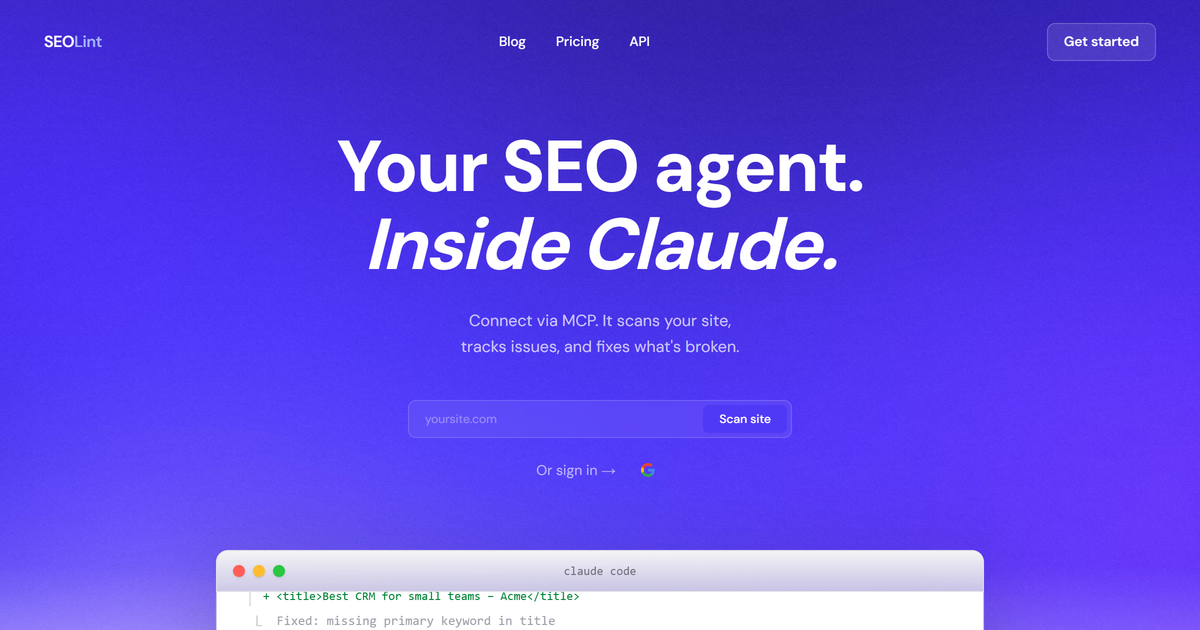
SEOLint is an SEO agent inside Claude that scans your site via MCP, tracks issues over time, remembers context, and generates fix prompts for broken HTML.
What is SEOLint?
SEOLint is an SEO agent that works inside Claude. It connects via MCP and scans a website to identify SEO and related issues, then provides Claude-ready instructions for fixing what’s broken.
Its core purpose is to reduce the back-and-forth between reviewing SEO problems and applying edits. SEOLint scans, tracks issue status over time, remembers site context, and can generate fix prompts designed to be used in Claude Code/Cursor workflows.
Key Features
- MCP connection for Claude: Add SEOLint as an MCP server so Claude can scan, track, and help resolve SEO issues from within conversations.
- Website scanning and site context memory: SEOLint builds a “site profile” (e.g., inferred goal, audience, niche, and existing pages) on first scan so later prompts have context.
- Issue tracking with labeled states: Issues are labeled as NEW, PERSISTING, or REGRESSED across scans to help you understand what changed.
- AI-ready fix prompts with extracted broken elements: For each issue, SEOLint includes the actual broken HTML element and a prompt intended for Claude Code/Cursor to edit the relevant file.
- Multi-area checks: The scan includes 40+ checks spanning SEO, performance, accessibility, and AE(O)T (as listed on the page).
- Command/tooling workflow: The page references tools including scan, history, site intelligence, page suggestions, and resolve (plus additional tools listed but not detailed).
- Regression-aware automation: It supports GitHub Actions that can fail builds when fixed issues regress.
How to Use SEOLint
- Set up SEOLint using the setup guide, including connecting it as an MCP server for Claude.
- Run a scan (the page references MCP calls such as
scan_websiteandget_site_status). SEOLint will scan the site and track discovered issues. - Review issues in conversation: SEOLint presents critical items first (e.g., missing keywords in the title), with the specific broken element and an AI fix prompt.
- Apply fixes via Claude Code/Cursor: Paste or use the provided fix prompt so the AI can update files such as
app/layout.tsx(as shown in the example for correcting the<title>tag). - Re-scan and monitor outcomes: Run subsequent scans to confirm fixes are not regressing and to see newly discovered or persisting issues.
Use Cases
- Fix critical on-page SEO quickly (title/meta issues): If a scan flags that the page
<title>is generic (e.g., “Home” with no primary keyword), use the provided broken element and prompt to update the title within the affected layout file. - Maintain SEO improvements over time: Use NEW/PERSISTING/REGRESSED labels and repeated scans to verify that fixes remain effective rather than reappearing later.
- Generate targeted page suggestions based on gaps: When SEOLint identifies content gaps compared to pages listed in your sitemap, ask it to suggest missing pages and provide copy-paste briefs.
- Prioritize what to fix next with status checks: Use site status information (e.g., a “critical” filter) so you can focus on fixes that require immediate attention before tackling smaller issues.
- Use automated checks in development workflows: Connect SEOLint to CI via GitHub Actions so a build can be flagged when previously fixed issues regress.
FAQ
Does SEOLint produce a traditional SEO report? The page says it is “not a report” but instead a prompt-based workflow: each issue includes the broken element and an AI-ready fix prompt.
Where does SEOLint run—inside Claude or as a standalone tool? SEOLint is described as an “SEO agent inside Claude” and connects via MCP so it can scan and resolve issues from within Claude conversations.
What does SEOLint track across scans? It tracks issues over time with labels NEW, PERSISTING, and REGRESSED, and it also maintains site context such as a site profile and inferred site attributes.
Can SEOLint suggest new pages? Yes. The page states that SEOLint can identify content gaps and suggest missing pages, including copy-paste briefs.
Is there support for automated regression checks? The page mentions GitHub Actions that can fail builds when fixed issues regress.
Alternatives
- Standalone SEO auditing tools (crawler-based audits): These typically generate lists/reports of issues and require you to translate them into code changes yourself, whereas SEOLint focuses on providing AI-ready fix prompts designed for editing.
- Lighthouse/PageSpeed-style performance and accessibility checkers: These help evaluate performance and accessibility but may not include Claude-integrated, issue-specific fix prompts for SEO-oriented code edits.
- General-purpose developer assistants with code editing: Chat-based code tools can be used to fix SEO problems, but SEOLint’s workflow is positioned around MCP-connected scanning, issue labeling across scans, and extracted broken elements tailored to the site.
- SEO-focused CMS/on-page tools: These often manage metadata and on-page elements inside a CMS, but SEOLint is oriented around repository/code edits driven by Claude Code/Cursor prompts.
Alternatives

AakarDev AI
AakarDev AI is a powerful platform that simplifies the development of AI applications with seamless vector database integration, enabling rapid deployment and scalability.

BenchSpan
BenchSpan runs AI agent benchmarks in parallel, captures scores and failures in run history, and uses commit-tagged executions to improve reproducibility.

Edgee
Edgee is an edge-native AI gateway that compresses prompts before LLM providers, using one OpenAI-compatible API to route 200+ models.

PromptScout
PromptScout tracks how your brand is mentioned, which competitors are recommended, and what sources are cited in AI answers—plus website audits.

Codex Plugins
Use Codex Plugins to bundle skills, app integrations, and MCP servers into reusable workflows—extending Codex access to tools like Gmail, Drive, and Slack.

ClayHog
ClayHog tracks AI Search Visibility & GEO—see what ChatGPT, Gemini, Perplexity, Claude, and Google AI Overviews say about your brand, incl. citations and sentiment.