

Sheet Ninja
Turn any Google Sheet into a live API with Sheet Ninja—paste a sheet link, then use AI coding tools to wire up your app faster.
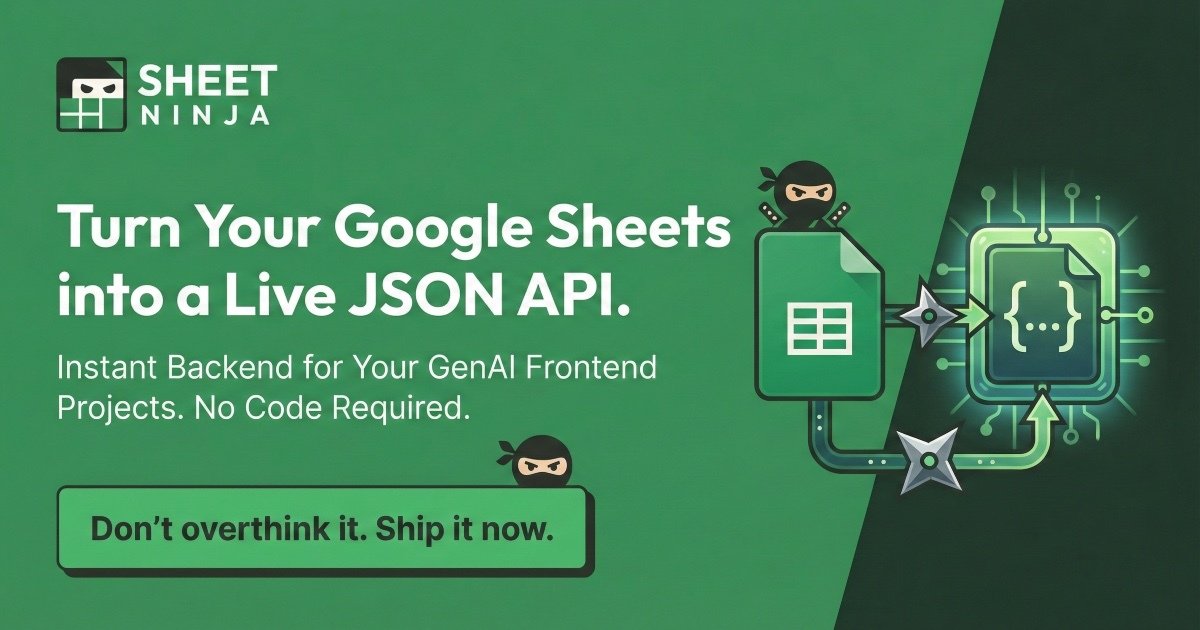
What is Sheet Ninja?
Sheet Ninja turns any Google Sheet into a live API by pasting a sheet link, then use AI coding tools to wire up your app faster. It deploys a backend automatically, treating your sheet as the database: row 1 as the header and rows 2+ as the data the API serves.
It’s designed for building app and frontend projects faster by removing manual backend setup. Instead of writing backend code, connect the sheet and use AI tooling (e.g., prompts in AI coding platforms) to wire up your app.
Key Features
- Convert a Google Sheet into a live API by providing the sheet link, with instant backend deployment.
- Use row 1 as the header and rows 2+ as the data for a simple “sheet-as-database” structure.
- No manual server setup (“No Servers” and “No code” for backend).
- Integrate with multiple AI coding tools—paste a prompt into your environment to wire up the app.
- Support for AI agent “LLM Context Store” patterns: store Q&A pairs or long-term memory in rows (editable cells to fix hallucinations).
- Examples for common needs—dashboards, QR menus, job boards, internal search, marketing copy—with “edit sheet, updates live” workflows.
How to Use Sheet Ninja
- Create or open a Google Sheet with header in row 1 and data in rows 2+.
- Paste the Google Sheet link into Sheet Ninja to generate a free API.
- In your AI coding environment, paste the Sheet Ninja prompt and let AI connect your app to the API.
- Update sheet values; API-backed outputs update live.
Use Cases
- RAG-ready AI agent memory from a sheet: Store Q&A pairs or long-term memory in rows for an editable, human-readable knowledge base.
- Live dashboards and internal views from spreadsheet data: Use CSV/analysis exported to a Sheet as the data layer, connect to tools like Streamlit for instant dashboards.
- QR menu updates for hospitality/retail: Keep menu items and prices in a Google Sheet; edit cells for price changes, QR menus update without reprinting PDFs.
- Marketing/CMS A/B test without redeploying: Put copy changes (e.g., H1 text) in a Sheet for live site updates in experiments.
- Internal tools backed by a master sheet: Sync a master inventory Google Sheet for Sales’ read-only phone search app, sheet as source of truth.
- Community or marketplace data curation: Curate datasets (e.g., niche job board or “open salary” submissions) in a sheet, approve/moderate rows to control display.
FAQ
-
Do I need to set up servers or write backend code? Backend deployment is “No Servers” and “No code”—Sheet Ninja handles the API backend.
-
How should my Google Sheet be structured? Row 1 as header, rows 2+ as data.
-
Which AI coding tools can I use with Sheet Ninja? Compatible with Replit, Lovable, ChatGPT, Claude, Gemini, Cursor, v0, Bolt.new, and Windsurf.
-
Can I update information after setup? Editing a cell updates live, as in QR menus and marketing copy examples.
-
Is there a free option? Free tier and free API generation available (full pricing not detailed).
Alternatives
-
Direct backend-as-code (e.g., building an API around Google Sheets): Build your own API with spreadsheet as data source via code—more control, but requires backend work.
-
No-code automation and database sync tools: Connect Sheets to app backends or databases for “sheet as source of truth,” but focused on integrations vs. purpose-built live API.
-
Backend-as-a-service with a separate database (e.g., app databases): Load Sheet data into a managed database and serve via API—shifts from “sheet drives everything” to “sheet imports to database,” adding migration steps.
Alternatives

ClawTick
ClawTick is a CLI-first AI agent automation platform for scheduling webhook tasks on cron with monitoring, alerts, retries, and execution logs.

Falconer
Falconer is a self-updating knowledge platform for high-speed teams to write, share, and find reliable internal documentation and code context in one place.

OpenFlags
OpenFlags is an open source, self-hosted feature flag system with a control plane and typed SDKs for progressive delivery and safe rollouts.

skills-janitor
Audit, track usage, and compare your Claude Code skills with skills-janitor—nine focused slash commands and zero dependencies.

Devin
Devin is an AI coding agent that helps software teams complete code migrations and large refactoring by running subtasks in parallel.

MakerLoft
MakerLoft is an AI app builder for non-developers that connects to your GitHub repo to generate working apps with auth, payments, files, jobs.