
Single-image editing flow
Start from a blank editor and bring in one image at a time, which keeps the workflow focused on screenshot finishing rather than multi-layer composition.

Shotwell is an iPhone screenshot editor for framing screenshots with device mockups, backgrounds, and shadows, then exporting polished images fast.
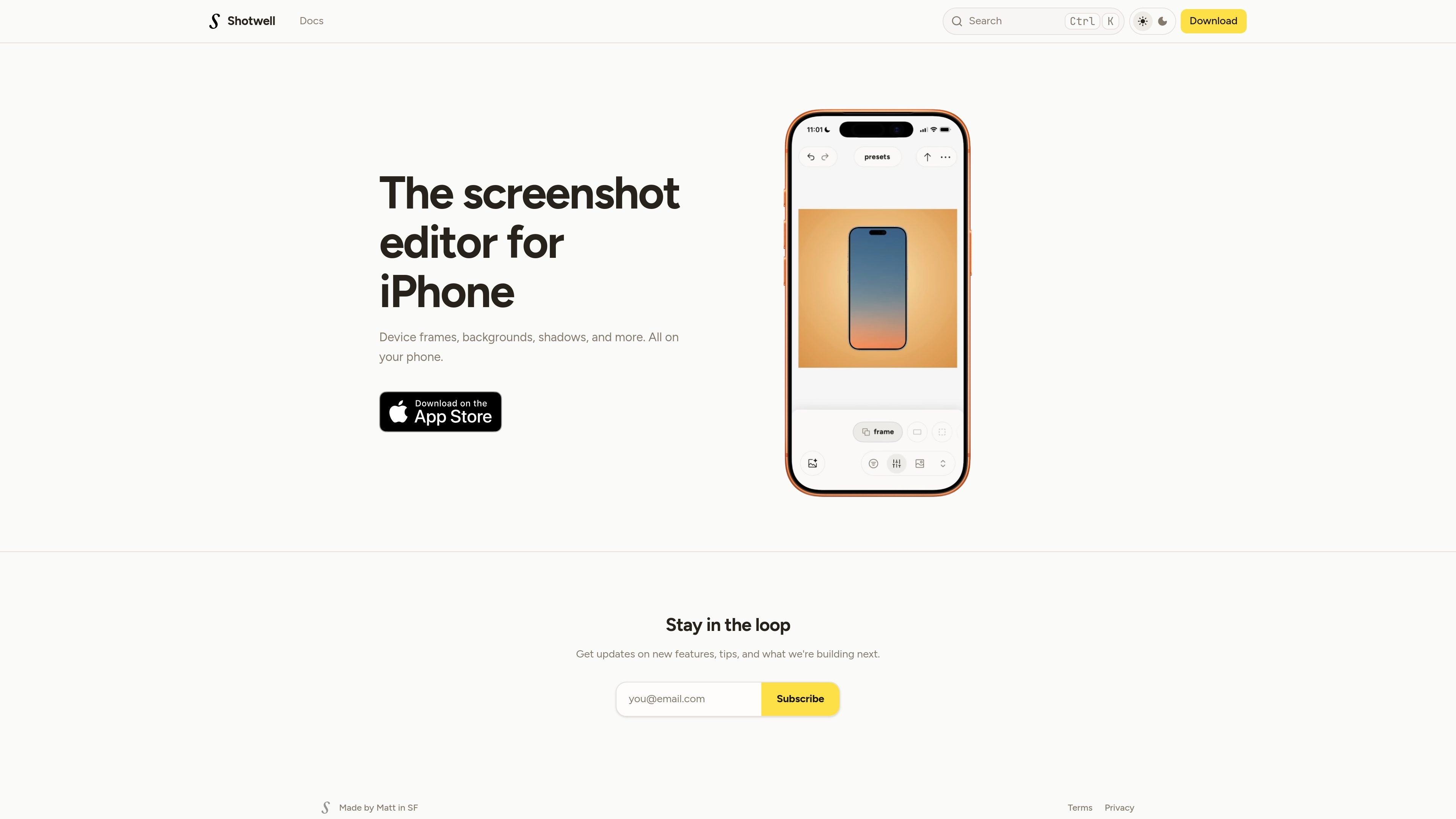
Shotwell is a screenshot editor for iPhone built to turn a raw screenshot into a polished shareable image. The home page describes it as a tool for wrapping screenshots in pixel-perfect device frames, adding backgrounds and shadows, and exporting in seconds.
The docs show a focused workflow: start from an empty editor, import one screenshot or photo, adjust the canvas and styling controls, then export the finished asset. That makes Shotwell useful when you want a quick mobile workflow for preparing screenshots for social posts, app marketing, updates, or other visual sharing tasks.
Start from a blank editor and bring in one image at a time, which keeps the workflow focused on screenshot finishing rather than multi-layer composition.
Adjust ratio, crop, placement, transforms, backgrounds, and frame choices from the canvas controls to shape how the screenshot is presented.
Use quick polish settings for padding, shadow, roundness, inset, and stroke to refine the final image without digging through a complex toolset.
Reuse saved looks through presets, or restore recent versions from the current device with history while you edit.
Use the action menu to export, share, or copy the final image, with additional access to appearance, clear styling, and settings actions.
Import a screenshot, choose a frame, and adjust backgrounds and shadows before posting an app update or social graphic from your phone.
Use the canvas controls and tuning menu to create a cleaner presentation for product shots or release screenshots without moving to a desktop editor.
Apply the same saved look again with presets when you need consistent styling across a series of screenshots.
Use history on the same device to recover a recent version if you want to compare variations or undo a styling direction.
Shotwell starts from an empty editor. You import one image, adjust the canvas and styling controls, then export the final image.
The docs show import from your photo library, recent supported screenshots when available, and import through the editor. It is positioned for use on iPhone.
The source describes export, copy, and share actions in the editor’s action menu. It does not specify file formats or resolution options.
The docs mention Settings, About, Pro access, and a section for Pro and subscriptions that covers watermark removal, restore purchases, and billing management.

Maya is an online AI tutor for children in grades 1–6, explaining school topics from voice, text, or photos and giving practice with helpful feedback.

Momentra monitors public event sources, discovers and refreshes event records, and delivers structured data to calendars, guides, newsletters, apps, and AI workflows.

WPMaven turns your business idea into a previewed WordPress site, offer, and launch plan, then supports content, follow-up, planning, and reporting.

Codemind writes and tests JavaScript or TypeScript code against acceptance criteria, then returns files to your coding agent for review and planning.

SalesRep is an omnichannel platform for sales, marketing, and support teams, combining messaging, AI agents, workflows, broadcasts, CRM, commerce integrations, and shared inboxes.

Milepost is a driving journal for car enthusiasts that records routes, stops, photos, notes, distance, speed, and weather for scenic drives and road trips.