UStackUStack
SUN APP icon

SUN APP

SUN APP is an AI audio learning app: turn a prompt into a customizable course or book summary, with context-aware Q&A as you listen.
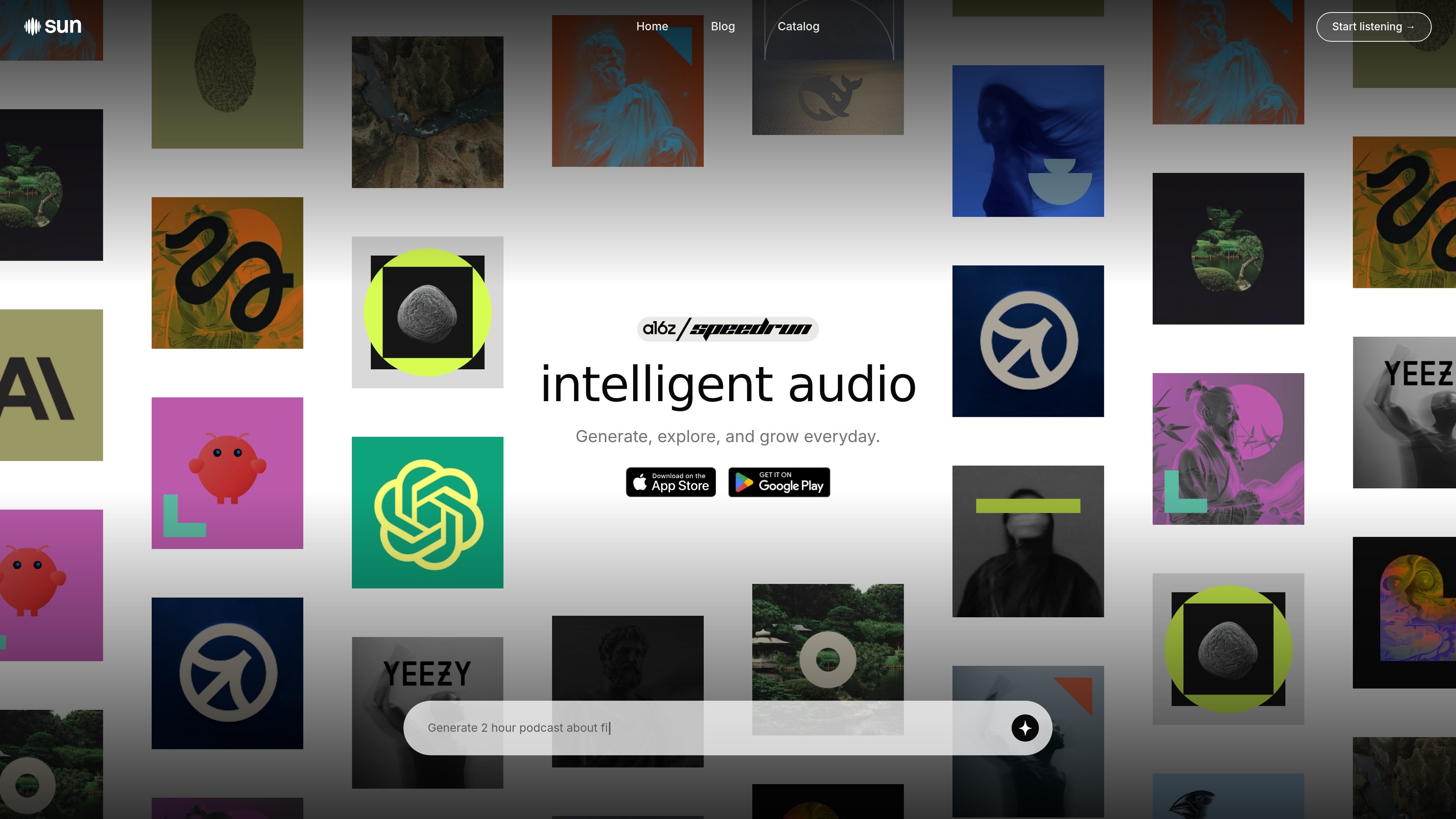
SUN APP

What is SUN APP?

SUN (sunapp.ai) is an AI-powered audio learning app that turns a prompt—such as a topic, book title, or question—into a structured audio course or book summary. Its core purpose is to help you learn from audio content you can customize and interact with while you listen.

SUN generates learning material and pairs it with in-course Q&A. Instead of delivering fixed episodes, it aims to produce up-to-date, tailored audio lectures on demand, with answers grounded in the specific course context and your learning inputs.

Key Features

  • One-prompt audio course generation: Enter a topic, book title, or question to generate a structured audio course or summary in a single step.
  • Customization controls: Choose elements like course duration, narrator voice, lecture pacing, and language to fit how you want to learn.
  • Interactive listening with Q&A: Ask questions during a course and receive instant, context-aware answers tied to the lecture you are currently in.
  • Personalization settings: SUN adapts output based on your topic preferences and configurable learning parameters (including voice, pacing, and depth).
  • Fact-checking and anti-hallucination validation: The content generation engine (“Genesis”) runs layered checks, including structured data checks, cross-source verification, and real-time sanity filters to reduce hallucinations.

How to Use SUN APP

  1. Start with a prompt: Type a topic, book title, or question you want to learn about.
  2. Adjust course settings: Select options such as narrator voice, duration, lecture pacing, and language.
  3. Press play and listen: SUN generates an audio course or summary as a sequence of lectures (e.g., an overview broken into multiple lectures).
  4. Ask questions while listening: Use the in-course Q&A to request explanations or additional context at any point during the lecture.

Use Cases

  • Learning a philosophy topic with bite-sized lectures: Generate an audio course for subjects like Confucianism, Stoicism, or Nihilism, then use Q&A to clarify terms and connections as they appear.
  • Converting a book into a summary for quick review: Enter a book title to get an audio summary and ask follow-up questions to focus on the parts you care about most.
  • Exploring multiple “any topic” interests on demand: Use the one-prompt workflow to switch between science, history, business, psychology, and personal growth without waiting for a fixed library.
  • Building a daily learning routine: Use the “365-day challenge” concept described on the site (including “one book a day” framing) to stay consistent over a year.
  • Getting tailored pacing for deeper study: Adjust lecture pacing and duration settings to match whether you want a short overview or longer, lecture-by-lecture exploration.

FAQ

What does SUN APP generate from my input?

SUN generates a structured audio course or a book summary based on your prompt (topic, book title, or question).

Can I ask questions while listening?

Yes. SUN includes a conversational Q&A feature that provides real-time, context-aware answers based on the lecture you’re in.

Can I choose the voice, length, and pacing?

Yes. The site states you can select narrator voice and set course duration, and you can also configure lecture pacing and language.

Is the content fact-checked?

SUN states that its generation engine (“Genesis”) applies layered fact-checking and anti-hallucination steps, including structured data checks, cross-source verification, and real-time sanity filters.

How is my data used?

The site says your data is used only to improve personalization and enhance course quality, and that it does not sell personal information; it also notes strict privacy and security standards.

Alternatives

  • Podcasts and audiobooks: Fixed, pre-recorded content that you can’t easily customize or interact with via lecture-specific Q&A, and may be less tailored or less up-to-date.
  • Traditional e-learning platforms: Structured courses exist ahead of time; you typically choose from a catalog rather than generating a new audio course from a single prompt.
  • AI text-based learning assistants: Chat tools that answer questions but don’t necessarily produce a structured, audio lecture series with narrator/pace controls.
  • Audio summary tools: Services that summarize content into audio or brief formats, generally with less emphasis on customizable lecture pacing and in-course conversational grounding.


