
PDF-to-quiz generation
Upload notes, handouts, textbook chapters, or exam prep PDFs and have the app generate multiple-choice questions from that material.

GameGrad turns PDF study material into quiz questions inside arcade games for active recall. Free tier for one PDF; Pro adds more uploads, questions, and explanations.
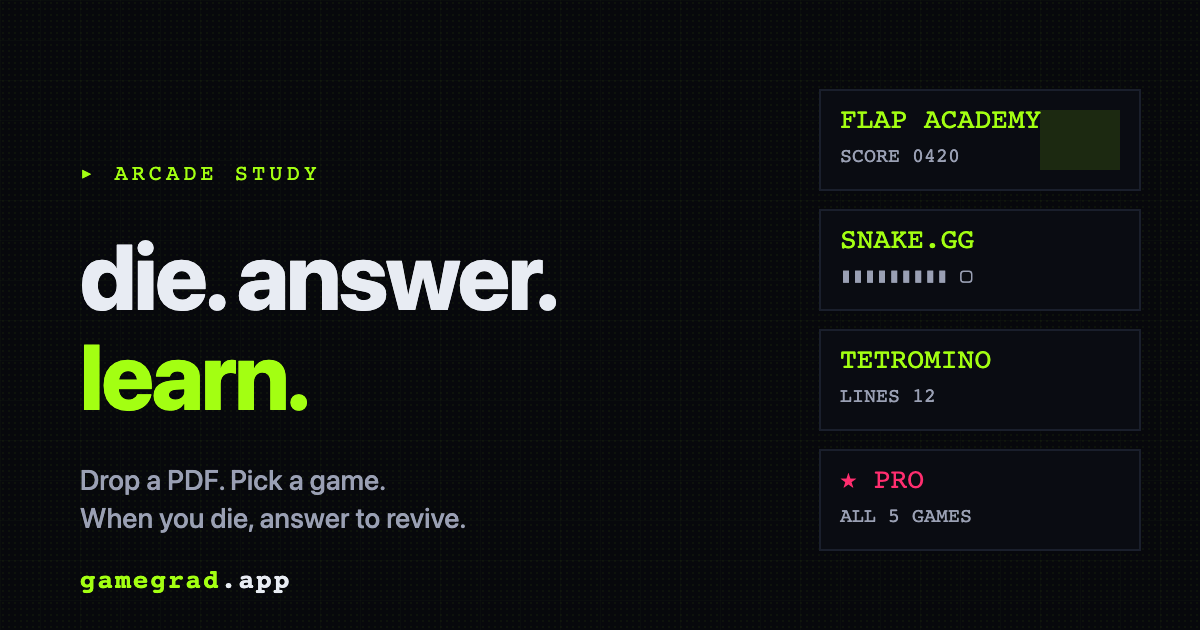
GameGrad is a study app that turns a PDF into quiz questions and embeds those questions inside arcade games. You upload notes, handouts, textbook chapters, or exam prep documents, then play until the game stops and asks you something from your own material.
The product’s core purpose is to make active recall feel like part of play rather than a separate review task. The site emphasizes that questions are generated automatically, answers can revive you in-game, and the free tier is designed to let people try the loop before committing to a paid plan.
Upload notes, handouts, textbook chapters, or exam prep PDFs and have the app generate multiple-choice questions from that material.
Questions are wrapped inside arcade play, so each death or miss can trigger a quiz prompt instead of a separate study session.
The site states that PDF text is extracted in the browser and only plain text is sent to the API for question generation.
Free users get 10 questions per upload and one PDF for lifetime use; Pro raises that to 25 questions per upload and 100 PDFs per month.
The product includes AI explanations on wrong answers for Pro, so mistakes are paired with a short explanation rather than just the correct option.
GameGrad currently offers Flap Academy for free and unlocks Snake, Tetris, 2048, and Pong on Pro, with Dungeon Crawl listed as a future game.
Upload lecture notes, handouts, or a textbook chapter and let the app generate questions without writing flashcards by hand.
Use the free Flap Academy loop or guest runs when you want a quick study session and do not want to set up a full deck first.
Choose a longer-running game like Tetris or 2048 on Pro when you want more play between quiz interruptions and a slower study rhythm.
Open the game-over explanation on Pro when you want feedback on why an answer was wrong, not just which option was correct.
Use the product’s PDF upload flow for exam prep documents, course readings, or similar source material when you want one source file to drive the quiz deck.
Yes. The free tier includes one PDF forever, 10 questions per upload, and Flap Academy. The site also offers three free guest runs with no signup so you can try the arcade loop before creating an account.
GameGrad generates 4-option quiz questions from uploaded PDFs and places them inside arcade games. The source text is extracted in the browser, and only the plain text is sent for question generation.
Flap Academy is free. Snake, Tetris, 2048, and Pong are included with Pro, which is listed at $9.99 per month and includes a 7-day free trial on the learn page.
The site says PDFs up to 15 MB are supported. The learn page also notes that the extracted source text is capped at 30,000 characters for quiz generation.
The current flow is centered on PDFs. The roadmap mentions audio, image, and URL upload as later additions.

Lingofable is a story-based language learning app for reading at your level and reviewing new vocabulary in context. Spanish available; Android coming soon.

NerdSip is an AI microlearning app that creates custom 7-lesson courses on almost any topic, with quizzes, key takeaways and visual summaries.

DailyPlay.ai is a behavioral growth platform using AI site scans and micro-games to boost engagement and conversions across web, mobile, and more.

LangPanda is a browser extension for learning languages from streaming video with instant subtitle lookup, flashcards, vocabulary tracking, and SRS for 36 languages.

recall is an AI flashcard app that turns reading and notes into study cards with Claude, ChatGPT, or another MCP client. One-time lifetime access with spaced repetition review.

Talkpal is an AI language learning app for web and mobile with speaking, listening, writing, pronunciation practice, guided courses, roleplays, and 130+ languages.