
Multi-database connections
Connect to PostgreSQL, MySQL/MariaDB, SQLite files, MongoDB and Redis. Test connections before saving, use TLS settings where supported, and store passwords in the macOS Keychain.

Tabula is a native macOS database client for PostgreSQL, MySQL/MariaDB, SQLite, MongoDB and Redis. Browse, query, filter and edit data with optional AI query assistance.
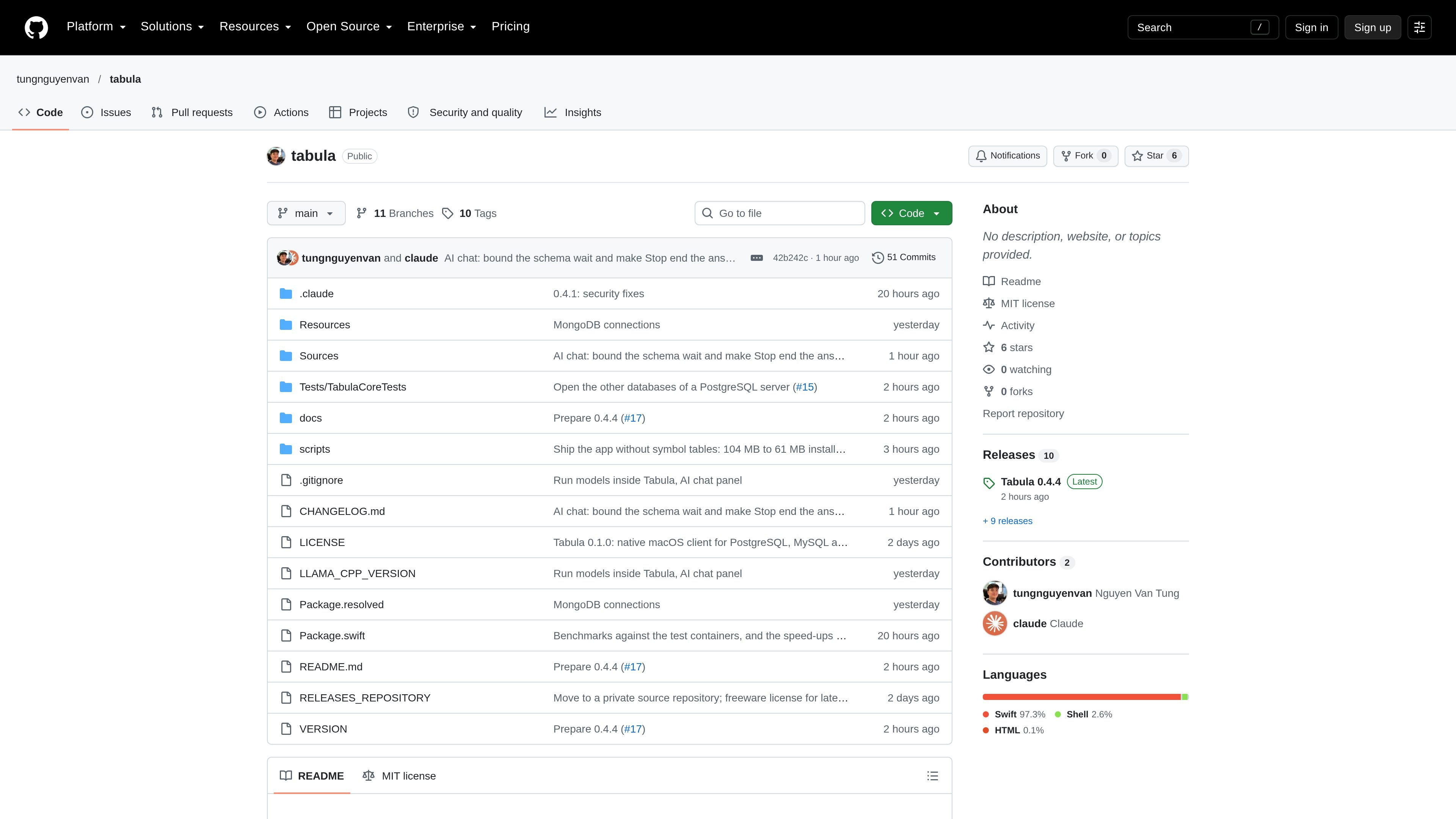
Tabula is a native macOS database client for working with PostgreSQL, MySQL/MariaDB, SQLite, MongoDB and Redis. It combines connection management, database browsing, query editing and a keyboard-oriented data grid in one desktop application.
The product is designed for inspecting and changing database data without switching between separate tools. Users can browse schemas and collections, filter and sort records, edit values, run SQL or MongoDB shell commands, and use optional AI assistance to draft or repair queries. The README describes Tabula as free with no usage limits and licensed under the MIT License.
Connect to PostgreSQL, MySQL/MariaDB, SQLite files, MongoDB and Redis. Test connections before saving, use TLS settings where supported, and store passwords in the macOS Keychain.
Browse schemas, tables and views, use database and schema switchers, keep multiple query tabs open, and move between several connections in one window.
Work with paged results of 100 to 5,000 rows, server-side sorting, filter builders or handwritten WHERE clauses, row counts, and spreadsheet-style keyboard navigation.
Edit cells, add rows, and inspect full values without losing database types. Tabula asks before sorting, filtering or paging would discard uncommitted edits.
Use chat, Ask AI, Fix with AI and inline suggestions to write or modify SQL. Models can run on the Mac or connect through supported services, while generated answers stream into the interface.
Use a MongoDB collection grid, JSON document editor, shell query editor, sampled field and index information, server metrics, and previews of updateOne or deleteOne commands.
Open a PostgreSQL or MySQL connection, switch schemas, inspect tables and views, and run queries in persistent tabs while keeping the database structure visible in the sidebar.
Use the grid to filter records, sort server-side, page through results and edit or add rows. Confirmation prompts help protect changes that have not yet been committed.
Connect to MongoDB, browse collections as tables, inspect nested document values, edit JSON, run shell commands and preview update or delete operations before execution.
Describe a query in natural language or ask AI to change a statement or explain a failure, then insert, run or copy the resulting SQL. Local models and supported remote providers can be selected for different needs.
Open several connections in one window, label them as Local, Development, Staging or Production, and switch between each connection's tabs and state while keeping production warnings enabled for destructive actions.
Tabula is a native macOS database client. The source describes connections to PostgreSQL, MySQL/MariaDB, SQLite files, MongoDB and Redis, with connection testing before saving and a 15-second connection timeout.
Install Tabula from the download linked in its GitHub README. The source identifies it as a macOS application and also documents building from source in the repository.
Users can browse schemas, tables and views, open data in tabs, filter and sort results, edit cells, add rows, run SQL or database-specific commands, and copy or insert generated queries. MongoDB workflows use collections, documents and shell commands.
Tabula supports local models and several external or local model options, including Apple Intelligence, Claude, OpenAI-compatible APIs, Ollama, Claude Code and Codex. The README states that table and column names plus SQL may be sent for AI features, while table rows are not sent; AI is off for production connections unless enabled.
The repository describes Tabula as free with no usage limits and licensed under the MIT License. It is a macOS client rather than a browser-based database administration service, and the README includes a roadmap and known-limitations section.

ByteAsk is a terminal-first AI coding agent for C and C++ that edits repos and verifies changes with compilers, debuggers, sanitizers, and tests.

Epherem scans web apps built with Lovable, Bolt, v0, Replit, Cursor, and Claude Code for security flaws in source code and dependencies, without running the app.

CreateOS Sandbox is an isolated compute environment for running code and agent workloads in Firecracker micro-VMs with private networking and SDK, CLI, or MCP control.

GitBot is a local browser workspace for reusable coding bots powered by Claude Code, Codex, or OpenCode, with persistent threads and configurable permissions.

hob is an independent workspace for coding agents, with local control over sessions, terminals, history, routing, and follow-up work.

Ably Chat is a chat API platform for custom realtime chat apps, with rooms, typing indicators, presence, reactions, message updates and usage-based pricing.