

Tearoff
Create digital tear-off flyers for the web with tear-off tabs on a flyer link, first-come, first-served, and dashboard tracking.
What is Tearoff?
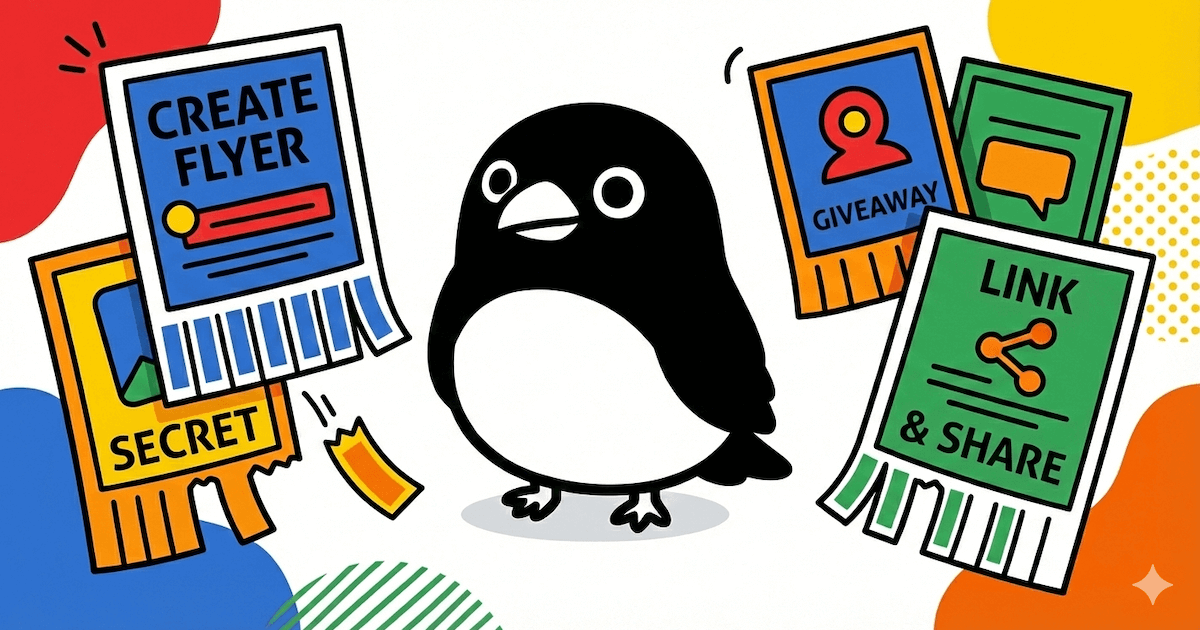
Tearoff is a tool for creating “tear-off” flyers for the web. You write a flyer, publish it as a shareable link, and add tear-off tabs that people can pull from the page.
The core idea is that the internet becomes a display wall for your flyer: each visitor can tear off one tab (with a published-flyer limit of one tab per visitor), revealing the secret content you attached to that tab.
Key Features
- Create digital tear-off flyers: Write a flyer headline and description, set a background color, and include an image URL for the flyer’s appearance.
- Add tear-off tabs with content: Attach multiple tabs to a flyer with secrets such as contacts, rewards, or hidden links.
- Share a single link anywhere: Publish one URL that can be posted on social profiles, used as a bio link, displayed as a QR code, or included in a newsletter.
- Tear-off behavior with first-come, first-served: Each pull tears off a tab permanently, and tabs can be “reset” so the same flyer can run a new round.
- Preview and scenario testing: Use a live preview to try a scenario before launching a flyer.
- One dashboard for multiple flyers: Track flyers, see how many tabs have been torn, and manage them from one place.
How to Use Tearoff
- Create a flyer: Enter a headline and description, add an image URL, and choose a background color.
- Add tear-off tabs: Define the tab contents you want people to reveal when they tear them off.
- Preview: Use the on-page preview/demo to verify what visitors will see.
- Share the flyer link: Post the flyer URL wherever your audience will find it (socials, bio link, QR code, or newsletter).
- Monitor and manage: Use the dashboard to track how many tabs have been torn and view each flyer’s status.
Use Cases
- Product launches: Share limited discount codes, early access invites, or other one-time offers by placing them on tear-off tabs.
- Event ticket giveaways: Run a first-come, first-served ticket or entry flow where each tear reveals access details.
- Music & art promotions: Publish secret links, hidden tracks, or one-of-a-kind rewards tied to individual tabs.
- Teaching & tutoring: Offer free sessions and use tear-off tabs to reveal contact information or next-step instructions.
- Local services: Promote small local offerings (e.g., dog walking, house cleaning, or lessons) with tabs that reveal how to book or learn more.
FAQ
-
How many tabs can a visitor tear off? Published flyers limit visitors to one tab per person.
-
Do torn tabs stay gone? Yes. Each pull tears off a tab “forever,” and the tab becomes unavailable after it’s torn.
-
Can I run the flyer again after it’s used up? The interface includes a “Reset tabs” option, which can refresh the tear-off availability.
-
Where can I share my flyer? You share one link that can be posted on socials, used as a bio link, shared as a QR code, or included in a newsletter.
-
What can I manage after publishing? The dashboard lets you track torn counts and manage flyers from one place.
Alternatives
- Link-in-bio landing pages with gated content: These can present multiple offers on a single page, but typically don’t use a tear-off “one tab per visitor” interaction.
- Interactive landing pages with forms: You can collect sign-ups or reward requests, but the workflow is usually submission-based rather than pull-to-reveal.
- QR-based one-time redemption campaigns: Similar for offline-to-online reach, but redemption usually relies on codes or forms rather than tear-off tabs.
- Basic webpage/website publishing with static sections: You can share information and images via a page, but you won’t get the tear-off tab mechanic, first-come availability, and torn tracking described for Tearoff.
Alternatives

DailyPlay.ai
Turn passive visitors into loyal customers with DailyPlay.ai—create personalized, data-driven mini games built for your brand’s engagement goals.

VForms
VForms enables the creation of interactive questionnaires overlaid directly onto YouTube videos, allowing users to collect highly contextual feedback and deep user insights.

Knock
Knock is customer engagement infrastructure for product, marketing, and transactional messaging teams—activate your data and ship cross-channel workflows with developer tooling.

Usercall
Usercall automatically invites targeted users to AI-moderated micro voice or text interviews when product events happen—turn transcripts into themes.

Playlist Push
Playlist Push is a music promotion service helping artists and labels submit tracks to vetted Spotify playlist curators and verified TikTok creators.

Chatsonic
Chatsonic is an AI marketing agent that combines advanced AI models with marketing tools to enhance productivity and streamline workflows.