
Text-to-CAD generation
Enter a plain-English description of the part you need, and the system generates a parametric CAD model instead of requiring manual sketching and feature-by-feature construction.

TextoCAD is a browser-based AI text to CAD tool that turns plain-English part descriptions into editable parametric models. Generate, refine, and export STEP or STL without CAD software.
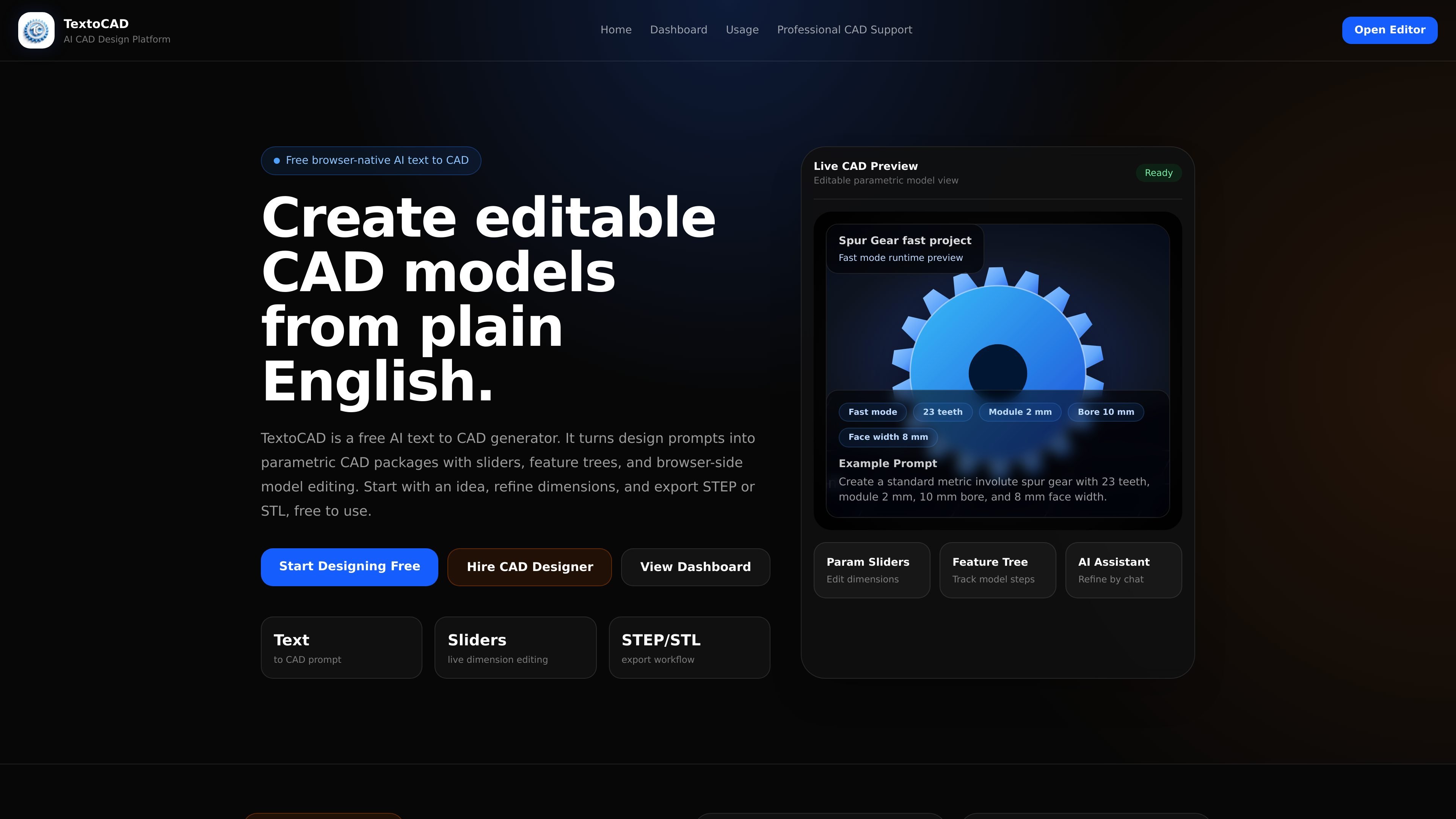
TextoCAD is a browser-based AI text to CAD generator that turns plain-English part descriptions into editable parametric CAD models. It is designed to help users move from an idea to a first working model without manually building each sketch, feature, and constraint.
The product centers on a simple workflow: describe the part, generate a model, adjust dimensions with sliders or chat, and export STEP or STL when the design is ready. The site presents it as a free core tool with optional paid plans for heavier usage and more advanced generation capacity.
Enter a plain-English description of the part you need, and the system generates a parametric CAD model instead of requiring manual sketching and feature-by-feature construction.
Adjust dimensions after generation using live sliders, so the model stays editable and you can fine-tune sizes without starting over.
Review the modeling steps as a feature tree, which makes the generated part easier to inspect and understand.
Use the in-browser AI assistant to request changes in natural language, such as thicker walls, different hole sizes, or altered dimensions.
Export engineering-ready STEP files or STL files for 3D printing and manufacturing review, with basic exports described as free at launch.
Work entirely in the browser with no software install, license file, or heavy workstation requirement.
Generate a first editable model for a simple mechanical part such as a bracket, flange, bushing, or mounting plate, then adjust dimensions before exporting.
Build a browser-based starting point for 3D printable parts, using STL export once the geometry is refined.
Create a parametric CAD file for engineering review or downstream CAD workflows, using STEP export for broader compatibility.
Iterate on part dimensions without rebuilding the model from scratch, which is useful when you are comparing several size options or design variants.
Use the AI assistant and slider controls to refine a model when you can describe the desired change more easily than modeling it manually.
Yes. TextoCAD is free to use for the core workflow: you can describe a part, generate an editable parametric model, adjust it with sliders, and export STEP or STL in the browser. The pricing page says paid plans are optional and mainly increase monthly usage limits and model capability.
No. TextoCAD runs in a web browser, so there is nothing to download or install. The site describes it as browser-native and usable on modern devices.
You can export STEP files for CAD and engineering workflows and STL files for 3D printing. The site also says basic STEP and STL export is free at launch.
Yes. Generated models are parametric, with live sliders for dimensions, and the AI assistant can be used to request changes in plain English.
The site says common mechanical parts such as brackets, bushings, flanges, gears, enclosures, and mounting plates are a good fit. More complex assemblies may need extra prompting or manual refinement.

DeepMotion is a web-based AI motion capture and 3D animation platform with Animate 3D for video-to-animation and SayMotion for text-to-animation.

Cherry Blossom is a browser-based PCB editor that turns plain-English prompts into editable schematics, PCB layouts, and fabrication files with AI checks and open exports.

ByteAsk is a terminal-first AI coding agent for C and C++ that edits repos and verifies changes with compilers, debuggers, sanitizers, and tests.

CreateOS Sandbox is an isolated compute environment for running code and agent workloads in Firecracker micro-VMs with private networking and SDK, CLI, or MCP control.

hob is an independent workspace for coding agents, with local control over sessions, terminals, history, routing, and follow-up work.

Ably Chat is a chat API platform for custom realtime chat apps, with rooms, typing indicators, presence, reactions, message updates and usage-based pricing.