

Trekme
Trekme is a personal skill log for developers, tracking weekly builds across languages, frameworks, and tools for interviews, reviews, and career growth.
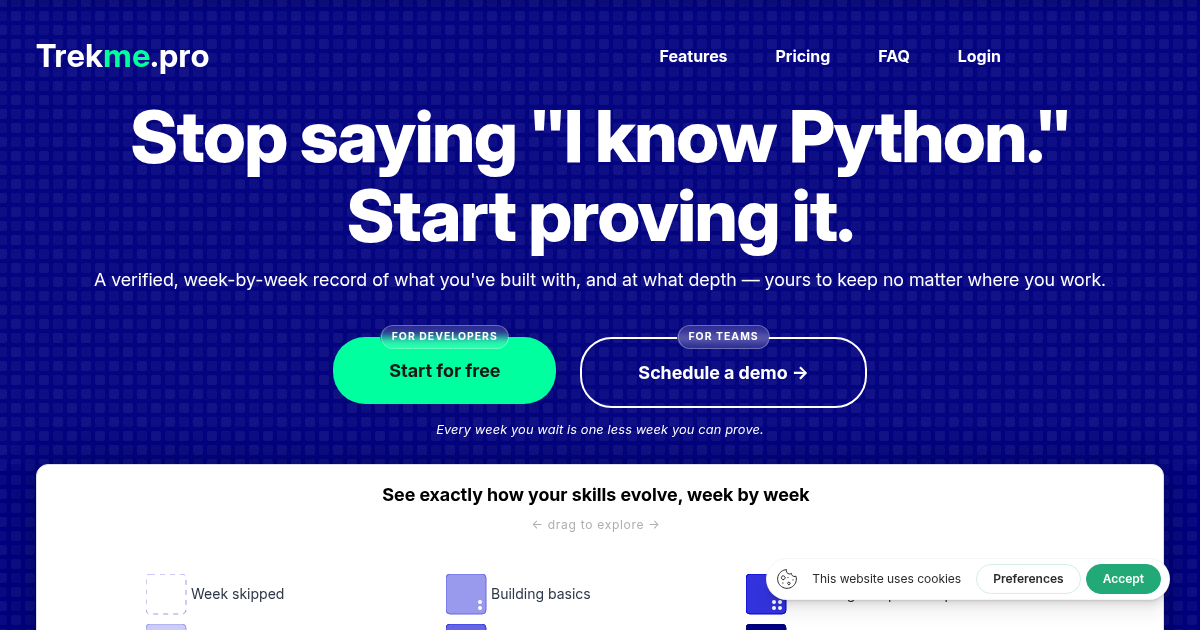
What is Trekme?
Trekme is a personal skill log for developers that records what you have built with, and at what depth, on a week-by-week basis. It is designed to replace self-reported claims with a portable record of actual usage and growth across technologies, roles, and projects.
The product connects to AI coding assistants through MCP (Model Context Protocol), so tools such as Cursor, Cline, Roo Code, and OpenCode can update a weekly skill timeline directly from the coding workflow. It also supports manual entry, backfilling prior history, and exporting the record so the data stays with the user rather than a specific employer.
Key Features
- Week-by-week skill timeline: tracks technologies over time and shows how usage changes from week to week, helping users see progression rather than just job titles.
- Depth-based activity states: records whether a technology was skipped, used regularly, learned, or worked on as a core contributor, which gives more context than a simple list of tools.
- MCP integration with AI coding assistants: lets supported assistants read and update the skill log directly during coding sessions, reducing manual upkeep.
- Manual entry and backfilling: allows users to add past roles, projects, and technologies in bulk, which helps recover history before signup.
- Portable exports: supports exporting the record as JSON or PDF so the history can be kept independently of an employer or a single account.
- Free personal account and team option: the site offers a free personal account and a separate team demo path for organizations.
How to Use Trekme
A typical user starts by creating a free personal account and adding current or past technologies, projects, and roles. If they use a supported AI coding assistant, they can connect it through MCP so weekly updates are logged automatically while they code.
From there, the user reviews the timeline to see which tools are being used regularly, which are being deepened, and where there are gaps. They can backfill older history when needed and export the record for sharing or long-term storage.
Use Cases
- Preparing for interviews: use the timeline to answer questions about how long and how deeply you have worked with a language or framework.
- Tracking growth across weeks: monitor whether you are moving from basic use to regular use or deeper contribution on a technology.
- Keeping a portable career record: maintain one skill history across jobs instead of relying on employer-specific tracking.
- Backfilling prior experience: enter previous roles and projects after signup so your record covers more than just recent work.
- Supporting performance or raise conversations: review the record to point to concrete evidence of recent skill growth and stack coverage.
FAQ
- Does Trekme require manual updates every week? No. The site says a manual entry takes under two minutes a week, and supported AI coding assistants can log updates automatically through MCP.
- Which AI coding assistants are mentioned as compatible? Cursor, Cline, Roo Code, and OpenCode are specifically named on the site.
- Can I add history from before I signed up? Yes. Trekme supports backfilling past projects, roles, and technologies in bulk.
- Can I export my data? Yes. The site says records can be exported as JSON or PDF.
- Is Trekme only for job searching? No. The site also positions it for tracking gaps, supporting raise conversations, and staying aware of what you are learning week to week.
Alternatives
- A resume or CV: useful for summarizing experience, but it is self-reported and usually does not show week-level evidence of actual tool use.
- LinkedIn profiles: helpful for job history and visibility, but they do not capture depth of use or a detailed technical timeline.
- Employer skill trackers: can log employee development inside one company, but they are typically tied to a single job rather than a portable personal record.
- Manual spreadsheets or notes: flexible for custom tracking, but they require more upkeep and do not offer the same structured week-by-week workflow.
Alternatives

Biji
Biji is a versatile platform designed to enhance productivity through innovative tools and features.

Ably Chat
Ably Chat is a chat API and SDKs for building custom realtime chat apps, with reactions, presence, and message edit/delete.

Decision Jar
Create virtual jars of options with Decision Jar—shake your phone to pick instantly, use AI suggestions, and view decision logs over time.

AakarDev AI
AakarDev AI is a powerful platform that simplifies the development of AI applications with seamless vector database integration, enabling rapid deployment and scalability.

Planndu: Daily Task Planner
Planndu is an intuitive productivity application designed to help users organize tasks, manage projects, build routines, and enhance focus using tools like AI generation and a built-in Pomodoro timer.

DeepMotion
DeepMotion is an AI motion capture and body-tracking platform to generate 3D animations from video (and text) in your web browser, via Animate 3D API.