
Disposable Linux environments
Launch a disposable Linux environment for an app test, then upload local files, install dependencies, run the app, and drive it from the browser.

TryCase provides disposable Linux environments for LLMs and coding agents to run apps, verify changes, and return screenshots, recordings, logs, and artifacts.
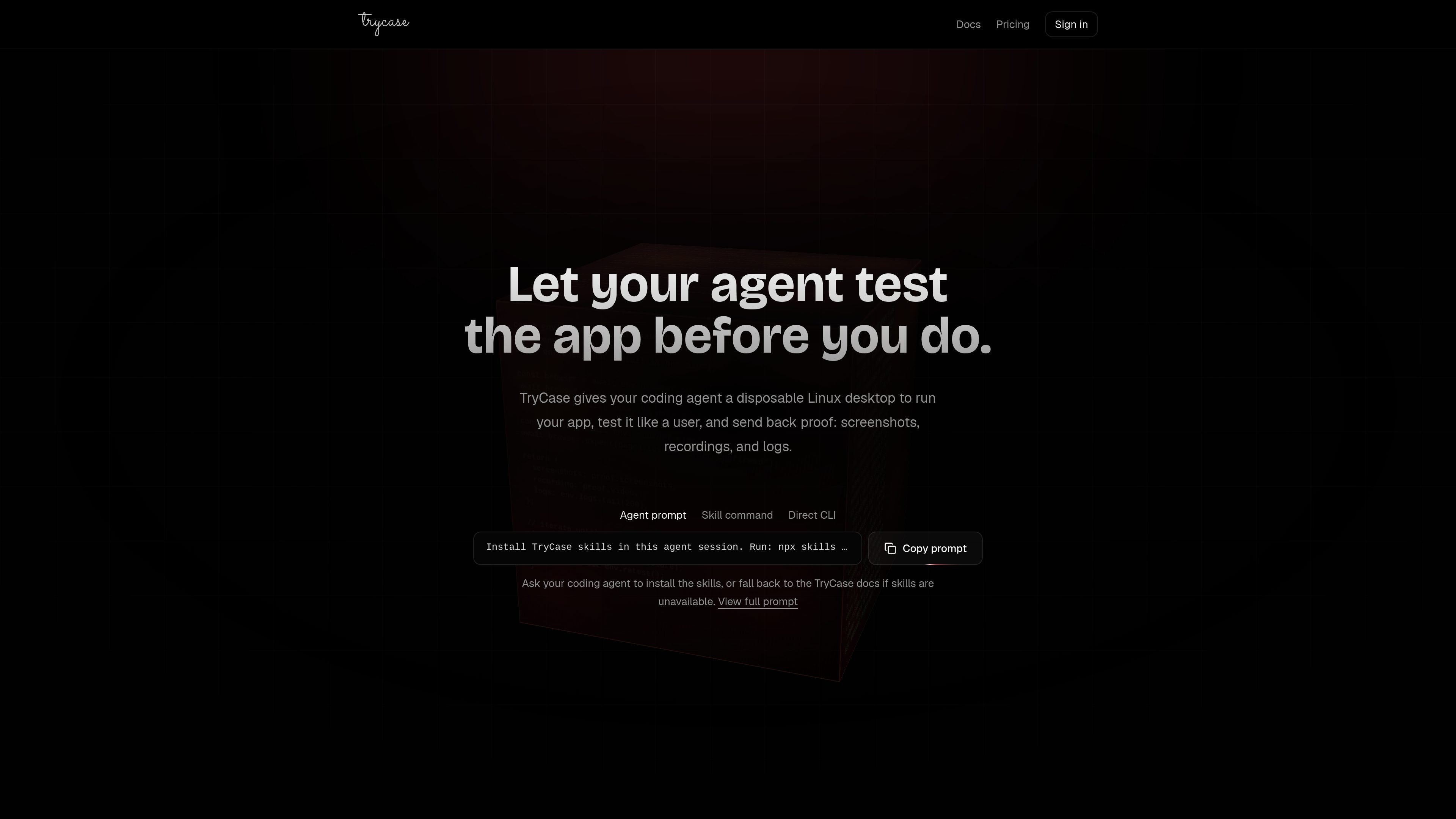
TryCase is a developer tool for running apps inside disposable Linux environments and returning proof of what happened. The site positions it for LLMs and coding agents that need to test changes, verify flows, and report evidence instead of asking a human to reproduce the issue.
The product centers on an upload-first workflow: create or launch an environment, upload the current codebase, run the app or checks, drive the browser, and collect screenshots, recordings, logs, and artifacts. The docs also describe a retest loop for repeating the same check after fixes, and a desktop mode for tasks that need a visible Linux desktop or manual user interaction.
Pricing is organized around an active organization with credit-based usage, multiple environment sizes, and headless or desktop billing rates. The pricing page also notes that environments are billable while active and should be destroyed when the task is complete.
Launch a disposable Linux environment for an app test, then upload local files, install dependencies, run the app, and drive it from the browser.
Use the browser, terminal, filesystem, and environment commands to check app behavior from setup through verification.
Collect screenshots, recordings, logs, and artifact bundles as proof of what happened in the environment.
Run a check again after a fix and iterate until the result passes, which the homepage illustrates with an env.retest loop.
Choose between headless and desktop modes, with the docs describing desktop mode for visible Linux desktops and manual user steps.
Create projects with source, mode, size, runtime settings, and secrets so the environment matches the workload you want to test.
Have an agent run the app after a code change, click through the flow, and return proof of whether the change worked.
Recreate a bug inside the same disposable environment, fix it, rerun the same steps, and compare before/after evidence.
Use the environment to inspect a branch like a user would and capture screenshots or recordings when something breaks.
Run login, the main flow, mobile layout, or error-state checks before shipping and keep only the issues plus proof of passing steps.
Use desktop mode when a task needs a visible Linux desktop, browser control, or a manual step such as OAuth, CAPTCHA, 2FA, or payment confirmation.
TryCase is designed around an upload-first workflow. The docs describe installing the skills, signing in, creating a No Source headless project, uploading the current directory, then letting the agent run checks and return proof.
The docs describe headless mode as the default CLI and LLM mode. They also describe desktop mode for tasks that need a visible Linux desktop, desktop apps, mouse and keyboard control, clipboard access, or manual steps such as login, OAuth consent, CAPTCHA, passkey, 2FA/OTP, payment confirmation, or browser extension approval.
The source shows TryCase returning screenshots, recordings, logs, and artifacts. The docs also mention browser screenshots, browser recordings, artifact bundles, and logs from the environment.
The pricing page says plans and credits are scoped to the active organization and cannot be moved to another workspace. The docs also say environments should be destroyed when the task is done to stop billing.
The docs and pricing page point to the CLI and browser-based sign-in flow. They do not provide a full compatibility matrix for languages, frameworks, or CI/CD systems on the pages reviewed.

ByteAsk is a terminal-first AI coding agent for C and C++ that edits repos and verifies changes with compilers, debuggers, sanitizers, and tests.

Manta AI is an autonomous web app testing tool that maps app behavior, catches regressions, and generates tests from a URL, no scripts or selectors needed.

CreateOS Sandbox is an isolated compute environment for running code and agent workloads in Firecracker micro-VMs with private networking and SDK, CLI, or MCP control.

hob is an independent workspace for coding agents, with local control over sessions, terminals, history, routing, and follow-up work.

SonOf connects to your repo and PM tool, audits your codebase, and turns approved work into shipped tickets with senior engineering review.

Ghost is a terminal-based AI assistant for chatting, code generation, and CLI tasks. Includes free models, supports Linux, macOS, Windows, and is open source.