
Structured tool discovery
UseAgents acts as a real-time registry where agents query structured tool data instead of searching or scraping documentation.

UseAgents is a real-time MCP registry for AI agents that surfaces structured tool data instead of scraped docs, helping creators publish current details and builders choose tools with up-to-date context.
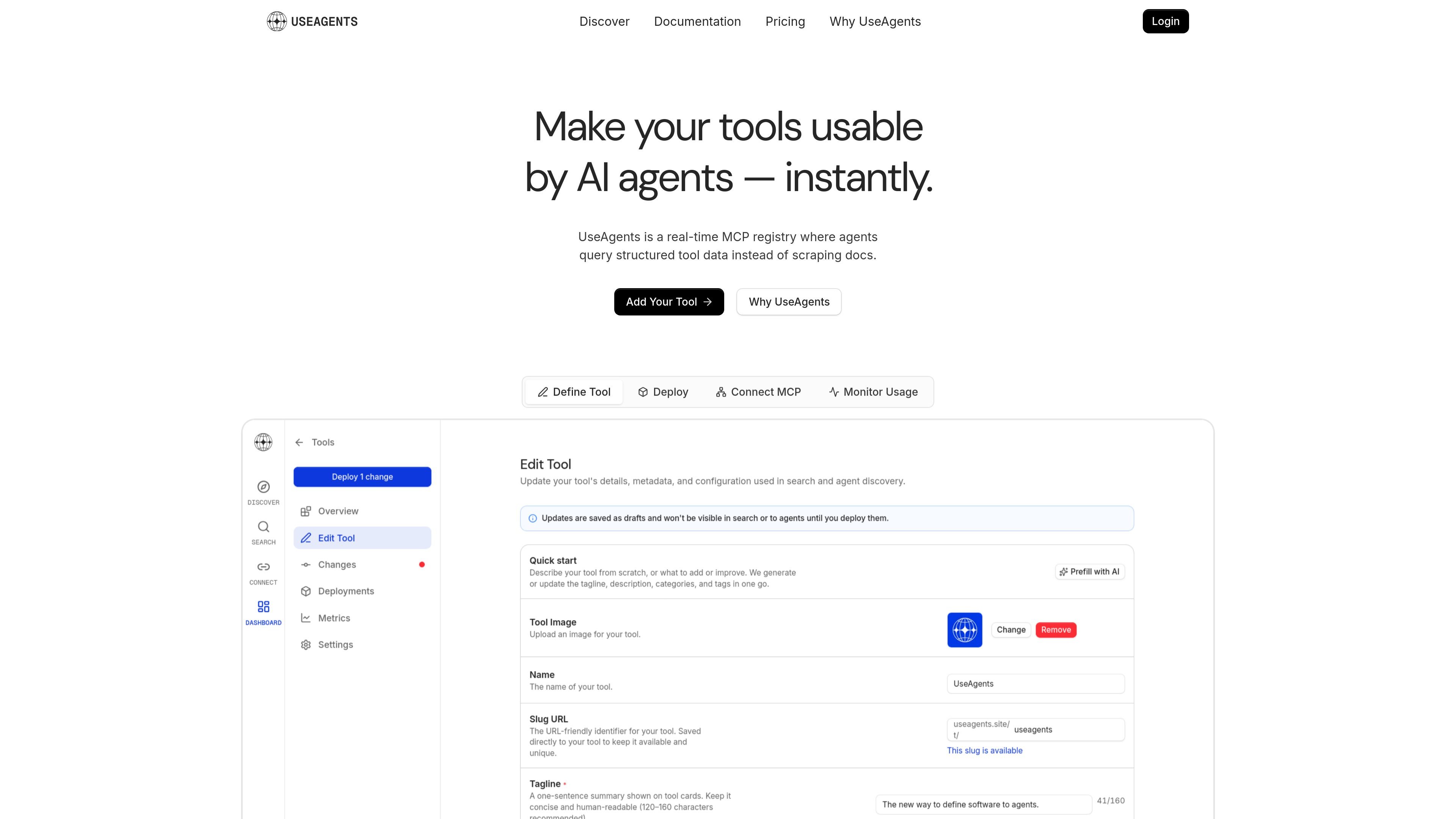
UseAgents is a real-time MCP registry for AI agents and tool creators. It is designed to replace ad hoc tool discovery through scraped docs, search results, or outdated model knowledge with structured tool data that agents can query directly.
On the homepage, agents ask for a tool in plain language, UseAgents returns structured context, and the agent proceeds with the right install or usage information. The product is positioned for both tool creators who want their tools discoverable and agent builders who need current implementation details before they write code or call an API.
UseAgents acts as a real-time registry where agents query structured tool data instead of searching or scraping documentation.
Agents can search by what they need in plain language and receive ranked tool results from the registry.
The response shown on the homepage includes install commands, usage shape, and auth requirements so agents can act with current context.
Tool creators can publish install steps, usage patterns, and metadata that agents need to use a tool correctly.
The registry is positioned as an MCP-connected system, with the agent querying the registry before execution.
The pricing page says the product includes analytics on agent usage during the public beta.
A developer is building an agent that needs to choose and install a tool for a task such as authentication, billing, or logging. UseAgents provides current tool context instead of leaving the model to guess from training data.
A tool creator wants new products to be discoverable by agents that increasingly make implementation decisions. Publishing to UseAgents gives the agent a structured source of truth for that tool.
An agent builder wants to reduce failures caused by stale docs, conflicting search results, or outdated model memory. The registry returns a direct answer with implementation details before code is written.
A team needs visibility into how agents are using its tools during the beta period. The pricing page states that analytics on agent usage are included.
UseAgents is a real-time MCP registry. Agents send a structured query, then receive tool context such as install steps, usage shape, and auth requirements.
The source says UseAgents is free during its public beta, with unlimited tool registration, unlimited MCP queries for agents, full analytics on agent usage, and community or early-access support.
Tool creators publish the source of truth in UseAgents so agents can query current, structured tool data instead of relying on scraped docs or model memory.
The pricing page and homepage show a sign-in flow and public beta access, but the source text does not provide detailed setup steps for publishing or connecting a tool.

ByteAsk is a terminal-first AI coding agent for C and C++ that edits repos and verifies changes with compilers, debuggers, sanitizers, and tests.

Lasso is an ecommerce product data platform for enriching catalog records, processing supplier files, generating product content, and tracking competitors. It includes a web app, REST API, SDK, and MCP server.

CreateOS Sandbox is an isolated compute environment for running code and agent workloads in Firecracker micro-VMs with private networking and SDK, CLI, or MCP control.

hob is an independent workspace for coding agents, with local control over sessions, terminals, history, routing, and follow-up work.

Ably Chat is a chat API platform for custom realtime chat apps, with rooms, typing indicators, presence, reactions, message updates and usage-based pricing.

Botacts is a web directory for finding AI bots and agents you can contact by phone, email, SMS, WhatsApp, Telegram, or Signal.