
AI enrichment for product content
Enrich missing descriptions, attributes, and images by finding data across the web and supplier sites, then applying the product's content rules.

Lasso is an ecommerce product data platform for enriching catalog records, processing supplier files, generating product content, and tracking competitors. It includes a web app, REST API, SDK, and MCP server.
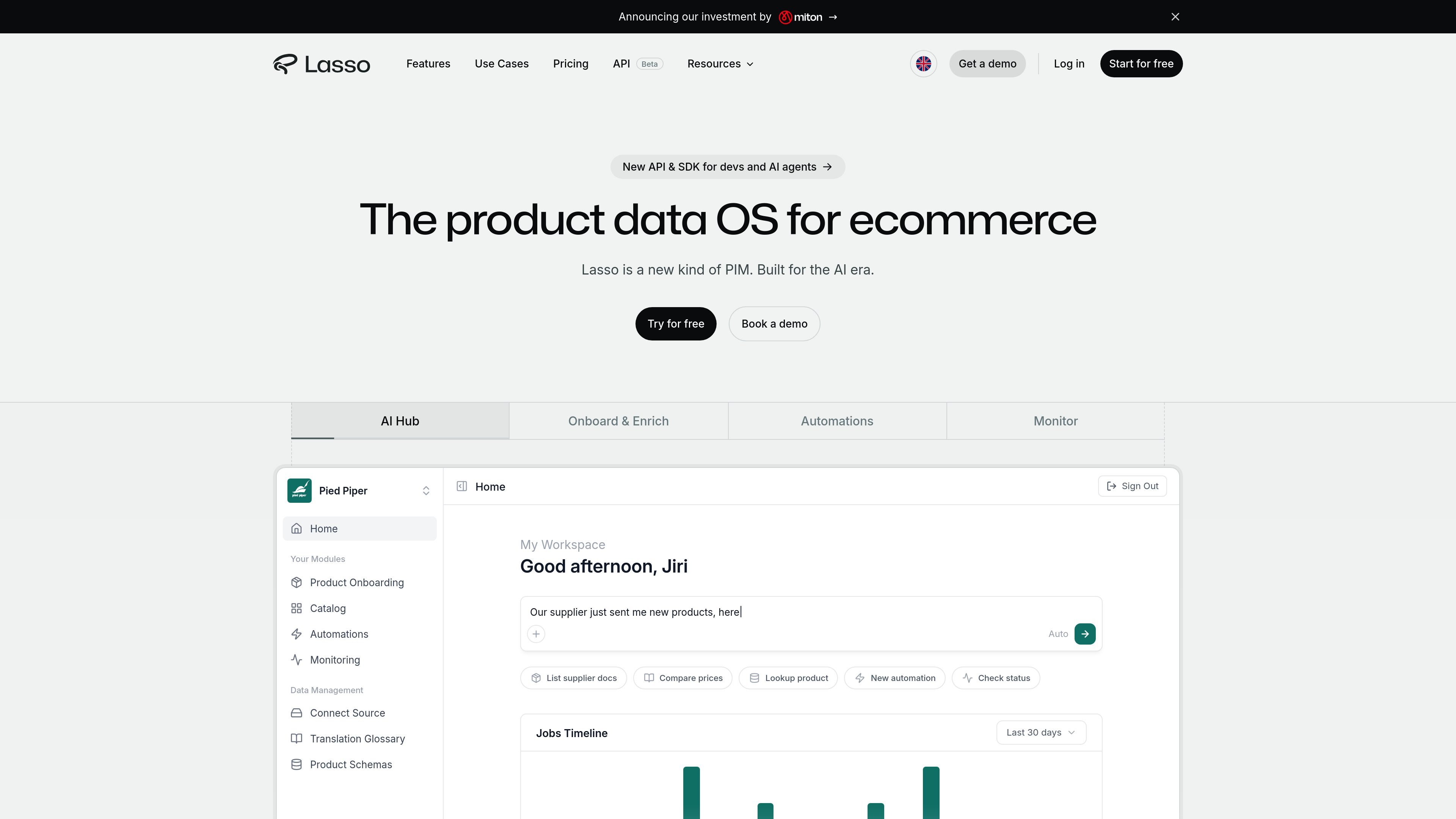
Lasso is an ecommerce product data platform that combines AI agents, a product data API, and PIM-style workflow tools. It is designed to help teams enrich catalog records, structure supplier data, generate product copy and images, and monitor the market from one system.
The site positions Lasso as built for the AI era: it can fill missing attributes, normalize incoming supplier files, generate SEO descriptions and image edits, and support competitor tracking, catalog expansion, and AI search optimization. The platform also includes collaboration features, audit logs, access rules, and an API/SDK for teams that want to automate product data work programmatically.
Enrich missing descriptions, attributes, and images by finding data across the web and supplier sites, then applying the product's content rules.
Process supplier files and feeds such as CSV, Excel, XML, JSON, or PDF by mapping columns, extracting attributes, and unifying the output into one schema.
Track competitor prices and stock, discover products, and surface pricing and assortment signals through the app or the API.
Generate SEO copy, AI-friendly descriptions, schema markup, and FAQ-style product content in the product's brand voice.
Expose product data through a REST API, SDK, and MCP server so developers and AI agents can request enrichment, search, and categorization programmatically.
Support collaboration with real-time editing, audit logs, workflows, access rules, and versioning for team use.
Use Lasso to fill in missing product attributes, generate descriptions, and enhance images before publishing catalog updates.
Import supplier CSV, Excel, XML, JSON, or PDF files, map them to your schema, and unify data from multiple vendors into one output.
Track competitor prices, stock availability, and related products to support repricing and assortment decisions.
Create structured product datasets for recommendation systems, shopping assistants, and model training workflows.
Expose product enrichment and search to applications or agents through the API, SDK, or MCP server.
Lasso provides a product data API and workflow tools for enriching, structuring, categorizing, and monitoring ecommerce product data. The source also shows a free plan that does not require a card to get started.
The pricing page shows a Free plan and paid Pro and Enterprise tiers. Free includes 200 credits per month, while Pro adds higher throughput, native integrations with major platforms, and priority support; Enterprise adds custom workflows, account management, compliance and security audits, and advanced roles and permissions.
Yes. The source says Lasso supports real-time collaboration, roles, permissions, versioning, and sharing projects with external partners.
The source says the API supports enrichment, search and recommendation, crawl and monitoring, dataset building, catalog data enrichment, supplier data automation, marketplace enrichment, GEO catalog optimization, and MCP access for AI agents.
The source mentions native integrations for most ecommerce platforms and an open API and SDK for everything else. It does not list every supported platform on the provided pages.

qbrin is an enterprise AI search and governed agent platform that turns company knowledge into cited answers and can abstain when evidence is missing.

Goldfish is an AI memory app for macOS that helps you reply, write, summarize, and continue with context already on your Mac. It stores memory locally and writes in your tone.

ArtDeck is a visual reference board app for iPhone, iPad, and Mac. Collect mixed references on one canvas and study them with ToolBox lenses. Offline, optional iCloud sync, one-time purchase.

DailyPlay.ai is a behavioral growth platform using AI site scans and micro-games to boost engagement and conversions across web, mobile, and more.

Struere turns spreadsheet data into structured operational software with dashboards, alerts, and automations for teams replacing manual spreadsheet workflows.

Botacts is a web directory for finding AI bots and agents you can contact by phone, email, SMS, WhatsApp, Telegram, or Signal.