
Interactive initialization
Initial setup walks through choosing an AI provider and wiki location, then enables optional git automation.

garden-md is an open-source Node.js CLI that turns meeting transcripts into a local company wiki, linking entities and preserving the original text.
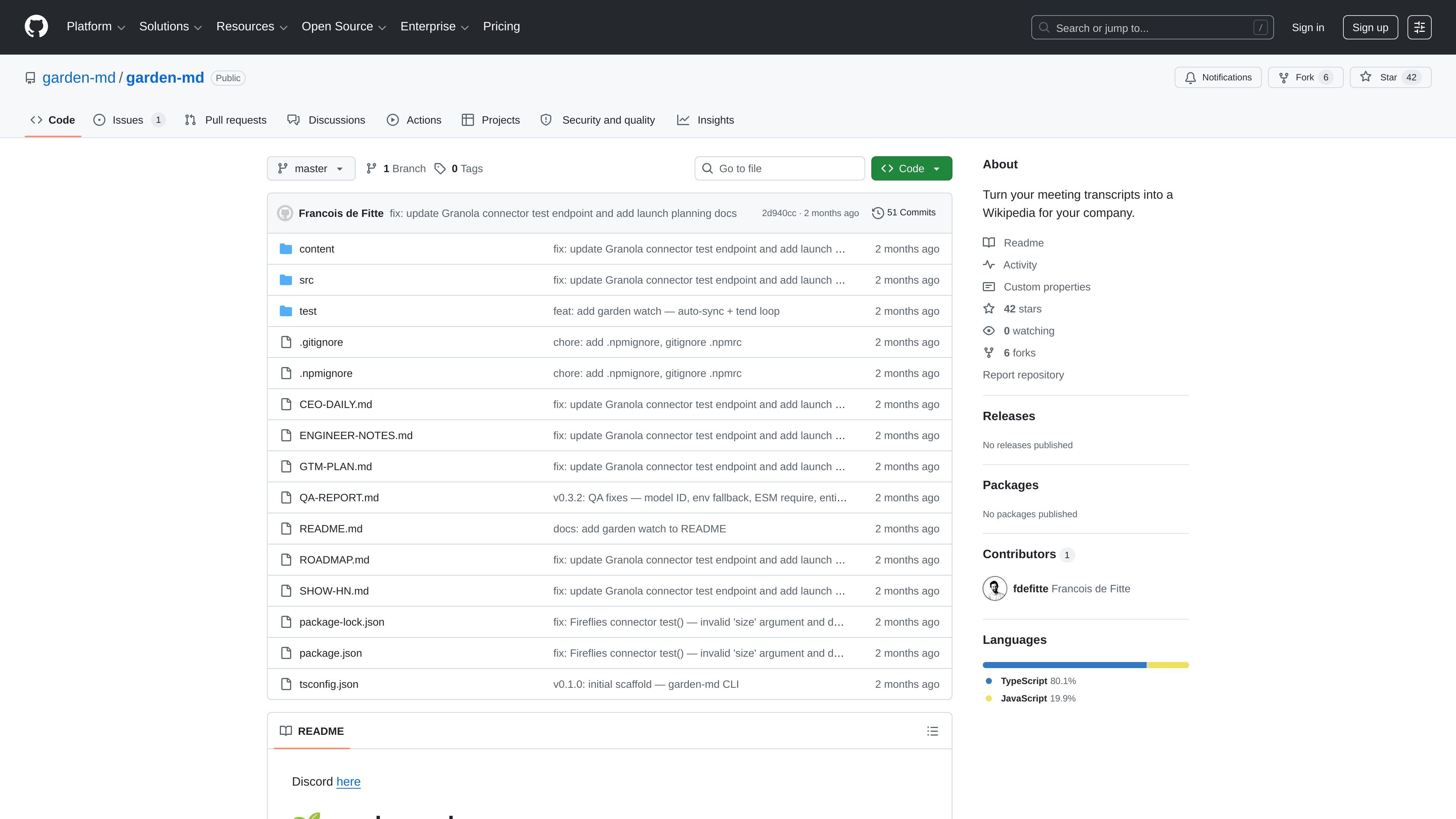
garden-md is an open-source command-line tool that turns meeting transcripts into a local company wiki. It connects to transcript sources, stages new content, extracts entities from the documents, and generates linked markdown pages that can be browsed as a Wikipedia-style site.
The workflow is designed to keep transcripts intact while making them easier to search and navigate. According to the project README, it stores everything locally as markdown files, can optionally commit changes to git, and works with supported AI providers through a bring-your-own-key setup.
Initial setup walks through choosing an AI provider and wiki location, then enables optional git automation.
The `connect` flow supports Grain, Granola, Fireflies.ai, and other API-based services, with a generated connector path for unsupported tools.
`sync` pulls new transcripts into a raw staging area, and `tend` processes them into linked wiki pages.
The system extracts people, companies, and products/tools, then inserts standard markdown links without rewriting the source text.
`open` renders the wiki as HTML with sidebar navigation, search, and backlinks for browsing.
`watch` can repeat sync and tend automatically on a schedule so the wiki stays current.
Teams can consolidate meeting notes and transcripts into a linked internal knowledge base that is easier to browse than a folder of raw files.
Users who want to keep source text unchanged can index transcripts and add navigation without rewriting the original meeting record.
People responsible for ongoing documentation can run the watcher mode so new meetings are synced and processed automatically.
Teams with custom recording or transcript systems can use the “Other” connector path to build a connector from API documentation.
It is a local command-line tool that initializes a wiki, connects a transcript source, syncs raw transcripts, runs entity linking, and opens the generated wiki in a browser.
The README says it can connect to Grain, Granola, Fireflies.ai, or another API-based service if you provide the service name and API docs URL.
No. The project says it stores data as local markdown files and does not store data in the cloud.
The project states that it requires Node.js 18+ and an API key from a supported AI provider, and it offers BYOK rather than a subscription.

Goldfish is an AI memory app for macOS that helps you reply, write, summarize, and continue with context already on your Mac. It stores memory locally and writes in your tone.

Lasso is an ecommerce product data platform for enriching catalog records, processing supplier files, generating product content, and tracking competitors. It includes a web app, REST API, SDK, and MCP server.

MeetStream is a meeting bot API for Zoom, Google Meet, Microsoft Teams, and Webex. Record, stream, and analyze meetings with usage-based pricing and $5 free credit.

ArtDeck is a visual reference board app for iPhone, iPad, and Mac. Collect mixed references on one canvas and study them with ToolBox lenses. Offline, optional iCloud sync, one-time purchase.

Liam is an AI copilot for inbox management, email replies, prioritizing messages, and scheduling meetings. Free for individuals; custom pricing for teams and enterprise.

Struere turns spreadsheet data into structured operational software with dashboards, alerts, and automations for teams replacing manual spreadsheet workflows.