

Vxero Neo
Vxero Neo is an SSH-native CLI that deploys Docker apps to any VPS by installing Docker and Caddy, with HTTPS auto-SSL and zero-downtime swaps.
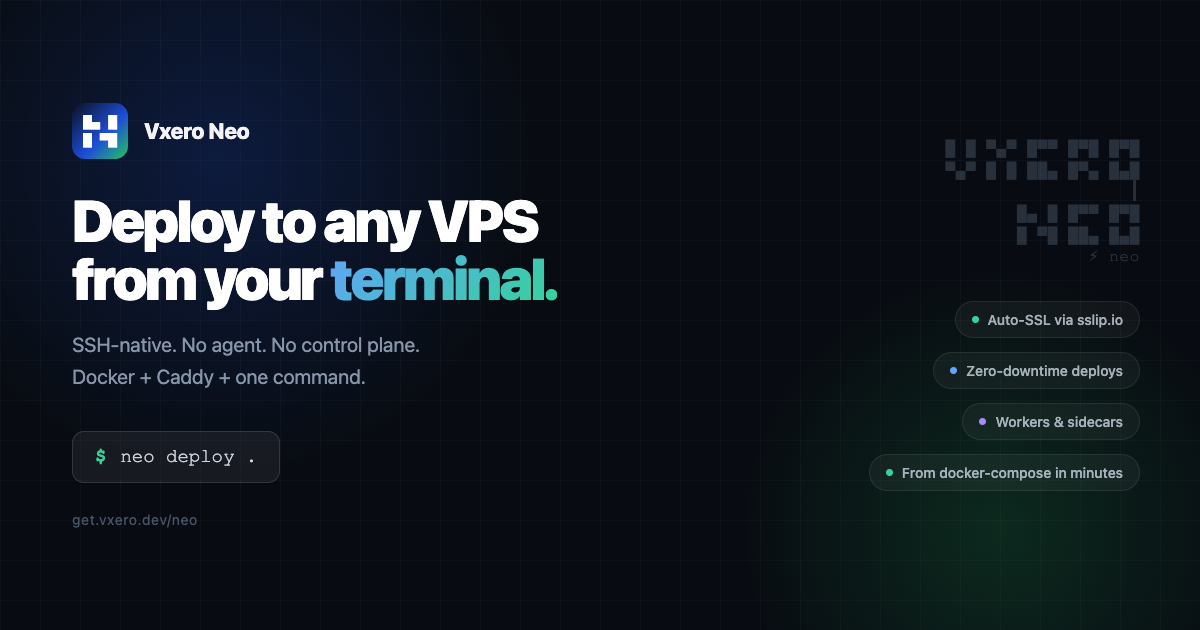
What is Vxero Neo?
Vxero Neo (Neo) is an SSH-native command-line tool for deploying Docker applications to a VPS. It connects to your server over SSH, sets up Docker and Caddy, and deploys your apps with HTTPS via auto-SSL—without installing an agent or using a separate control plane.
Neo also manages application lifecycle steps from local development through staging and production. It reads your local project configuration (including docker-compose.yml, .env, and .neo.yml), builds and transfers images over SSH, performs health checks, and swaps traffic with zero downtime.
Key Features
- SSH-only deployment flow (no agent, no dashboard): Neo runs on your local machine and connects to your VPS via SSH; beyond Docker/Caddy for your runtime, it doesn’t require additional server-side tooling.
- Automated server initialization (Docker + Caddy): During deployment, Neo sets up Docker and Caddy on the target server so your containers can run and receive HTTPS traffic.
- From compose/config to a live switch: Neo reads your local config, builds the image, transfers it over SSH, then swaps traffic after health checks; old containers keep running until the switch.
- Instant HTTPS domain and alternative certificate options: Neo can provision HTTPS using sslip.io (no DNS needed) with
--temp. For real domains, it can use Let’s Encrypt via Caddy (after DNS is pointed), or accept your own cert with--certand--key. - Config generation and environment management:
neo config generatescans docker-compose.yml and auto-generates .neo.yml by detecting the app service, sidecars, workers, environment variables, and volumes. Neo can also sync env/state via commands likeneo envandneo sync. - Blue-green style zero-downtime deploys: It starts the new containers, waits for health checks, and then performs the traffic swap so the previous version remains available until the cutover.
- Workers, sidecars, and persistent volumes: Define background workers and sidecars in .neo.yml so they deploy alongside the main app with shared volumes and environment vars. Declare volumes in .neo.yml to persist data across redeploys.
- Multi-server and per-environment settings: Use flags such as
--to stagingto deploy to staging or production; each environment can have its own domain, environment variables, and SSL configuration.
How to Use Vxero Neo
- Prepare your project: Ensure your app is described with
docker-compose.yml(and optional.env). - Generate Neo’s deployment config: In your project directory, run
neo config generate. Neo scansdocker-compose.ymland writes.neo.ymlwith detected services such as the app, workers/sidecars (if defined/detected), environment variables, and volumes. - Develop locally (optional but supported): Use
neo devto wrap docker-compose with Neo’s environment loading from.neo.yml. - Deploy over SSH: Run
neo deploytargeting your VPS. Neo builds the image from your Dockerfile (and compose-derived configuration), transfers it over SSH, then performs health checks and swaps traffic. - Enable HTTPS: Use
neo domain --tempfor an sslip.io-based instant HTTPS URL, or use a real domain with Let's Encrypt auto-SSL once DNS is pointed, or provide--cert/--keyfor your own certificate.
Use Cases
- Single-VM Docker app deployments: Deploy one containerized application per VPS (e.g., a web service) where you want SSH-based automation rather than a cluster orchestrator.
- Staging → production with shared config: Use the same config across environments (via .neo.yml generation and env loading), deploying to staging and then promoting to production with different domains/SSL settings.
- Apps with sidecars and background workers: Deploy a main app alongside worker and sidecar containers defined in
.neo.yml, including shared environment variables and volumes. - Projects that need quick HTTPS without DNS changes: Use
neo domain --tempto get an immediate HTTPS URL for testing with sslip.io, then later switch to a real domain when DNS is ready. - Zero-downtime releases for small teams: Perform blue-green style updates with health checks so the old version stays up until the new containers are ready.
FAQ
-
Does Neo install an agent on my server? No. Neo runs on your local machine and connects to your VPS via SSH. The only things set up on the server are Docker and Caddy for your application runtime.
-
I already use docker-compose. How do I switch to Neo? Run
neo config generatein your project directory. Neo scansdocker-compose.ymland auto-generates.neo.yml, then you can useneo deployto ship the app. -
What cloud providers are supported? Neo can deploy to any VPS that provides SSH access, such as DigitalOcean, Hetzner, Linode, Vultr, AWS EC2, GCP, and Azure. Neo deploys to a single VM (it is not a multi-node cluster orchestrator like Kubernetes or Docker Swarm).
-
How does HTTPS work? Neo supports
neo domain --tempfor instant HTTPS via sslip.io,neo domain app example.comfor Let’s Encrypt auto-SSL after DNS is pointed, and--cert/--keyto use your own certificate. -
Can Neo run background workers and databases? Workers can be declared in
.neo.ymland are deployed as separate containers using the same image, env vars, and volumes. For databases, Neo can run them as Docker sidecars/services for smaller projects; for production with real users, it recommends managed databases.
Alternatives
- Manual Docker + Caddy deployment scripts: If you prefer full control and already have your own deployment automation, you can build and transfer images, run containers, and manage Caddy/SSL yourself. This typically requires more setup effort than Neo’s single-command workflow.
- Docker Swarm or Kubernetes: These are cluster orchestrators for multi-node deployments. They differ from Neo by targeting orchestration across clusters rather than a single SSH-accessible VPS.
- Other VPS-centric CI/CD pipelines: You can use generic CI/CD tools to SSH into a server, build images, and restart containers. Compared to Neo, you’d handle config generation, zero-downtime switching logic, and HTTPS integration yourself.
- Managed container platforms: Platforms that manage routing and TLS can reduce infrastructure steps. They usually trade away the SSH-first, “no agent/control plane” deployment model described for Neo.
Alternatives

ClawTick
ClawTick is a CLI-first AI agent automation platform for scheduling webhook tasks on cron with monitoring, alerts, retries, and execution logs.

Falconer
Falconer is a self-updating knowledge platform for high-speed teams to write, share, and find reliable internal documentation and code context in one place.

OpenFlags
OpenFlags is an open source, self-hosted feature flag system with a control plane and typed SDKs for progressive delivery and safe rollouts.

skills-janitor
Audit, track usage, and compare your Claude Code skills with skills-janitor—nine focused slash commands and zero dependencies.

MakerLoft
MakerLoft is an AI app builder for non-developers that connects to your GitHub repo to generate working apps with auth, payments, files, jobs.

Rectify
Rectify is an all-in-one operations platform for SaaS, combining monitoring, analytics, support, roadmaps, changelogs, and agent management—via conversation.