AgentOne icon

AgentOne

AgentOne is a desktop AI agent and deep research tool for macOS, Windows, and Linux that can work across connected apps, files, websites, and local commands. It offers a free plan, BYOK support, and paid tiers for higher limits and sync features.

AgentOne

What AgentOne is

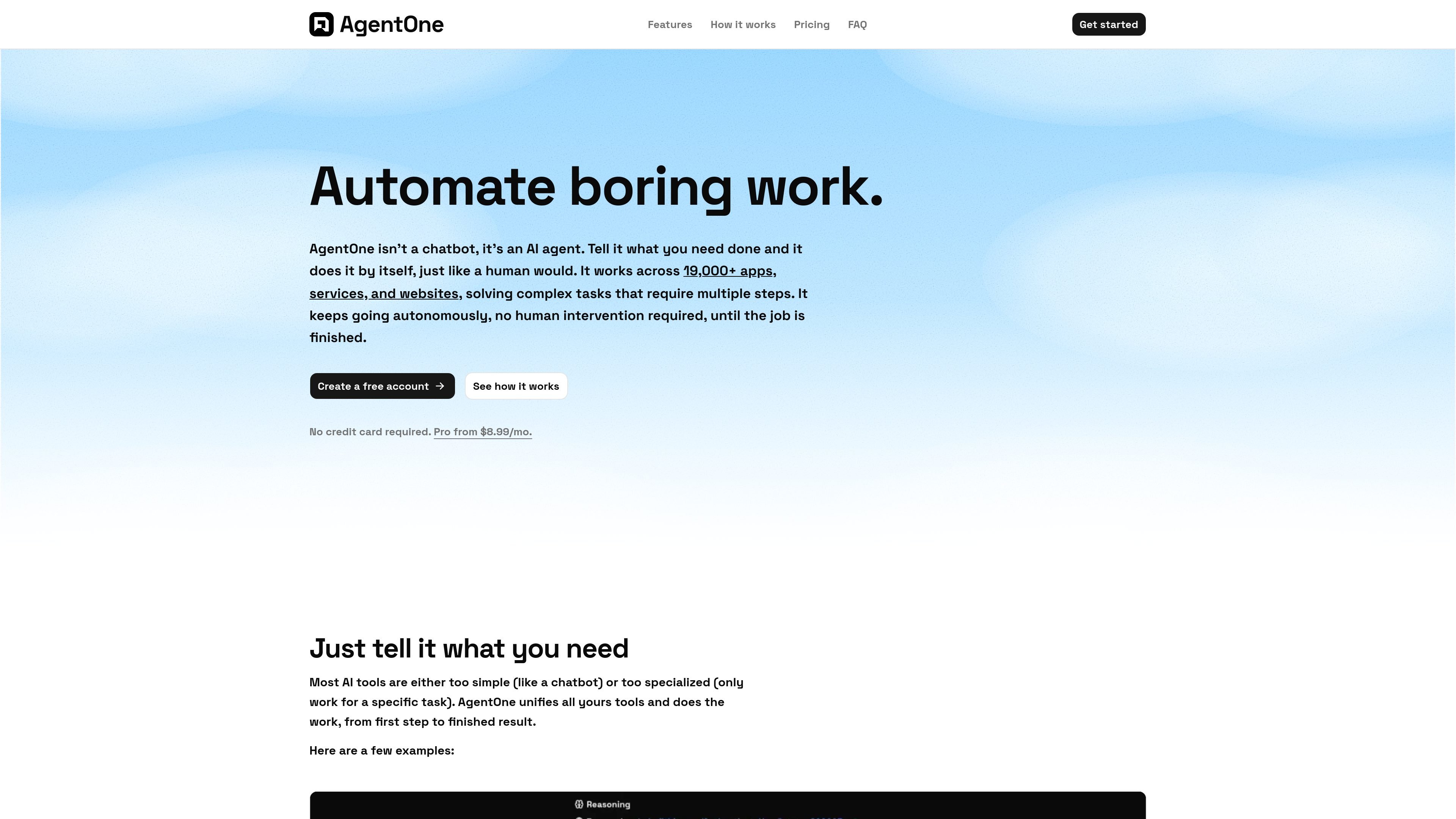
AgentOne is a desktop AI agent and deep research tool that is designed to carry out multi-step work across apps, websites, files, and local commands. The product frames itself as an agent rather than a chatbot: you describe the task, and it can keep working through the steps with limited intervention until the job is done.

Its public site emphasizes breadth of access and local control. AgentOne advertises 19,000+ built-in extensions, 8,500+ AI models from 60+ providers, support for Bring Your Own Key workflows, and a native desktop app for macOS, Windows, and Linux. It is positioned for people who want an AI system that can research, organize, automate, and interact with connected tools from the desktop.


Core features and capabilities

19,000+ built-in extensions

AgentOne connects to Gmail, Notion, Slack, GitHub, Google Calendar, Google Drive, YouTube, databases, cloud platforms, and many other services through built-in extensions, allowing it to act inside those tools with permission.

8,500+ models with BYOK support

The product can access models from more than 60 providers and over 8,500 models, and it can choose a model automatically or let you supply your own key for supported providers.

Parallel subagents

AgentOne can split complex goals into sub-tasks and run multiple agents at once, which is useful when a job needs parallel research or several steps to happen together.

Deep research tools

The desktop app can search the web, browse pages, read specific URLs, summarize findings, and continue researching until the task is done, making it suitable for iterative research work.

Local file and command tools

With approval controls, AgentOne can view, create, edit, and delete local files or run shell commands, which extends it beyond chat into coding and automation workflows.

Local-first desktop app with sync

Signed-in users can sync settings and memories across devices, and the product describes itself as private by default, with chats, files, tools, and provider keys staying on your device unless you choose to connect or sync them.

Practical ways to use AgentOne

  • Administrative work across connected apps

    Connect email, calendar, documents, and team chat so AgentOne can help sort inboxes, draft replies, schedule meetings, and keep follow-ups organized across tools.

  • Deep research and source gathering

    Use the research tools to search the web, open pages, read URLs, and summarize sources while the agent keeps working through a longer investigation.

  • Developer and automation workflows

    Run local file actions or shell commands, with approval controls, for coding tasks, scripts, file cleanup, or other automation work on your own machine.

  • Split multi-part projects into parallel work

    Use parallel subagents when a task can be divided into separate tracks, such as researching multiple topics, comparing results, or handling several steps at the same time.

  • Extend the agent with custom tools

    Connect MCP servers or registry extensions when you need AgentOne to reach a custom tool, internal service, or additional data source beyond the built-in integrations.

Pros and Cons

Pros

  • Large built-in extension library for connecting to common productivity, research, developer, and cloud tools.
  • Support for thousands of models from many providers, plus BYOK options for users who want to bring existing keys.
  • Local-first positioning that keeps chats, files, tools, and keys on the device unless the user chooses to sync or connect them.
  • Deep research workflow that can browse, summarize, and continue across multiple sources instead of stopping at a single response.
  • Native desktop support for macOS, Windows, and Linux, with cross-device sync for signed-in users.

Cons

  • The public site gives broad capability categories, but it does not provide a complete, task-by-task feature matrix for every supported app or workflow.
  • Some capabilities are described as beta or planned, such as cloud agent runs and encrypted chat/API key sync on certain plans, so availability may vary by plan or rollout.
  • The product is desktop-native, so it is not presented as a browser-only or lightweight web app.

FAQ

What is AgentOne used for?

AgentOne is a desktop AI agent rather than a browser chatbot. It can connect to apps and services, use local tools, and keep working through multi-step tasks until the job is finished.

What platforms does AgentOne support?

The download page says AgentOne is available for macOS, Windows, and Linux. The features page also describes it as a native desktop app with local updates and system access.

Can I use my own API keys with AgentOne?

Yes. The pricing and feature pages say you can use Bring Your Own Key, including support for providers such as OpenAI-compatible providers, OpenRouter, Groq, Google, Ollama, and LM Studio.

Does AgentOne have a free plan?

AgentOne offers a free plan with no credit card required, and the pricing page also lists Pro, Ultra, and Hyper plans for higher usage limits, sync, cloud agent runs, API access, and more storage.

What should I expect from the feature set?

The source describes extensions, deep research tools, local file and command tools, memory, voice, cross-device sync, and MCP server support. It does not provide a full public task-by-task capability list for every integration or workflow.

Quick Facts

Category
AI Agent / Deep Research
Platform
macOS, Windows, Linux
Primary use
Multi-step automation, research, and desktop workflows
Source domain
agent-one.dev
Pricing
Free plan available; paid Pro, Ultra, and Hyper plans listed
Integration model
Built-in extensions, model providers, and MCP servers