
Kernel-enforced isolation
Runs agents and shell commands inside compartments enforced directly by the operating system kernel rather than by the interpreter.

BentoBox is a kernel-level sandbox for coding agents and commands, designed to isolate execution with deny-by-default compartments on Linux and macOS. It helps developers run builds, tests, and agent-driven workflows while keeping sensitive files and other ungranted access paths blocked.
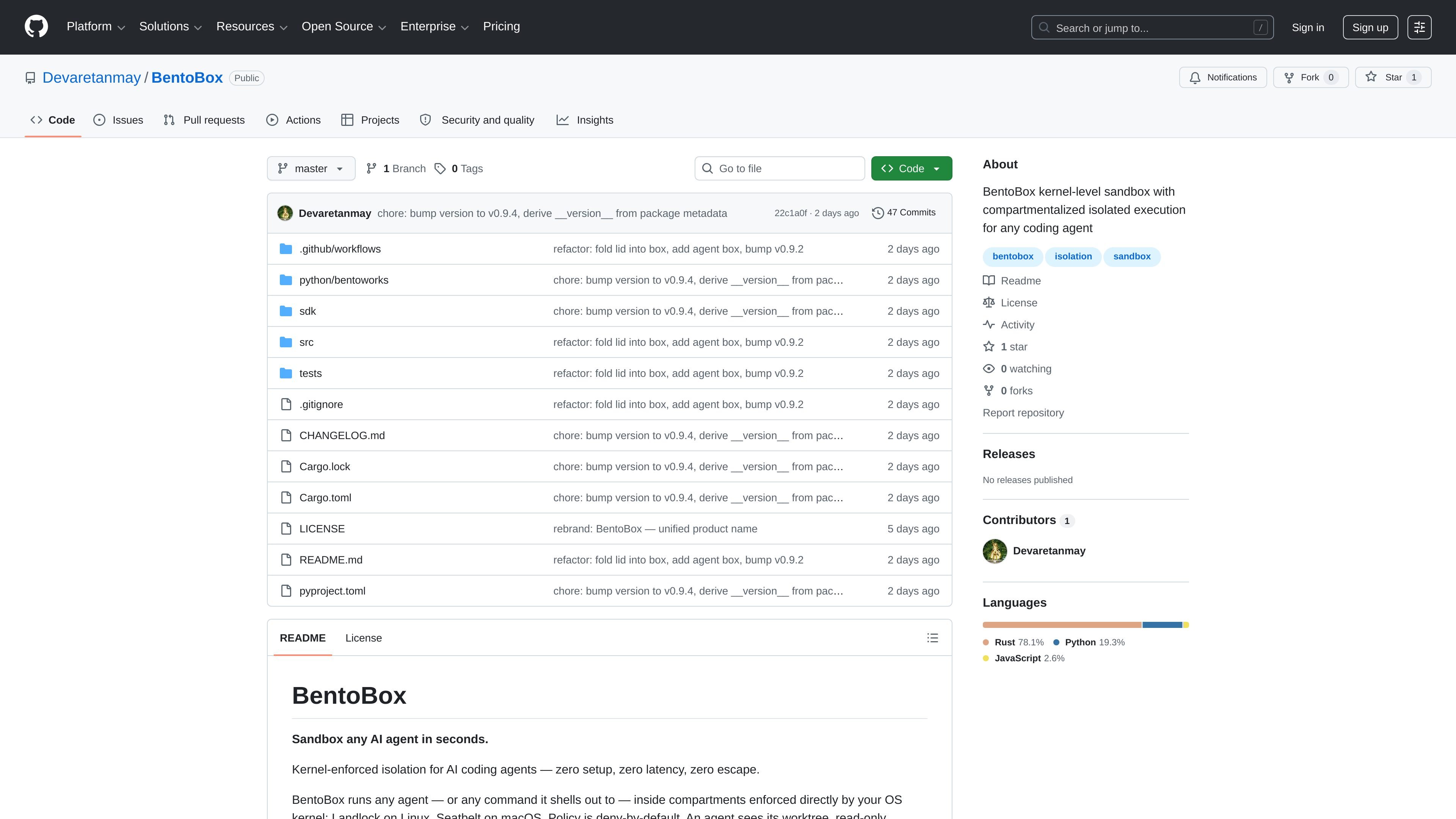
BentoBox is a kernel-level sandbox for running coding agents and other commands inside compartmentalized execution environments. The README describes it as a way to sandbox an AI agent in seconds with zero setup and zero startup latency, using kernel enforcement instead of interpreter-level controls.
The product is built around deny-by-default compartments. An agent can work in its assigned workspace and any paths or permissions you explicitly grant, while access to credential files, arbitrary system paths, network access, and other resources remains blocked unless a policy allows it. The repository also documents Python and TypeScript SDKs over a Rust core, plus specialized behavior modules such as credential proxying, snapshots, and output compression.
Runs agents and shell commands inside compartments enforced directly by the operating system kernel rather than by the interpreter.
Uses deny-by-default access rules so worktrees can be opened while unapproved paths, credentials, and other sensitive areas stay blocked unless explicitly allowed.
Supports named compartments with their own permissions, resource limits, and message routes, allowing separate steps such as fetch, build, and deploy.
Provides control over filesystem, process, and network access, including full network access or localhost-only per box.
Includes hash-based snapshots and rollback so changed files can be restored and deleted files can come back.
Offers Python and TypeScript wrappers over a single Rust core, with examples shown in the Python README and SDK documentation.
Use BentoBox when you want to run a coding assistant against a repository without giving it free access to SSH keys, cloud configs, or other credentials outside the assigned workspace.
Use named compartments to split a workflow into fetch, build, and deploy stages, with different filesystem and network permissions for each step.
Run builds, tests, or package commands in a constrained environment where the command can read what it needs but cannot write broadly or access the network unless allowed.
Use the snapshot and rollback behavior when you want file changes made during a run to be restorable, including files that were deleted during execution.
Use the Python SDK or TypeScript wrappers when you want to integrate the sandbox into code that already runs in one of those languages rather than invoking a standalone tool only.
BentoBox is designed to run agents or agent-launched commands inside kernel-enforced compartments. The README highlights Linux support through Landlock and macOS support through Seatbelt.
The README shows Python usage with the bentoworks package and also says there are Python and TypeScript wrappers over a Rust core.
Yes. The source includes an example of a multi-compartment pipeline where one compartment passes work to another using edge() and box.run(entry=...).
BentoBox uses deny-by-default policies. A compartment only gets access to the permissions it is explicitly granted, such as fs_read, fs_write, fs_exec, or network.
The README does not present hosted pricing for BentoBox itself. The repository is public on GitHub, and the product is described as a sandbox you run through its own runtime and SDKs.

ByteAsk is a terminal-first AI coding agent for C and C++ that edits repositories and verifies changes with the real compiler, debugger, sanitizers, and tests before showing a diff. It offers a free tier plus paid plans, with editor connectors and zero-retention handling described in the source.

Manta AI is an autonomous web app testing tool for teams that want to map application behavior, catch regressions, and generate tests without writing scripts or maintaining selectors. It works from a URL and supports plain-English test flows, run results with screenshots, and scheduled or deployment-triggered checks.

CreateOS Sandbox is an isolated compute environment for running code and agent workloads inside Firecracker micro-VMs. It is designed for workflows that need machine-level isolation, private networking between sandboxes, and programmatic control through SDK, CLI, or MCP.

hob is an independent workspace for coding agents that keeps agent sessions, terminals, history, and follow-up work organized around the tools and providers you already use. It is aimed at developers who want local control over routing, history, and workspace structure rather than a bundled model stack.

SonOf connects to your repo and PM tool, audits the codebase and surrounding product context, and turns approved work into shipped tickets with senior engineering review. It is aimed at founders and engineering leaders who need backlog help without hiring a full team immediately.

Ghost é um assistente de IA para terminal, para conversar, gerar código e executar tarefas no prompt. Traz modelos gratuitos, funciona no Linux, macOS e Windows e é open source.