
Dedicated browser for logged-in work
BrowserOS neo is a separate browser for agents that use your existing sign-ins, so the agent can work in accounts like Gmail, GitHub, or banking sites without taking over your main browser.

BrowserOS neo is a local, open-source browser for AI agents that need to work inside your logged-in accounts. It supports live watching, parallel runs, session replay, and one-click MCP connections to tools like Claude Code, Cowork, Cursor, and Codex.
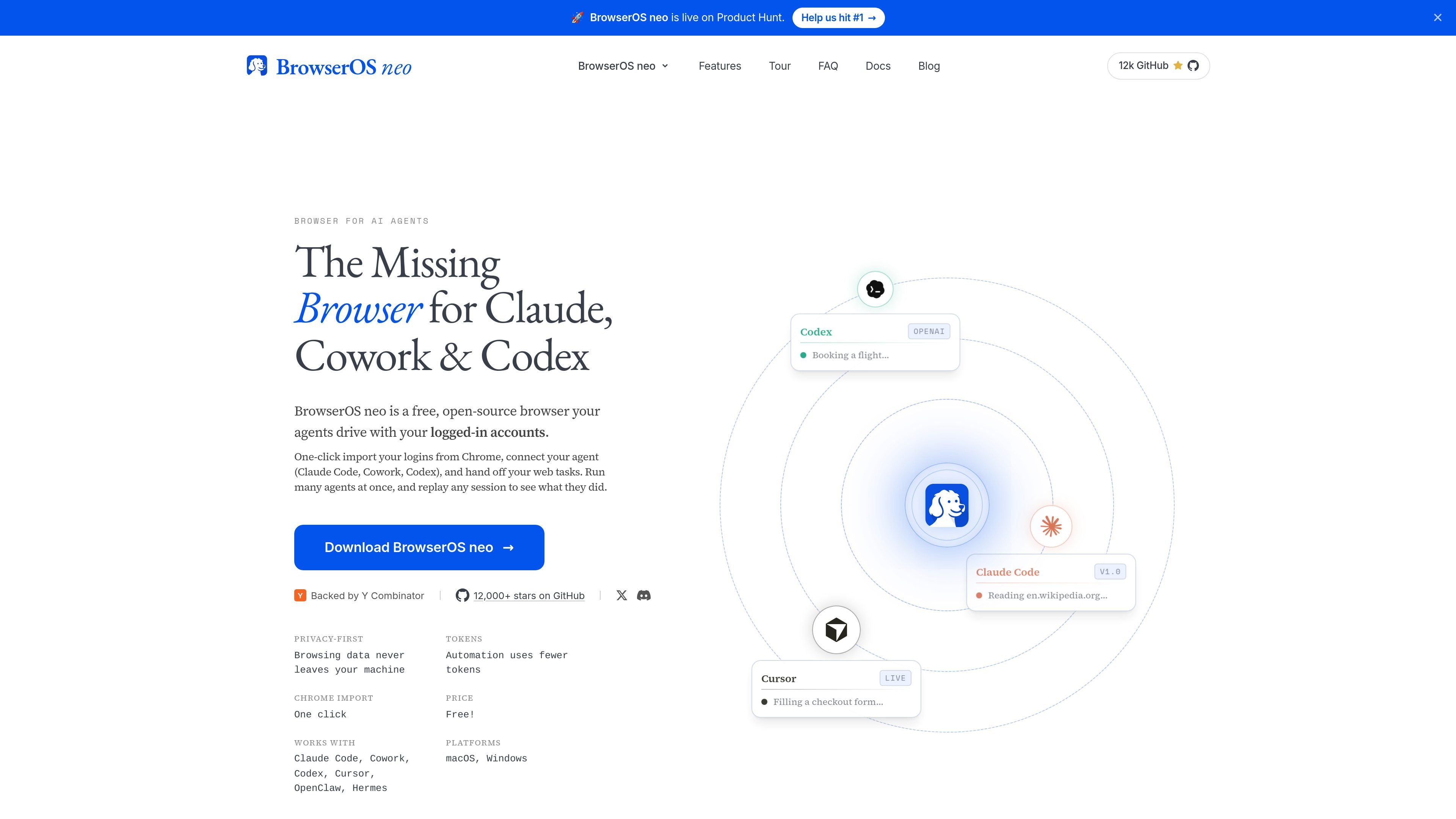
BrowserOS neo is a local browser built for AI agents that need to work inside your existing online accounts. The homepage positions it as a separate browser for agents such as Claude, Cowork, Codex, and Cursor, so they can browse, click, type, and submit actions while you keep using your own browser.
The product emphasizes visibility and control over agent activity. It supports live watching, parallel runs, session replay, and local logging, and it connects to agent tools through MCP without requiring config files or CLI setup. The site also says BrowserOS neo is free and available for macOS and Windows.
BrowserOS neo is a separate browser for agents that use your existing sign-ins, so the agent can work in accounts like Gmail, GitHub, or banking sites without taking over your main browser.
The product says agents work with compact page snapshots and batched actions rather than raw HTML, which is presented as a way to reduce round trips and token usage.
Multiple agents can run at the same time, each in its own tab, while you continue browsing. The homepage describes a cockpit dashboard that tracks which site, tool, and step each agent is on.
Every run can be watched live, replayed later, and logged locally on disk. The page also describes session replay as a full-screen, scrubbable video that lets you revisit mistakes.
BrowserOS neo connects through MCP to Claude Code, Cowork, Cursor, and Codex with one click, and the site says no config files or CLI setup are needed for that connection.
The homepage says the browser ships with isolated, toggle-grouped tabs and a built-in cockpit view for managing multiple agents from the new tab page.
Use BrowserOS neo when an agent needs to act inside a personal or work account, such as Gmail, GitHub, or banking sites, while you keep your own browser session separate.
Run several web tasks at once in separate tabs, such as booking travel, clearing email, and finding apartments, without pausing your own browsing session.
Use the live view, logs, and replay tools to inspect what an agent did, find where it went wrong, and adjust how you prompt it next time.
Connect BrowserOS neo to Claude Code, Cowork, Cursor, or Codex when you want browser automation from the terminal or IDE through MCP.
Use the browser as a command center for connected apps and MCP servers when a workflow spans web pages and external tools such as email, calendars, or notes.
BrowserOS neo is described as a local, open-source browser that AI agents such as Claude, Cowork, Codex, and Cursor can use to drive web tasks while signed in to your own accounts.
The source says BrowserOS neo is free, and the broader BrowserOS site describes BrowserOS as free and open source. The pricing page itself returns a not-found page, so no plan structure is available there.
BrowserOS neo currently supports macOS and Windows according to the homepage download section. The broader BrowserOS site also lists Linux support for BrowserOS.
BrowserOS neo connects to Claude Code, Cowork, Cursor, and Codex via MCP. The homepage says it can also spot those agents already on your machine and connect with one click.
The homepage says each agent can run in its own tab, with a cockpit dashboard that shows what each agent is doing. It also supports live watching, session replay, and logging every action to disk.

ByteAsk is a terminal-first AI coding agent for C and C++ that edits repositories and verifies changes with the real compiler, debugger, sanitizers, and tests before showing a diff. It offers a free tier plus paid plans, with editor connectors and zero-retention handling described in the source.

CreateOS Sandbox is an isolated compute environment for running code and agent workloads inside Firecracker micro-VMs. It is designed for workflows that need machine-level isolation, private networking between sandboxes, and programmatic control through SDK, CLI, or MCP.

hob is an independent workspace for coding agents that keeps agent sessions, terminals, history, and follow-up work organized around the tools and providers you already use. It is aimed at developers who want local control over routing, history, and workspace structure rather than a bundled model stack.

Manta AI is an autonomous web app testing tool for teams that want to map application behavior, catch regressions, and generate tests without writing scripts or maintaining selectors. It works from a URL and supports plain-English test flows, run results with screenshots, and scheduled or deployment-triggered checks.

SonOf connects to your repo and PM tool, audits the codebase and surrounding product context, and turns approved work into shipped tickets with senior engineering review. It is aimed at founders and engineering leaders who need backlog help without hiring a full team immediately.

Macuse is a macOS app that lets AI assistants control native Mac apps through MCP and use Computer Use for any app. It works with clients like Claude Desktop, Cursor, and Raycast, and keeps automation on-device.