
Isolated per-repo sandboxes
Create multiple isolated cells for a repository, each with its own branch and terminal access, so different agents or tasks can run side by side without sharing the same workspace.

Hotcell is a self-hostable sandbox SDK for running AI-agent sandboxes on your own hardware. It helps keep API keys on the host while agents work in isolated cells on local or self-managed infrastructure.
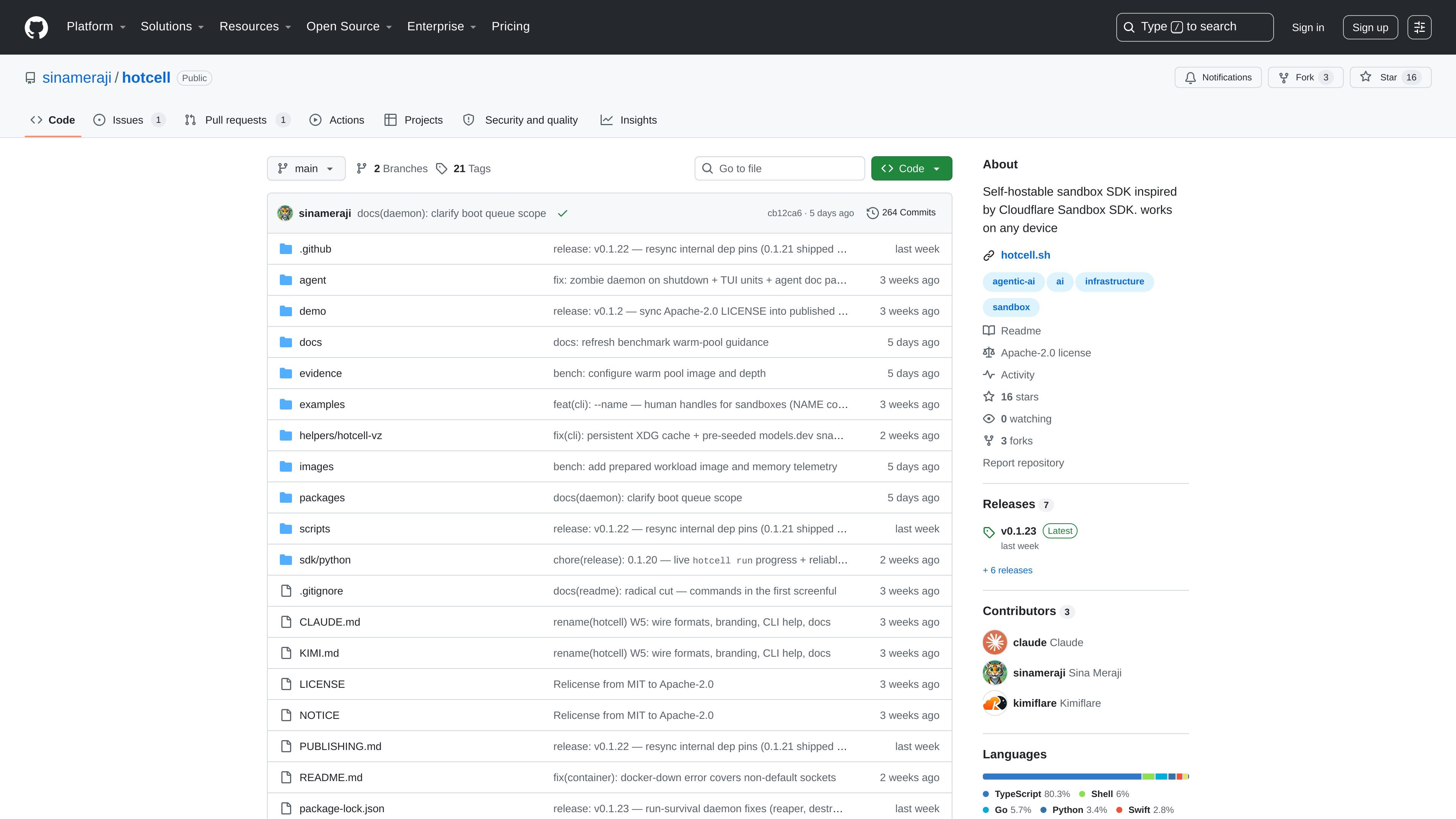
Hotcell is a self-hostable sandbox SDK for running AI-agent sandboxes on your own hardware. The README positions it as a way to keep isolated workspaces on a Mac Mini, cloud VM, or bare-metal box while keeping API keys on the host instead of inside each sandbox.
The product centers on a command-line workflow for creating, entering, and deleting cells around a repository. The examples show multi-cell setups for parallel agent work, one-shot command runs, and optional gateway-based egress for LLM and GitHub access.
Create multiple isolated cells for a repository, each with its own branch and terminal access, so different agents or tasks can run side by side without sharing the same workspace.
Install the tool globally and start from a guided setup, then manage cells and jobs from the command line with create, terminal, run, and rm commands.
Keep provider keys on the host and use a gateway or per-sandbox token path when egress is enabled, so the sandbox does not need the raw credential.
Support Docker-based runtimes and, on supported platforms, microVM-style isolation with Firecracker on Linux/KVM and Apple VZ on macOS.
Allow per-cell resource accounting and admission control, with live CPU, memory, and cost visibility called out in the README.
Offer configurable egress handling, including optional default-deny behavior and route-based key mapping for protected HTTP APIs.
Use Hotcell when you want several agents or experiments to work on the same repository at once without sharing files or branches. The README example creates five cells, each with its own branch and terminal.
Run a short setup or validation task in an isolated environment, then destroy the cell afterward. The README shows a one-shot command pattern that creates, runs setup steps, executes a command, and removes the sandbox.
Use the tool when you want API keys to stay on the host while sandboxes still reach supported services like LLM providers or GitHub through a gateway.
Choose it for local or self-hosted infrastructure when you need isolated agent environments on a Mac Mini, a cloud VM, or bare-metal hardware rather than a managed cloud product.
Apply it when you need a mix of container-style and microVM-style isolation under one CLI, depending on the host platform and security requirements.
Hotcell is set up from the command line after installing it globally, and the README says the first run includes a 30-second guided setup. The exact steps are documented in the project docs, but the public README only shows the installation and startup flow.
The README presents Hotcell as a way to run sandboxes on your own hardware, including a Mac Mini, a cloud VM, or a bare-metal machine. It also notes support for Docker-based runtimes and microVM-based isolation behind one interface.
The project describes a workflow where you can create isolated cells for a repository, open a terminal inside each cell, run one-off commands, and remove all cells when finished. The example commands show repo cloning, branching, and cleanup after use.
Hotcell is presented as self-hostable software, and the README does not show a separate product pricing model. The GitHub pricing page only confirms GitHub account plan tiers, not Hotcell-specific pricing.
The README shows a key-handling flow that keeps API keys on the host and routes sandbox access through a gateway when egress is enabled. It also explains that some protocols and request styles are not protected by the gateway, such as non-HTTP protocols and request-signing schemes.

CreateOS Sandbox is an isolated compute environment for running code and agent workloads inside Firecracker micro-VMs. It is designed for workflows that need machine-level isolation, private networking between sandboxes, and programmatic control through SDK, CLI, or MCP.

ByteAsk is a terminal-first AI coding agent for C and C++ that edits repositories and verifies changes with the real compiler, debugger, sanitizers, and tests before showing a diff. It offers a free tier plus paid plans, with editor connectors and zero-retention handling described in the source.

hob is an independent workspace for coding agents that keeps agent sessions, terminals, history, and follow-up work organized around the tools and providers you already use. It is aimed at developers who want local control over routing, history, and workspace structure rather than a bundled model stack.

Manta AI is an autonomous web app testing tool for teams that want to map application behavior, catch regressions, and generate tests without writing scripts or maintaining selectors. It works from a URL and supports plain-English test flows, run results with screenshots, and scheduled or deployment-triggered checks.

SonOf connects to your repo and PM tool, audits the codebase and surrounding product context, and turns approved work into shipped tickets with senior engineering review. It is aimed at founders and engineering leaders who need backlog help without hiring a full team immediately.

Ghost é um assistente de IA para terminal, para conversar, gerar código e executar tarefas no prompt. Traz modelos gratuitos, funciona no Linux, macOS e Windows e é open source.