
Project launcher
Launch Claude Code sessions with recent projects, model selection, plan mode, and one-click resume for previous work.

MOTHER is a macOS terminal app built around Claude Code sessions, with session launching, resuming, attention alerts, and a built-in web preview pane in version 1.1.
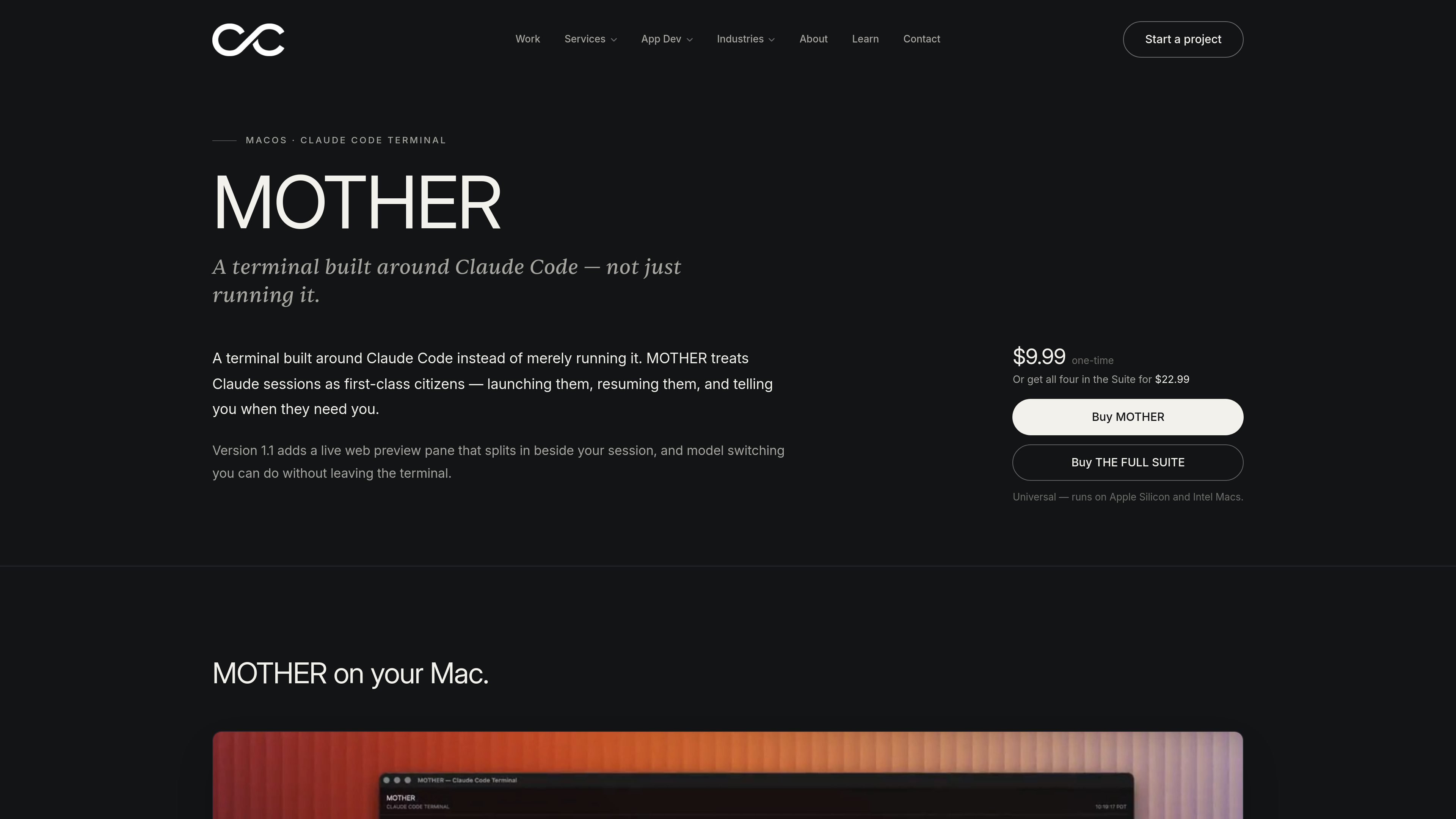
MOTHER is a macOS app for working with Claude Code sessions from a terminal that treats those sessions as first-class objects. Rather than simply running Claude Code in a shell, it adds a project launcher, session resuming, attention alerts, and built-in controls around the workflow.
Version 1.1 adds a live web preview pane that can split beside the session, along with model switching from inside the terminal. The page also says MOTHER includes a real PTY terminal underneath, tabs and splits, drag-and-drop path insertion, and a command reference for shortcuts and flags.
Launch Claude Code sessions with recent projects, model selection, plan mode, and one-click resume for previous work.
Run full PTY terminal sessions in tabs and splits so MOTHER remains a complete terminal even when Claude is not active.
Show a menu-bar M indicator that lights up and can optionally chime when Claude needs your input while you are away.
Drag files onto a session to insert their shell-quoted paths directly onto the command line.
Open a built-in command reference as a tab beside a live session for shortcuts and Claude Code flags.
Split a browser preview beside the session, embed local dev servers where possible, and switch models in place from the terminal.
Open recent Claude Code work, choose a model, and resume an existing session without recreating the context by hand.
Keep a PTY terminal open in tabs or splits while Claude runs tasks, so you can continue using the terminal normally when needed.
Watch for the menu-bar indicator when you step away, then return to the session when Claude needs input or confirmation.
Split a live browser preview next to a session for localhost development, with controls for reload, browser open, and split orientation.
Drag files onto a session to insert their quoted paths, which is useful when feeding file references into a prompt or command.
MOTHER is a macOS terminal app built around Claude Code sessions. It is designed to launch sessions, resume them, and surface when Claude needs input while you are elsewhere.
The page describes recent projects, model selection, plan mode, one-click resume of past sessions, a live web preview pane, and model switching from within the terminal. It also includes a built-in command reference.
MOTHER shows a menu-bar alert and can optionally chime when Claude needs input. It also supports tabs and splits, file-path insertion by dragging files onto a session, and a PTY-based terminal underneath Claude.
The page says version 1.1 adds a live web preview pane that can split beside a session and model switching without leaving the terminal. It also notes that some sites that refuse to embed open in the default browser instead.
The source does not describe team features, sync, or multi-device usage. The product copy focuses on individual macOS workflows and on-device terminal sessions.

ByteAsk is a terminal-first AI coding agent for C and C++ that edits repositories and verifies changes with the real compiler, debugger, sanitizers, and tests before showing a diff. It offers a free tier plus paid plans, with editor connectors and zero-retention handling described in the source.

Ghost é um assistente de IA para terminal, para conversar, gerar código e executar tarefas no prompt. Traz modelos gratuitos, funciona no Linux, macOS e Windows e é open source.

Vi3ecode is a maintained development environment for working with AI coding agents. It keeps project context, terminal, Git, memory, flows, review, and communication connected around the agent you already use.

CreateOS Sandbox is an isolated compute environment for running code and agent workloads inside Firecracker micro-VMs. It is designed for workflows that need machine-level isolation, private networking between sandboxes, and programmatic control through SDK, CLI, or MCP.

hob is an independent workspace for coding agents that keeps agent sessions, terminals, history, and follow-up work organized around the tools and providers you already use. It is aimed at developers who want local control over routing, history, and workspace structure rather than a bundled model stack.

Manta AI is an autonomous web app testing tool for teams that want to map application behavior, catch regressions, and generate tests without writing scripts or maintaining selectors. It works from a URL and supports plain-English test flows, run results with screenshots, and scheduled or deployment-triggered checks.