Murmell icon

Murmell

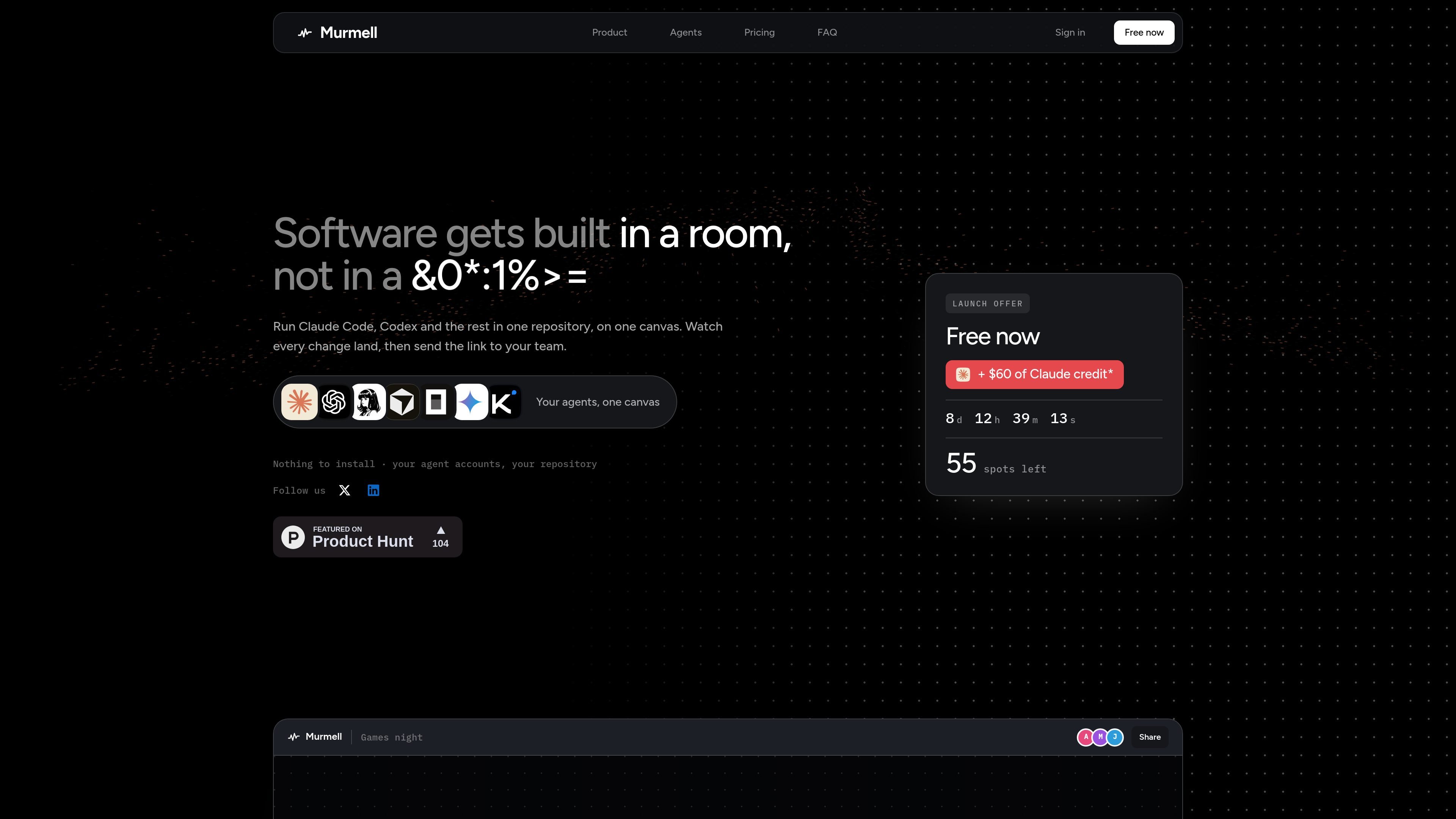
Murmell is a browser-based canvas for running multiple AI coding agents in one shared project directory. It is designed for live collaboration, with file reservations that help prevent agents from overwriting one another.

Murmell

Overview

Murmell is a browser-based canvas for coding agents. It runs tools such as Claude Code, Codex, Kimi, and OpenCode on cloud machines and places several agents in one project directory so they can work side by side on the same repository.

Its main purpose is to make parallel agent work visible and coordinated. Each agent opens in its own terminal window, claims the file paths it plans to edit, and is blocked from writing if another agent already holds that path. The result is a shared workspace for code, review, and live collaboration instead of isolated agent runs that only meet at the end.

Features

Real agent terminals in one canvas

Run Claude Code, Codex, Kimi, OpenCode and other command-line agents inside separate browser windows on a cloud machine. The windows show the real terminal output as it appears, so the canvas reflects live execution rather than a static log.

One shared repository

All agents work in one project directory instead of in separate copies of the repository. That makes the canvas useful when several agents need to touch the same codebase at the same time.

File reservation before writes

Before writing, each agent claims the file paths it intends to edit. The server enforces a single holder per path and refuses other writers until the reservation is released, reducing silent overwrites.

Shared viewing and collaborative links

The canvas is visible to everyone on the link, and viewers can see who joined, which window they are watching, and where cursors are moving. Edit links are limited by plan, while read links are free and do not require an account.

Cloud workspace with private repository

Projects run on Murmell-operated machines, and the workspace is disposable while the GitHub repository persists. The site says work is pushed before the machine is torn down.

Bring-your-own-agent accounts

Murmell can launch the agent tools you already use and says nothing is resold and no key is stored. The product is positioned around bringing your existing accounts into a shared collaboration layer.

Use Cases

  • Parallel work on a shared repository

    Use Murmell when you want several coding agents to work on one codebase at the same time without quietly overwriting each other. The file reservation board is designed for exactly that coordination problem.

  • Live collaboration and review

    Use it when you want teammates to watch agent work live from a link, including the terminals, joined users, and cursor positions. Read access is free, so it can serve as a shared viewing room for progress updates.

  • Long-running agent sessions

    Use it for browser-accessible coding sessions where the session should continue after you close the tab. The agents belong to the canvas, not to the browser window, so work can keep running in the background.

  • Remote agent execution with your own accounts

    Use it when you want to keep your own agent accounts and repository while Murmell supplies the machines and coordination layer. The site says it launches the command-line tools you already pay for and does not store your key.

Pros and Cons

Pros

  • Lets multiple coding agents work in one directory instead of splitting into separate copies.
  • Uses server-enforced file reservations to prevent quiet overwrites between agents.
  • Shows live terminal output and cursors to everyone on the link, which makes agent work observable as it happens.
  • Supports collaboration from the browser without needing installation on the user’s machine.
  • Uses the command-line agent tools users already pay for, rather than reselling the models themselves.

Cons

  • The product is built around a shared cloud workspace, so it does not run on your local machine.
  • Edit links are capped by plan, and the site does not expose full pricing details on the pages provided.

FAQ

What is Murmell?

Murmell is a browser-based canvas for running several AI coding agents in one project directory. It opens agents such as Claude Code and Codex in separate terminal windows, and everyone with the link can watch the same canvas as work happens.

Can several people use one canvas at the same time?

Yes. The source says anyone with a read link can watch the canvas without an account, while edit links are capped by plan. People on the link see the same room, including cursors, joined users, and terminal output as it lands.

Does Murmell run locally or in the cloud?

Projects run on cloud machines operated by Murmell, not on your laptop. The browser displays the terminals and sends your keystrokes to the remote machine.

How does Murmell pricing work?

Murmell is a paid product. The site says one week is free on Pro or Builder, watching a running canvas needs no account, and coming back to a canvas that is off needs Pro.

When is Murmell a good fit?

Murmell positions itself for parallel agent work in one shared repository, especially when you want several agents in the same directory and other people to watch the work. The comparison page says many other tools isolate each agent in its own copy, worktree, branch, or VM instead.

Quick Facts

Category
Developer Tool
Platform
Browser-based cloud workspace
Primary model
Multiple AI coding agents in one project directory
Deployment
Projects run on Murmell-operated cloud machines
Source domain
murmell.com
Pricing shape
Paid product with one week free on Pro or Builder

Alternativas ao Murmell

hob icon

hob

hob is an independent workspace for coding agents that keeps agent sessions, terminals, history, and follow-up work organized around the tools and providers you already use. It is aimed at developers who want local control over routing, history, and workspace structure rather than a bundled model stack.

ByteAsk icon

ByteAsk

ByteAsk is a terminal-first AI coding agent for C and C++ that edits repositories and verifies changes with the real compiler, debugger, sanitizers, and tests before showing a diff. It offers a free tier plus paid plans, with editor connectors and zero-retention handling described in the source.

CreateOS Sandbox icon

CreateOS Sandbox

CreateOS Sandbox is an isolated compute environment for running code and agent workloads inside Firecracker micro-VMs. It is designed for workflows that need machine-level isolation, private networking between sandboxes, and programmatic control through SDK, CLI, or MCP.

Manta AI icon

Manta AI

Manta AI is an autonomous web app testing tool for teams that want to map application behavior, catch regressions, and generate tests without writing scripts or maintaining selectors. It works from a URL and supports plain-English test flows, run results with screenshots, and scheduled or deployment-triggered checks.

SonOf icon

SonOf

SonOf connects to your repo and PM tool, audits the codebase and surrounding product context, and turns approved work into shipped tickets with senior engineering review. It is aimed at founders and engineering leaders who need backlog help without hiring a full team immediately.

Ghost icon

Ghost

Ghost é um assistente de IA para terminal, para conversar, gerar código e executar tarefas no prompt. Traz modelos gratuitos, funciona no Linux, macOS e Windows e é open source.

Murmell - AI Tool, Features, Use Cases & Alternatives | UStack