
Provider status monitoring
Monitors the official status feeds of AWS, Cloudflare, OpenAI, GitHub, Slack, and 160+ other cloud and SaaS vendors, then normalizes their status into one shared vocabulary.

OutageDeck monitors official status feeds for cloud and SaaS vendors and sends outage alerts through email, Slack, Microsoft Teams, Discord, or webhooks. It also provides a JSON API, RSS feeds, status badges, and MCP access for teams and coding agents that need machine-readable status data.
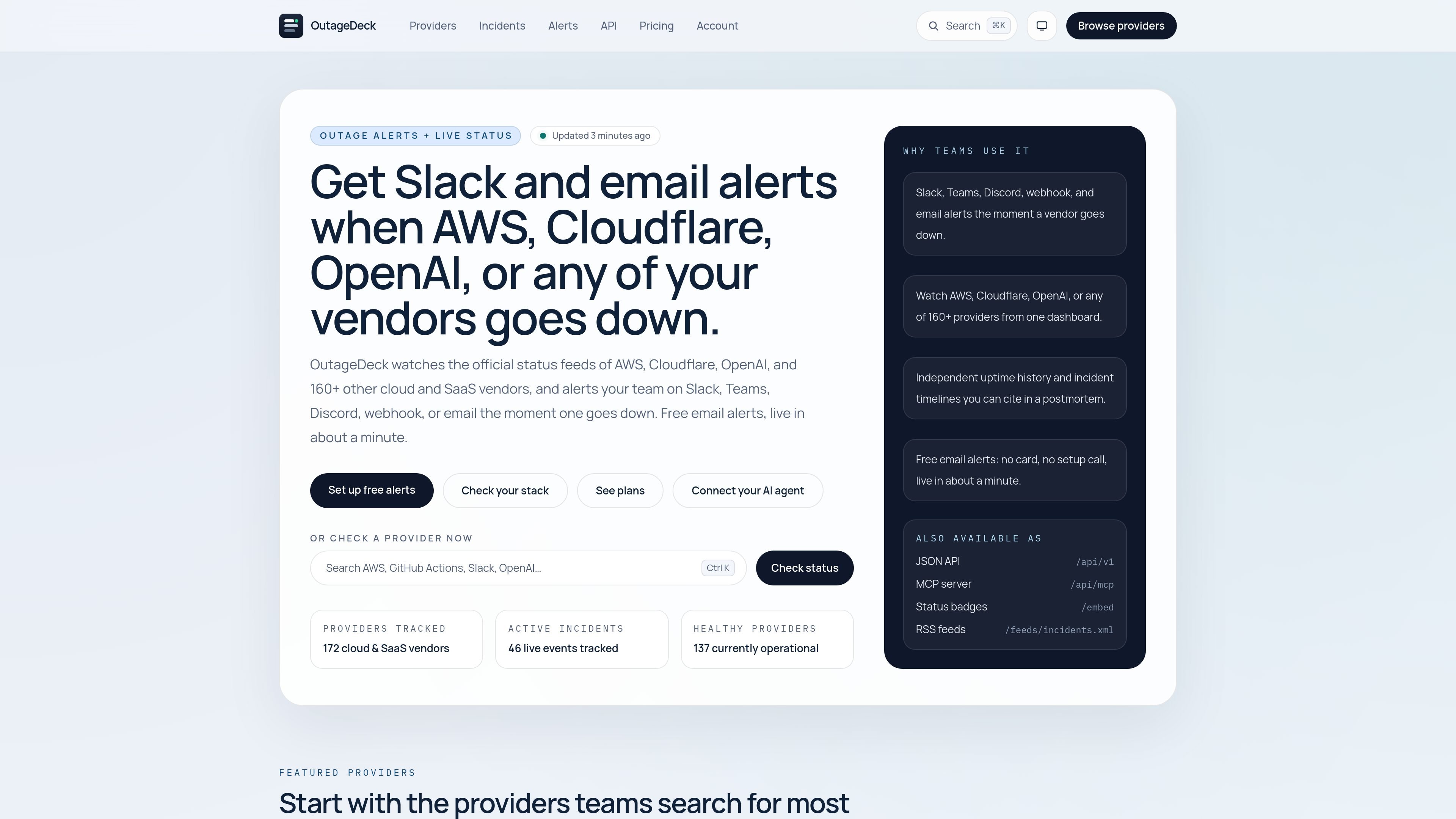
OutageDeck is a vendor status and outage alert service that reads official status feeds from cloud and SaaS providers, then turns them into a consistent status view with historical context. It tracks AWS, Cloudflare, OpenAI, and 160+ other vendors, and updates provider pages and incident timelines as changes are detected.
It is built for teams that want alerts and machine-readable status data without relying on crowd-reported outages. Free accounts can receive email alerts for up to 5 providers, while paid plans add Slack, Microsoft Teams, Discord, webhook delivery, more alert rules, custom providers, and higher API quotas.
Monitors the official status feeds of AWS, Cloudflare, OpenAI, GitHub, Slack, and 160+ other cloud and SaaS vendors, then normalizes their status into one shared vocabulary.
Sends alerts by email on the free plan, with paid-plan delivery to Slack, Microsoft Teams, Discord, and generic webhooks.
Lets you scope a subscription to all providers, specific providers, or specific services, so different teams can receive different incident notifications.
Publishes a versioned JSON API, embeddable status badges, and RSS feeds for dashboards, documentation, and automation.
Provides an MCP server so coding agents can ask whether a vendor is down, read incident timelines, and fetch uptime history without a key.
Supports custom providers and authenticated feeds on paid tiers, including higher alert-rule counts and higher API quotas.
Set up a watch on AWS, Cloudflare, OpenAI, or another vendor and receive an alert when the provider's official status changes or an incident appears in its feed.
Route different alert rules to Slack, Teams, Discord, email, or webhooks so operations, engineering, or client-facing teams receive only the incidents relevant to them.
Use the JSON API, RSS feeds, or status badges to display vendor health in dashboards, internal docs, or automation workflows.
Connect an MCP client such as Claude Code or Cursor to check whether a vendor is down, review incident timelines, and pull uptime history while debugging or planning work.
Add custom or authenticated feeds on paid plans when you need to track providers or internal status sources that are not covered by the default public vendor list.
Yes. The free plan never expires and includes email outage alerts for up to 5 providers. Provider pages, incident history, uptime data, the JSON API, status badges, and RSS feeds are available without an account, but paid plans are required for Slack, Teams, Discord, webhook alerts, and broader alert routing.
OutageDeck checks each provider’s official status source about every 10 minutes. When it detects a change, it can send an alert to the destinations on your subscription, including email on the free plan and Slack, Teams, Discord, or webhook destinations on paid plans.
You can set up subscriptions to watch all providers, specific providers, or specific services. The free tier is limited to named providers and email alerts, while paid plans add whole-stack and per-service scopes plus team channels and webhook delivery.
Yes. On paid plans, you can add a team or client address as an alert destination, confirm it through an emailed link, and use one-click unsubscribe links in delivered alerts. Free accounts send alerts to the account owner’s email address.
The site exposes a versioned JSON API, status badges, RSS feeds, and an MCP server. The API has anonymous access with rate limits on the free tier, while paid plans include API keys with higher quotas.

ClawTick is an AI agent automation platform for scheduling jobs from the CLI, dashboard, or REST API. It is aimed at developers and teams running LangChain, CrewAI, webhook, or custom agent workflows that need monitoring, alerts, and logs.

OpenFlags is an open-source, self-hosted feature flag platform for modern JavaScript teams. It supports local evaluation, targeted rollouts, and controlled launches while keeping flag data in your own infrastructure.

ByteAsk is a terminal-first AI coding agent for C and C++ that edits repositories and verifies changes with the real compiler, debugger, sanitizers, and tests before showing a diff. It offers a free tier plus paid plans, with editor connectors and zero-retention handling described in the source.

PromptScout tracks how ChatGPT, Gemini, Google AI Overviews, and Perplexity mention your brand or competitors, then pairs those results with source analysis and website audits. It helps teams decide what to fix in content, positioning, or site readiness next.

CreateOS Sandbox is an isolated compute environment for running code and agent workloads inside Firecracker micro-VMs. It is designed for workflows that need machine-level isolation, private networking between sandboxes, and programmatic control through SDK, CLI, or MCP.

Sleek Analytics is a privacy-friendly web analytics tool with real-time visitor tracking, Core Web Vitals, and revenue attribution. It helps site owners understand traffic and conversions without cookie banners or a heavy setup.