UStackUStack
Antideploy icon

Antideploy

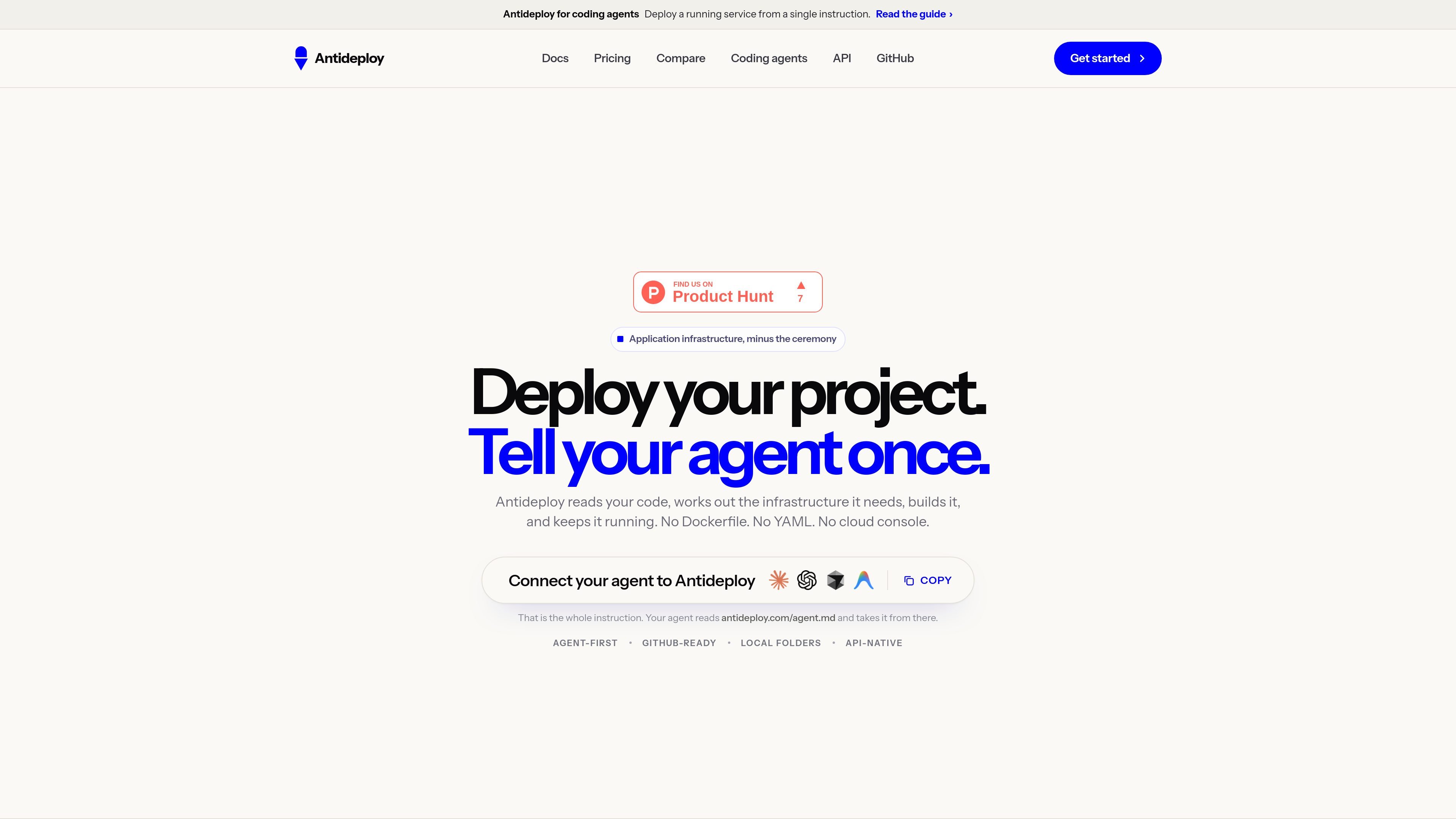
Antideploy is a developer-focused application deployment platform that analyzes project files, builds and runs web applications, and manages core infrastructure without requiring a Dockerfile, YAML configuration, or cloud-console setup. Developers can deploy from GitHub, a local folder, or compatible AI coding agents through MCP.

Antideploy

Application deployment without manual cloud configuration

Antideploy is an application deployment platform that reads a project's files, determines the infrastructure and commands it needs, builds the application, and runs it behind HTTPS. It is designed to remove routine deployment configuration such as Dockerfiles, YAML files, and cloud-console setup while showing the evidence behind its detected application specification.

Projects can reach Antideploy from GitHub, a local folder upload, or an AI coding agent using the platform's MCP server. The service can provision PostgreSQL, manage encrypted environment variables, retain deployment history, and scale idle applications to zero. It is aimed at shipping web applications and static sites, with important limits around single-instance operation, ephemeral local storage, and the absence of staging or preview environments.

Antideploy offers a free tier that includes unlimited static sites, one live application with a server, one PostgreSQL database, one storage bucket, and ten successful server-app deploys per month; paid plans add capacity and features. Static sites and failed deploys do not count toward the stated deployment limits, according to the pricing page.

Deployment and operations features

Code-based infrastructure detection

Antideploy inspects project files to identify the runtime, framework, build and start commands, port, database requirements, and environment variables. Its findings cite the files used as evidence rather than relying on an opaque model guess.

Managed builds and containers

Buildpacks turn the repository into a container, so projects can be deployed without maintaining a Dockerfile or cloud configuration files.

Application infrastructure

Applications are served over HTTPS at an Antideploy address, with automatic provisioning of PostgreSQL when the project uses it and encrypted environment secrets injected at release.

Operations and rollback

The platform provides build and runtime logs, health checks with email notifications when an app changes state, deployment history, and rollback to a previously built image.

AI coding-agent deployment

The MCP server lets Claude Code, Cursor, Windsurf, Codex, and other MCP clients package a project, start a deployment, poll its status, and receive structured warnings and hazards.

GitHub and folder workflows

GitHub connections can redeploy on every push or wait for a manual deployment; projects can also be uploaded from a local folder through the dashboard.

Practical deployment scenarios

  • Deploy a GitHub web application

    A developer can connect a repository and choose automatic deployment on each push or keep commits waiting until a manual redeploy is requested. This suits projects that need a simple Git-based release path.

  • Publish a local folder

    A developer can select a directory in the dashboard and deploy it without setting up Git or installing a command-line tool. This is useful for a one-off site, prototype, or local project that is ready to publish.

  • Ship directly from an AI coding session

    An AI coding agent can edit an application, invoke the MCP deploy tool, watch the asynchronous build, and use structured status, warnings, or hazards to address problems in the same development session.

  • Host a static site

    A static portfolio, landing page, or frontend that builds to files can be hosted without consuming live-app or deploy quotas. Static sites are checked for phishing pages before going live.

  • Run a small database-backed app

    A small server-backed application that uses PostgreSQL can receive a managed database and an injected DATABASE_URL, while logs, health checks, and retained builds support basic ongoing operation.

Pros and Cons

Pros

  • Analyzes project files and exposes the evidence behind detected runtime, framework, commands, port, database, and environment-variable requirements.
  • Supports GitHub, local folder uploads, and MCP-based deployment from AI coding agents.
  • Provides managed builds, HTTPS, encrypted secrets, logs, health checks, deployment history, and rollback.
  • Includes a free tier with unlimited static sites and does not count failed deploys toward the monthly successful-deploy allowance.

Cons

  • Each application runs on one instance and does not provide horizontal scaling.
  • There are no staging or preview environments, and the local filesystem is ephemeral.
  • Provisioned database support is limited to PostgreSQL; object storage and custom domains are plan or workflow-dependent and not available in every documented context.

FAQ

How can a project be deployed with Antideploy?

Antideploy can receive projects from GitHub, a local folder upload, or a coding agent through its MCP server. GitHub projects can be configured to deploy on every push or only when you choose; folder and coding-agent deployments are started manually.

What does Antideploy detect during deployment?

Antideploy analyzes the project files and reports the detected runtime, framework, build and start commands, port, database needs, environment variables, warnings, and hazards before or during deployment. The MCP workflow returns a task ID and checks deployment status until the deployment succeeds or fails.

What infrastructure does Antideploy provide?

Antideploy creates a container from the repository using buildpacks, serves the application over HTTPS, and provides a platform address. It can provision PostgreSQL when the code requires it, inject the connection string as DATABASE_URL, and store encrypted environment variables.

What are Antideploy's main deployment limitations?

Each application runs on a single instance that scales to zero when idle. Antideploy does not currently provide horizontal scaling, staging or preview environments, long-running background workers, or databases other than PostgreSQL provisioning. The application filesystem is ephemeral, so persistent files should use object storage where supported.

Can an AI coding agent deploy through Antideploy?

Yes. Antideploy provides an MCP server that works with Claude Code, Cursor, Windsurf, Codex, and other MCP clients. The agent can deploy the project, monitor the build, and use the result to help diagnose or fix deployment problems.

Quick Facts

Category
Developer tool / application deployment platform
Deployment inputs
GitHub repositories, local folders, and MCP-connected coding agents
Managed runtime
Buildpacks create and run a containerized application
Database
PostgreSQL provisioning; connection supplied as DATABASE_URL when detected
Operations
HTTPS, encrypted secrets, logs, health checks, deployment history, and rollback
Idle behavior
Applications scale to zero when idle and wake on the next visit

Альтернативы Antideploy

ByteAsk icon

ByteAsk

ByteAsk is a terminal-first AI coding agent for C and C++ that edits repositories and verifies changes with the real compiler, debugger, sanitizers, and tests before showing a diff. It offers a free tier plus paid plans, with editor connectors and zero-retention handling described in the source.

CreateOS Sandbox icon

CreateOS Sandbox

CreateOS Sandbox is an isolated compute environment for running code and agent workloads inside Firecracker micro-VMs. It is designed for workflows that need machine-level isolation, private networking between sandboxes, and programmatic control through SDK, CLI, or MCP.

GitBot icon

GitBot

GitBot is a local browser-based workspace for creating reusable coding bots powered by Claude Code, Codex, or OpenCode. It helps developers run those agents across repository folders with persistent threads and configurable permissions.

hob icon

hob

hob is an independent workspace for coding agents that keeps agent sessions, terminals, history, and follow-up work organized around the tools and providers you already use. It is aimed at developers who want local control over routing, history, and workspace structure rather than a bundled model stack.

Ably Chat icon

Ably Chat

Ably Chat is a chat API platform for building custom realtime chat applications. It supports room-based messaging, typing indicators, presence, reactions, and message updates, with usage-based pricing options for different deployment stages.

Manta AI icon

Manta AI

Manta AI is an autonomous web app testing tool for teams that want to map application behavior, catch regressions, and generate tests without writing scripts or maintaining selectors. It works from a URL and supports plain-English test flows, run results with screenshots, and scheduled or deployment-triggered checks.

Antideploy - AI Tool, Features, Use Cases & Alternatives | UStack