
Visual desktop workflow
Coddo Desktop presents Claude Code in a visual workspace with chat, a Kanban board, and Git context so tasks stay organized while the agent works.

Coddo combines a visual desktop workflow for Claude Code and Codex with Whisper Island, a Mac dictation tool that inserts speech into any app. It is aimed at developers and other users who want to switch between AI-assisted coding and voice input in one ecosystem.
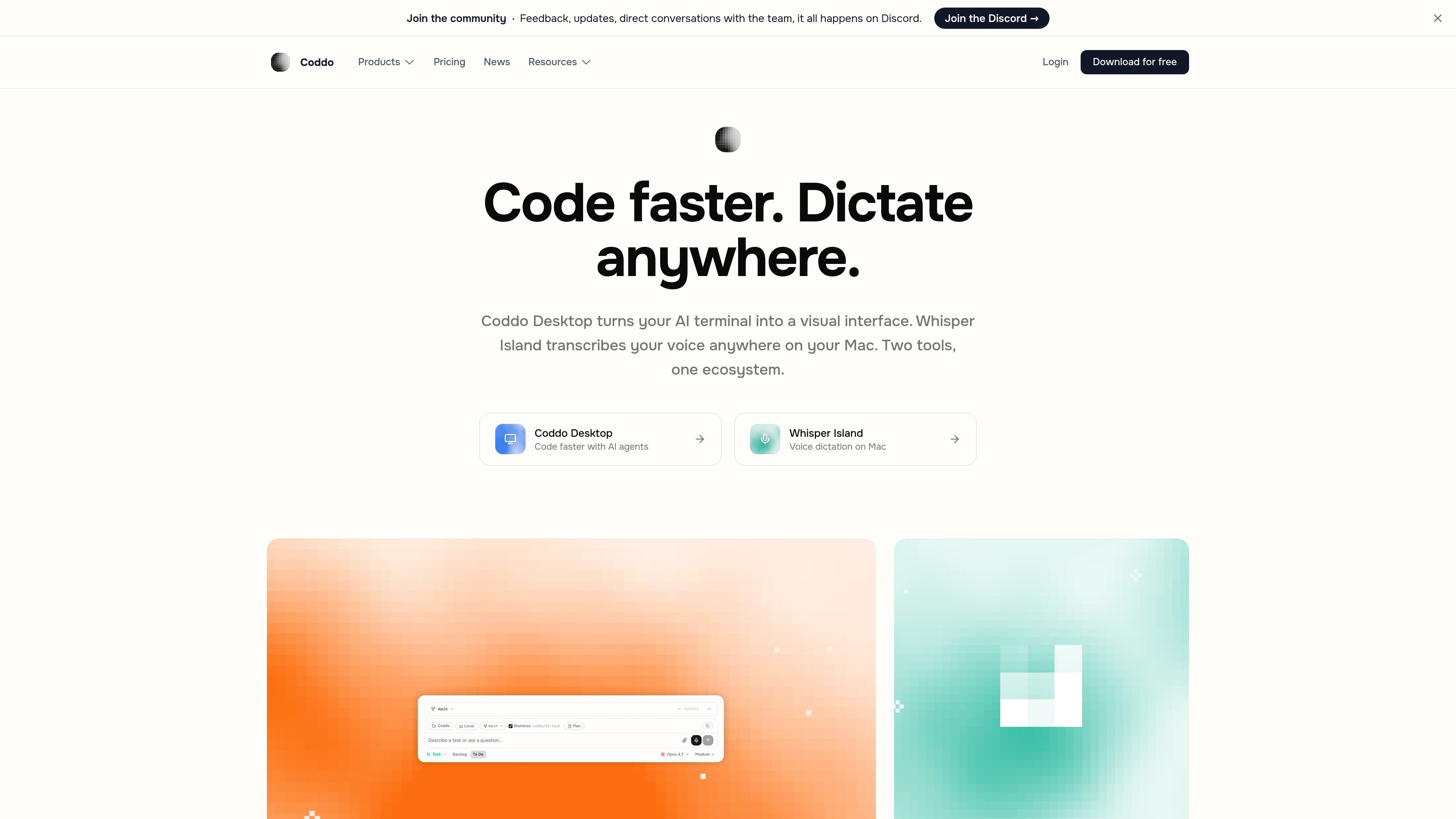
Coddo is a desktop workflow product built around two tools: Coddo Desktop for coding with Claude Code or Codex in a visual interface, and Whisper Island for voice dictation on Mac. The site positions both tools as parts of one ecosystem rather than separate standalone products.
Coddo Desktop turns an AI terminal into a command center with chat, Kanban boards, Git integration, and task automation. Whisper Island focuses on speech-to-text input that works in any application, making it useful when you want to dictate without leaving your current workflow.
Coddo Desktop presents Claude Code in a visual workspace with chat, a Kanban board, and Git context so tasks stay organized while the agent works.
Open any folder and Coddo detects the Git repository, creates a project board, and prepares the workspace for task-driven work.
Each task gets a dedicated branch, commit history, and merge flow, with one-click merge conflict resolution available inside the app.
A native chat interface lets you work with Claude Code or Codex CLI, with full streaming, quick actions, and a Plan Mode for analysis without code changes.
Custom skills let you define reusable prompts and workflows that can be shared across projects or through a skills registry.
Whisper Island provides voice dictation from the Mac notch or a floating pill, inserting transcribed text into the active application.
Use Coddo Desktop when you want to manage AI-assisted coding through a board instead of a terminal-only workflow. The app keeps chat, task status, and Git activity in one place.
Use Whisper Island when you need to dictate text into documents, browsers, or apps on your Mac without switching windows. It is designed to insert speech directly into the active application.
Use Coddo when you are juggling multiple repositories and need separate project state for each one. The desktop app keeps boards, chat history, and settings per project.
Use the built-in Git flow when you want branches, commits, merges, and conflict handling to stay tied to each task. Coddo shows branch activity and supports validation before merge.
Use the skills system when your team or personal workflow benefits from repeatable prompts such as tests, reviews, or refactors. Skills can be reused across projects.
Coddo is a desktop app for working with Claude Code and Codex through a visual interface, while Whisper Island is the voice dictation product in the Coddo ecosystem.
The source shows free plans and paid upgrades, but it does not state that a separate Claude Code subscription is required. Coddo is designed to connect to Claude Code and Codex CLI directly.
Whisper Island is described as free to start, with 1,000 words per week on the free plan and an upgrade path to unlimited usage.
Coddo Desktop is shown as available for Mac and Windows, while Whisper Island is marked as macOS only and placed in the Mac menu bar or notch area.
Coddo emphasizes local operation for its desktop workflow and says Whisper Island does not store audio recordings, instead sending speech to the OpenAI API for transcription under OpenAI API data protections.

ByteAsk is a terminal-first AI coding agent for C and C++ that edits repositories and verifies changes with the real compiler, debugger, sanitizers, and tests before showing a diff. It offers a free tier plus paid plans, with editor connectors and zero-retention handling described in the source.

Biji - это универсальная платформа, разработанная для повышения продуктивности с помощью инновационных инструментов и функций.

ClawTick is an AI agent automation platform for scheduling jobs from the CLI, dashboard, or REST API. It is aimed at developers and teams running LangChain, CrewAI, webhook, or custom agent workflows that need monitoring, alerts, and logs.

Falconer is an AI-powered company brain that keeps internal documentation accurate, searchable, and up to date by syncing with tools like GitHub, Slack, and Linear. It helps engineering and cross-functional teams centralize knowledge and answer questions from a shared source of truth.

SonOf connects to your repo and PM tool, audits the codebase and surrounding product context, and turns approved work into shipped tickets with senior engineering review. It is aimed at founders and engineering leaders who need backlog help without hiring a full team immediately.

Ghost — терминальный AI-ассистент для чата, генерации кода и запуска задач в командной строке. Бесплатные модели, Linux, macOS, Windows, open source.