
Live menu bar usage
Shows Codex usage in the macOS menu bar and updates automatically, so you can check status without opening a browser tab or running a command manually.

CodexBar Lite is a free, open-source macOS menu bar app for tracking OpenAI Codex usage and reset times. It reads the local Codex session created by codex login and shows usage without browser cookies, Keychain access, or an API key.
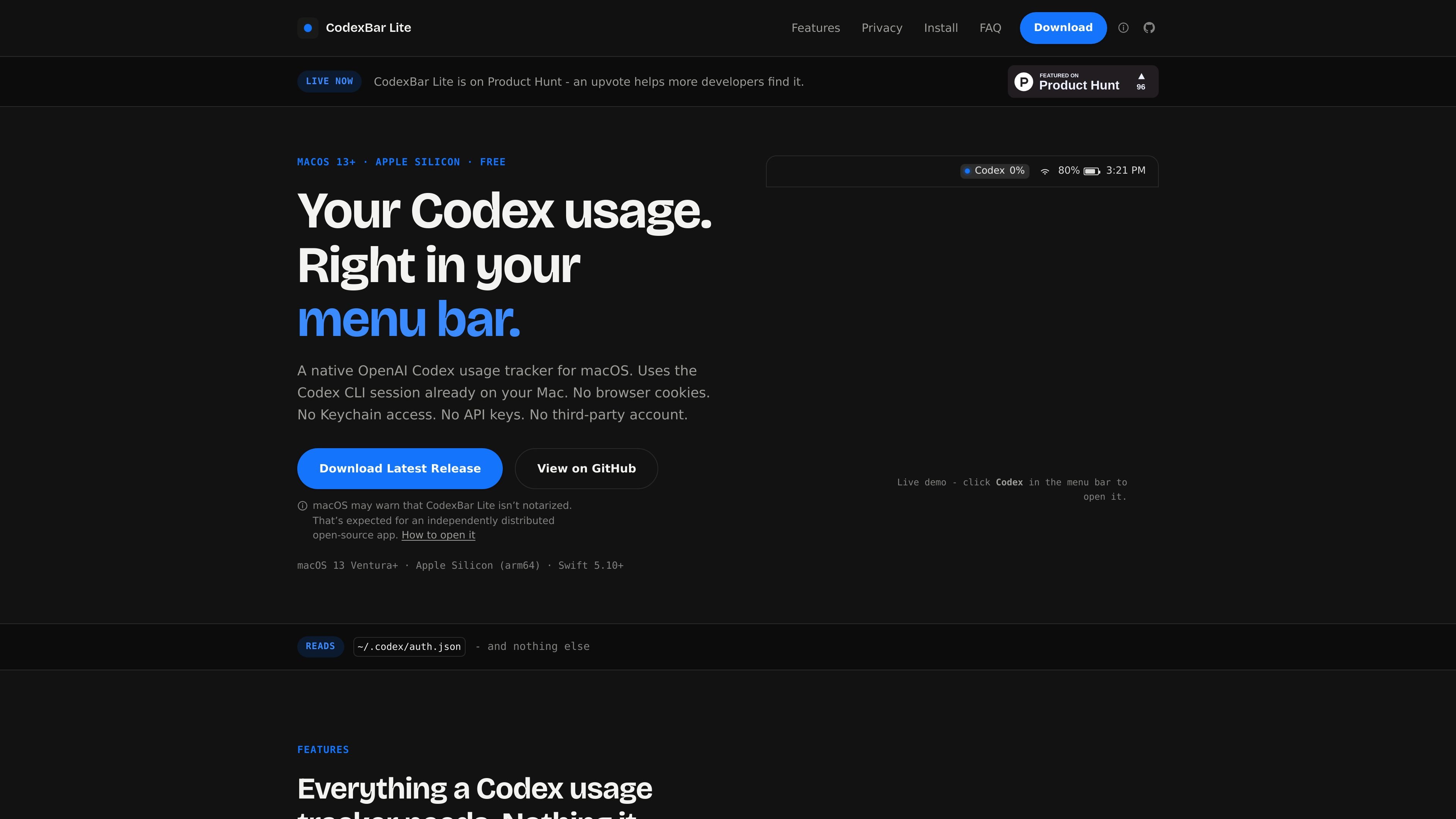
CodexBar Lite is a minimal macOS menu bar app for checking OpenAI Codex usage and rate-limit reset timing. It is built for one job: showing your current Codex status quickly, without browser extensions, Keychain access, API keys, or extra account setup.
The app reads the local session created by your existing Codex login from ~/.codex/auth.json and requests usage directly from chatgpt.com. On first launch, if no Codex session exists yet, it can start codex login in Terminal and then begin showing usage once authentication completes.
Shows Codex usage in the macOS menu bar and updates automatically, so you can check status without opening a browser tab or running a command manually.
Displays both primary and secondary rate-limit windows, including reset times and remaining credits, when you click the menu bar item.
Sends notifications at 80%, 90%, exhaustion, and credit reset using native macOS notification behavior.
Lets you switch between percentage used and percentage remaining for the menu bar display.
Refreshes automatically, falls back to cached usage when offline, and can launch at login.
Can update over the air with Sparkle and includes a Check for Updates flow in the app menu.
For developers using Codex interactively, the app keeps the current usage number visible in the menu bar so they do not need to remember /status during a session.
For long-running tasks, the app shows reset timing and credit status so you can decide whether to continue or wait before hitting the limit.
For users who want fewer background permissions, the app provides a Codex-only tracker that does not ask for browser access, Keychain access, or an API key.
For people who leave their Mac running through the day, launch-at-login and automatic refresh make the usage display available without manual setup each time.
For users who prefer native alerts over checking a dashboard, the app surfaces 80%, 90%, exhaustion, and reset notifications through macOS.
No. The app is designed to work without Keychain, Chrome, browser cookies, or an API key. It reads the session file created by an existing Codex login at ~/.codex/auth.json and requests usage directly from chatgpt.com.
If no Codex session exists yet, opening the app launches codex login in Terminal and waits for completion. Usage appears automatically once the login succeeds.
CodexBar Lite is built for an Apple Silicon Mac running macOS 13 Ventura or newer. The page also notes Swift 5.10+ as part of the app’s build environment.
The app shows both primary and secondary usage windows, reset times, and remaining credits in the menu bar dropdown. It also supports alerts at 80%, 90%, exhaustion, and credit reset.
No. The site presents CodexBar Lite as a single-user utility that reads the local Codex session on one Mac. It does not mention team sharing, multi-user sync, or a shared backend.

PromptScout tracks how ChatGPT, Gemini, Google AI Overviews, and Perplexity mention your brand or competitors, then pairs those results with source analysis and website audits. It helps teams decide what to fix in content, positioning, or site readiness next.

Goldfish is an AI memory app for macOS that helps you reply, write, summarize, and continue using the context already on your Mac. It stores memory locally and writes in your tone.

Biji - это универсальная платформа, разработанная для повышения продуктивности с помощью инновационных инструментов и функций.

Sleek Analytics is a privacy-friendly web analytics tool with real-time visitor tracking, Core Web Vitals, and revenue attribution. It helps site owners understand traffic and conversions without cookie banners or a heavy setup.

MacSpoof — смена MAC-адреса в macOS: меняйте или рандомизируйте Wi‑Fi MAC, чтобы переподключаться и меньше светить идентификатор в публичных сетях.

ClawTick is an AI agent automation platform for scheduling jobs from the CLI, dashboard, or REST API. It is aimed at developers and teams running LangChain, CrewAI, webhook, or custom agent workflows that need monitoring, alerts, and logs.