
Multiple deployment sources
Deploy from GitHub, another Git host, a prebuilt Docker image, an uploaded archive, a Compose stack, or a catalog template. A three-step wizard fills in detected application details before deployment.

Deplo is an open-source, self-hosted deployment platform for hosting web applications on servers you control. It provides dashboard-based deployments, automatic releases, previews, HTTPS, backups, logs, access controls, and optional AI operations without requiring routine Docker or SSH work.
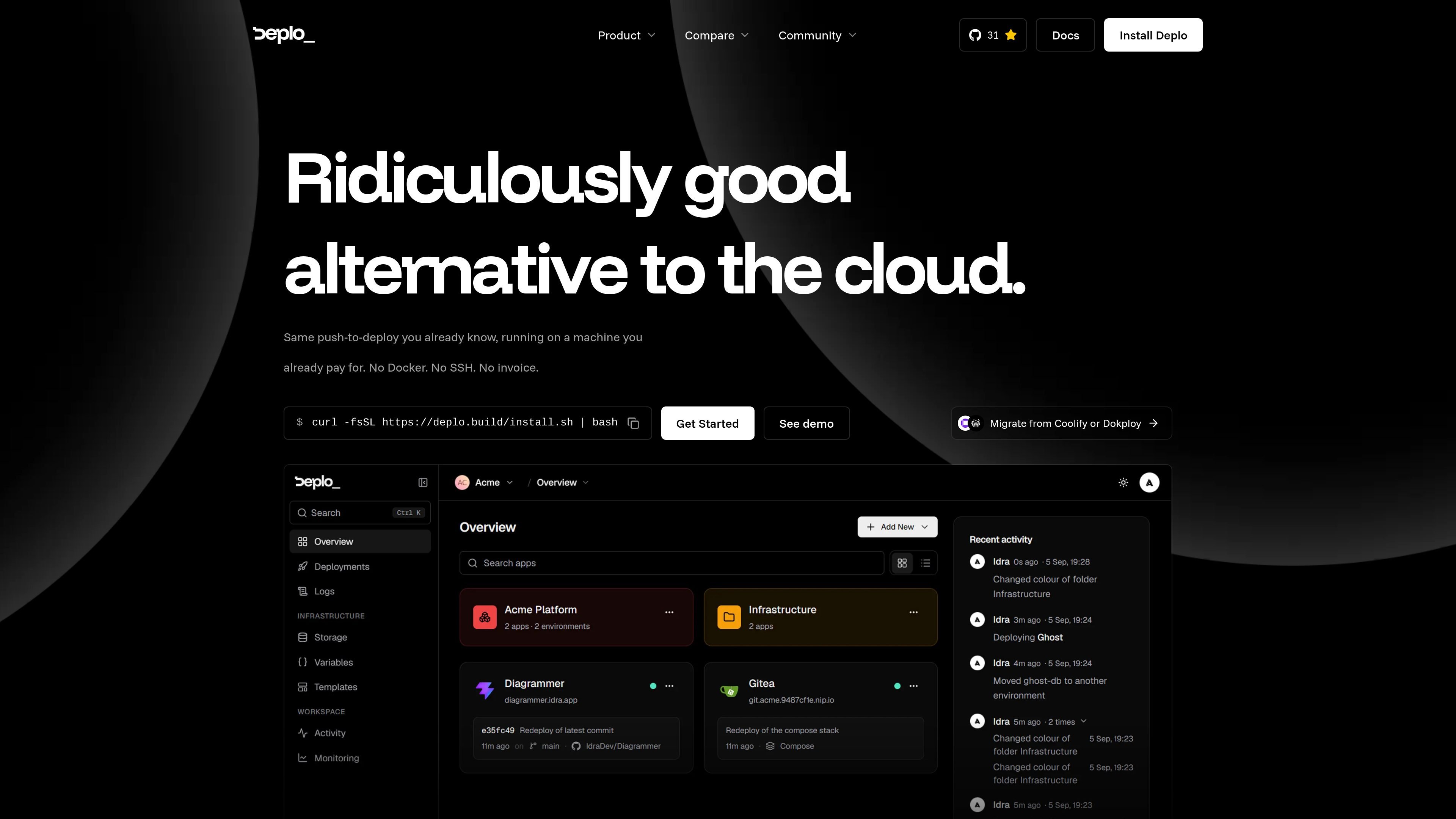
Deplo is an open-source, self-hosted deployment platform for running web applications on servers you control. It provides a dashboard for deploying repositories, Docker images, archives, Compose stacks, and templates, while handling container deployment, routing, HTTPS, logs, metrics, backups, and server-agent communication.
The platform is designed to provide a push-to-deploy workflow without requiring users to manage Docker commands or SSH for routine tasks. It supports automatic deployments, pull-request previews, generated public URLs, framework detection, rollbacks, team permissions, and optional AI access through MCP. Deplo is currently in beta, and its documented installation targets Linux servers with Docker-compatible hardware.
Deploy from GitHub, another Git host, a prebuilt Docker image, an uploaded archive, a Compose stack, or a catalog template. A three-step wizard fills in detected application details before deployment.
Framework, port, and build and start commands are derived from the repository on every deployment, so changes to the project setup do not require manually editing stored detection settings.
Deploy from a tracked branch or release tag, create deterministic per-pull-request preview URLs, and roll back by rerunning the exact image produced by a working deployment.
A single installation sets up Docker, the reverse proxy, Postgres, the control plane, and a server agent. Applications receive generated public hostnames, HTTPS, and separate environment networks.
Teams can use server-side capabilities for individual actions, including separating deployment from deletion, and review an activity trail showing who acted and when.
The native MCP server allows an authorized AI client to deploy, inspect logs, and roll back under a revocable token and the same permission checks as the dashboard. It is off by default.
Connect a repository, let Deplo detect the framework and commands, and publish the application with a generated public hostname and HTTPS without writing a Dockerfile or managing routine SSH steps.
Configure a tracked branch or release tag so pushes or new tags trigger deployments automatically. Use pull-request-specific preview URLs for review and remove them automatically when the pull request closes.
Move applications from another self-hosted panel using the migration wizard. The documented migration flow can recreate apps, databases, volumes, variables, domains, basic authentication, cron jobs, and backup schedules, with a report identifying apps that need review.
Give a coding agent a revocable MCP token so it can deploy, read logs, or roll back while remaining subject to the permissions configured for the account or team.
Use templates or a Compose file to launch packaged services, with routing, HTTPS, variables, storage, and backups added around the application stack.
Deplo installs from a single shell command on a fresh Linux server. Supported documented options include Ubuntu 24.04 LTS or newer, Debian 12 or 13, and other distributions compatible with Docker; systemd is required for the server agent. The documented minimum is 2 CPU cores, 4 GB RAM, and 30 GB disk, with 80 and 443 reachable from the internet and 9443 available for agent hosts.
Connect a repository, choose a server, and use Deplo's deployment wizard. Deplo detects the framework, port, and build and start commands from the repository, then builds and serves the application. Deployments can also come from a prebuilt Docker image, uploaded archive, Compose stack, or template.
Yes. Deplo can deploy on pushes to a tracked branch or when a new release tag appears. It registers the webhook and shows whether the provider is reaching it. Open pull requests can receive their own preview URL, which is removed when the pull request closes.
Deplo includes a native MCP server that can let Claude, Cursor, or another MCP client deploy, read logs, and roll back. MCP access is off by default, uses a token that can be minted and revoked, and follows the same permission checks as the dashboard.
Deplo is currently in beta, with a stable release targeted for Q4 2026 according to the site. It is open source under AGPLv3, and the site states that users pay their server provider rather than Deplo, with no per-seat pricing, build-minute charges, or bandwidth tiers described.

ByteAsk is a terminal-first AI coding agent for C and C++ that edits repositories and verifies changes with the real compiler, debugger, sanitizers, and tests before showing a diff. It offers a free tier plus paid plans, with editor connectors and zero-retention handling described in the source.

CreateOS Sandbox is an isolated compute environment for running code and agent workloads inside Firecracker micro-VMs. It is designed for workflows that need machine-level isolation, private networking between sandboxes, and programmatic control through SDK, CLI, or MCP.

GitBot is a local browser-based workspace for creating reusable coding bots powered by Claude Code, Codex, or OpenCode. It helps developers run those agents across repository folders with persistent threads and configurable permissions.

hob is an independent workspace for coding agents that keeps agent sessions, terminals, history, and follow-up work organized around the tools and providers you already use. It is aimed at developers who want local control over routing, history, and workspace structure rather than a bundled model stack.

Ably Chat is a chat API platform for building custom realtime chat applications. It supports room-based messaging, typing indicators, presence, reactions, and message updates, with usage-based pricing options for different deployment stages.

Manta AI is an autonomous web app testing tool for teams that want to map application behavior, catch regressions, and generate tests without writing scripts or maintaining selectors. It works from a URL and supports plain-English test flows, run results with screenshots, and scheduled or deployment-triggered checks.