
Media controls and playback info
Shows Now Playing metadata such as title, artist, album, artwork, progress, playback state, and transport controls from supported media sessions across the Mac.

Fide Island is a macOS utility that turns the MacBook notch into a compact surface for media controls, calendar events, files, clipboard history, calculations, and other quick tools. It is designed for local-first use on the Mac and offers a three-day trial before a $1/month subscription.
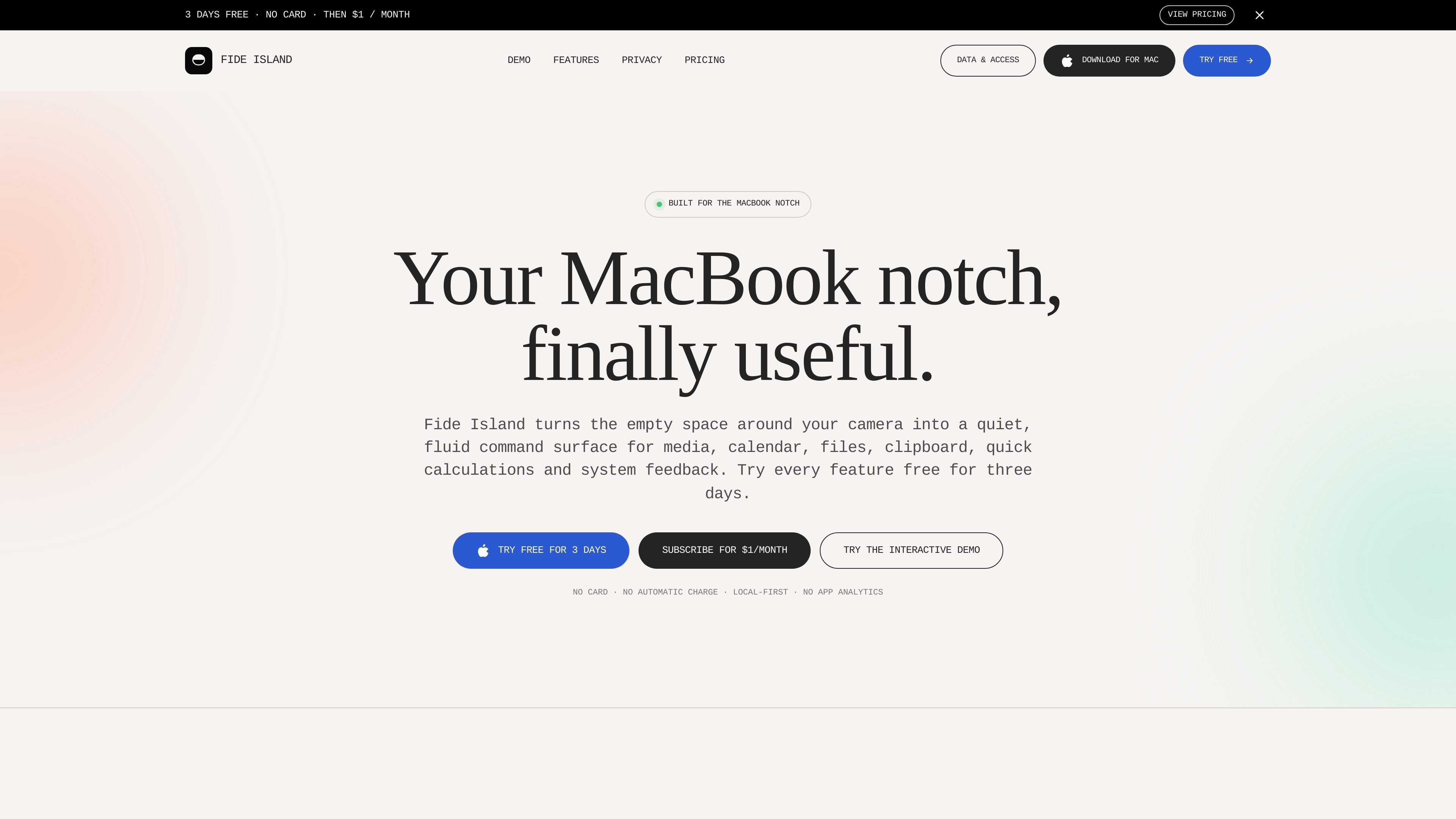
Fide Island is a macOS utility for MacBook models with a notch. It turns the space around the camera into a compact command surface that can show media controls, upcoming calendar events, file shelf items, clipboard history, quick calculations, and system feedback.
The app is designed to stay local-first. Its documentation says the core product data lives on your Mac, the interactive web demo is simulated, and optional permissions such as Calendar, Location, and Input Monitoring are only requested when you enable the related features.
Shows Now Playing metadata such as title, artist, album, artwork, progress, playback state, and transport controls from supported media sessions across the Mac.
Displays upcoming calendar events beside the notch when Calendar access is enabled on request.
Provides a temporary Shelf for files you intentionally drop, plus a local clipboard history for recent text, images, and file URLs. Both are designed around short-lived, on-device data.
Includes quick tools for arithmetic and currency conversion, with a cached exchange-rate fallback for conversions.
Can surface optional system feedback for brightness, volume, and mute actions with a fluid level around the notch. It also supports optional local weather and an optional Gemini-based assistant using your own API key.
Keep playback controls and Now Playing details visible without opening a separate music or video window while you work.
Check upcoming events at the top of the screen so meetings and reminders stay in view while other apps remain open.
Drop files into the temporary Shelf or review short-lived clipboard history when you need to shuttle content between tasks.
Run simple calculations or convert currencies when you need a fast answer and do not want to leave the current app.
Use optional system feedback, local weather, or the Gemini assistant when those features are enabled and relevant to your workflow.
Fide Island uses a local-first Mac app design. Its current documentation says clipboard history and Shelf files stay on the Mac, and that no custom Fide Island backend is used for those features.
The main media path reads the macOS Now Playing session through a bundled compatibility component. If that path is unavailable, the app can use a narrower AppleScript fallback for selected media apps or browsers, which may trigger macOS Automation permission.
No. Input Monitoring is optional and off by default. The documentation says it is intended only to recognize brightness, volume, and mute key presses for system-control feedback, not typed text.
The trial starts inside the Mac app and lasts three days. No card, checkout, or email is required to start it, and it does not renew automatically when it ends.
The app is currently described as a one-person monthly subscription for $1. Paddle processes the payment, and the subscription can be canceled any time.

Yattayo: Slider To-Do Board is a productivity app that turns tasks into a physical-style slider board with sticky notes, widgets, reminders, and iCloud sync. It helps people who want a more tactile way to manage to-dos and, in Premium, recurring habits.
MealTime — это ваш личный помощник по рецептам, работающий в первую очередь в автономном режиме, который поможет вам сохранять, упорядочивать, планировать блюда и генерировать умные списки покупок, сохраняя при этом конфиденциальность ваших данных.

Goldfish is an AI memory app for macOS that helps you reply, write, summarize, and continue using the context already on your Mac. It stores memory locally and writes in your tone.

ArtDeck is a visual reference board app for iPhone, iPad, and Mac that lets artists collect mixed reference material on one canvas and study it with ToolBox lenses. It works offline, supports optional iCloud sync, and is sold as a one-time purchase with no account required.

Biji - это универсальная платформа, разработанная для повышения продуктивности с помощью инновационных инструментов и функций.

Gemma AI is a phone call reminder app that calls you with scheduled reminders instead of push notifications. It helps people who want a more direct way to stay on schedule, with Google Calendar sync and conversational call interactions.