
API marketplace and hub
Browse a library of 1000+ public and private APIs organized by use case and industry, with page-level examples showing finance, location, payments, email, transportation, and more.

FireAPI is an API marketplace and developer hub for discovering, testing, building, and monetizing APIs. It helps developers and businesses use ready-made APIs, request custom scraping APIs, and manage API products from one platform.
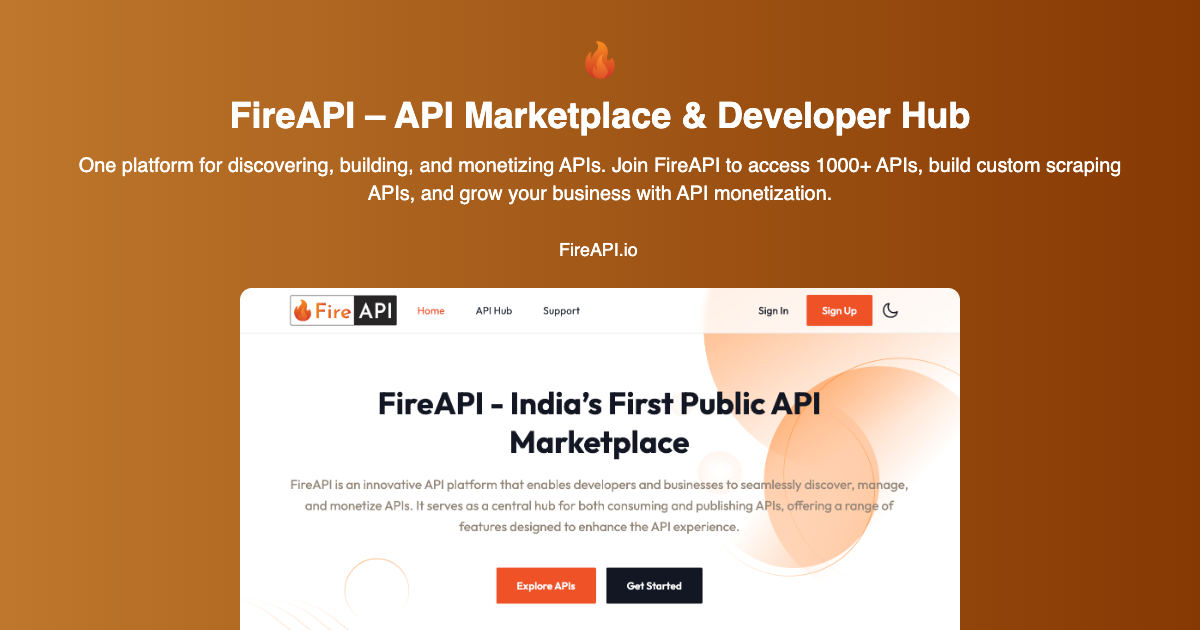
FireAPI is an API marketplace and developer hub for finding, testing, building, and monetizing APIs, apps, and related developer tools. The site positions it as a central place for developers and businesses that need ready-made APIs, custom data extraction, or support for API product operations.
The platform highlights more than 1,000 APIs across categories such as finance, AI, eCommerce, health, social, insurance, location, payments, and email. It also offers custom scraping APIs, on-demand API development, and API monetization features for teams that want to publish or package their own services.
Browse a library of 1000+ public and private APIs organized by use case and industry, with page-level examples showing finance, location, payments, email, transportation, and more.
Test endpoints, view documentation, and integrate APIs from the hub without having to start from a blank implementation.
Request custom scraping APIs for websites, web apps, mobile apps, or other systems by specifying the target source, desired output, and any authentication steps.
Work with FireAPI for custom API development, SaaS integrations, MVP builds, and related services through its DevForce offering.
Track usage, performance, uptime, requests, latency, and errors so API publishers can monitor delivery and operational issues in real time.
Publish APIs with flexible pricing models and multi-currency settlement support in USD and INR, with billing and user management described on the home page.
Explore a catalog of ready-to-use APIs, compare options, review documentation, and test endpoints before integrating them into an application.
Turn a website, app, or system into a structured API by providing the target source, expected output, and authentication details when needed.
Hire FireAPI for API development, SaaS integrations, or MVP work when a team needs additional implementation capacity.
Publish your own API, set pricing, manage users, and handle billing if you want to sell access to a service through the platform.
Use analytics and monitoring to watch requests, latency, uptime, and errors so an API business can identify delivery issues and track usage.
FireAPI is presented as an API marketplace and developer hub where users can discover, test, and integrate APIs, and also request custom scraping or development work.
The site shows a hub for exploring and testing APIs, but the pricing page itself returns a 404-style page, so the public site does not expose a clear pricing table in the collected evidence.
The site highlights FireAPI Hub for ready-to-use APIs, ScrapeLab for custom scraping APIs, and DevForce for on-demand API development, plus API analytics and monetization tools.
The collected pages do not list concrete third-party integrations or supported SDKs beyond the platform’s own API, app, and tool workflows.

ByteAsk is a terminal-first AI coding agent for C and C++ that edits repositories and verifies changes with the real compiler, debugger, sanitizers, and tests before showing a diff. It offers a free tier plus paid plans, with editor connectors and zero-retention handling described in the source.

CreateOS Sandbox is an isolated compute environment for running code and agent workloads inside Firecracker micro-VMs. It is designed for workflows that need machine-level isolation, private networking between sandboxes, and programmatic control through SDK, CLI, or MCP.

hob is an independent workspace for coding agents that keeps agent sessions, terminals, history, and follow-up work organized around the tools and providers you already use. It is aimed at developers who want local control over routing, history, and workspace structure rather than a bundled model stack.

Ably Chat is a chat API platform for building custom realtime chat applications. It supports room-based messaging, typing indicators, presence, reactions, and message updates, with usage-based pricing options for different deployment stages.

Manta AI is an autonomous web app testing tool for teams that want to map application behavior, catch regressions, and generate tests without writing scripts or maintaining selectors. It works from a URL and supports plain-English test flows, run results with screenshots, and scheduled or deployment-triggered checks.

SonOf connects to your repo and PM tool, audits the codebase and surrounding product context, and turns approved work into shipped tickets with senior engineering review. It is aimed at founders and engineering leaders who need backlog help without hiring a full team immediately.