
Browser control
Launch browser control from a CLI or via MCP, with HTTP API support for agents that connect that way. The site describes the browser layer as Playwright powered.

Kagura is an open source browser automation harness for AI coding agents. It helps agents like Claude Code, Codex, and Cursor validate browser workflows, handle email-based steps, and publish passing tests to CI/CD.
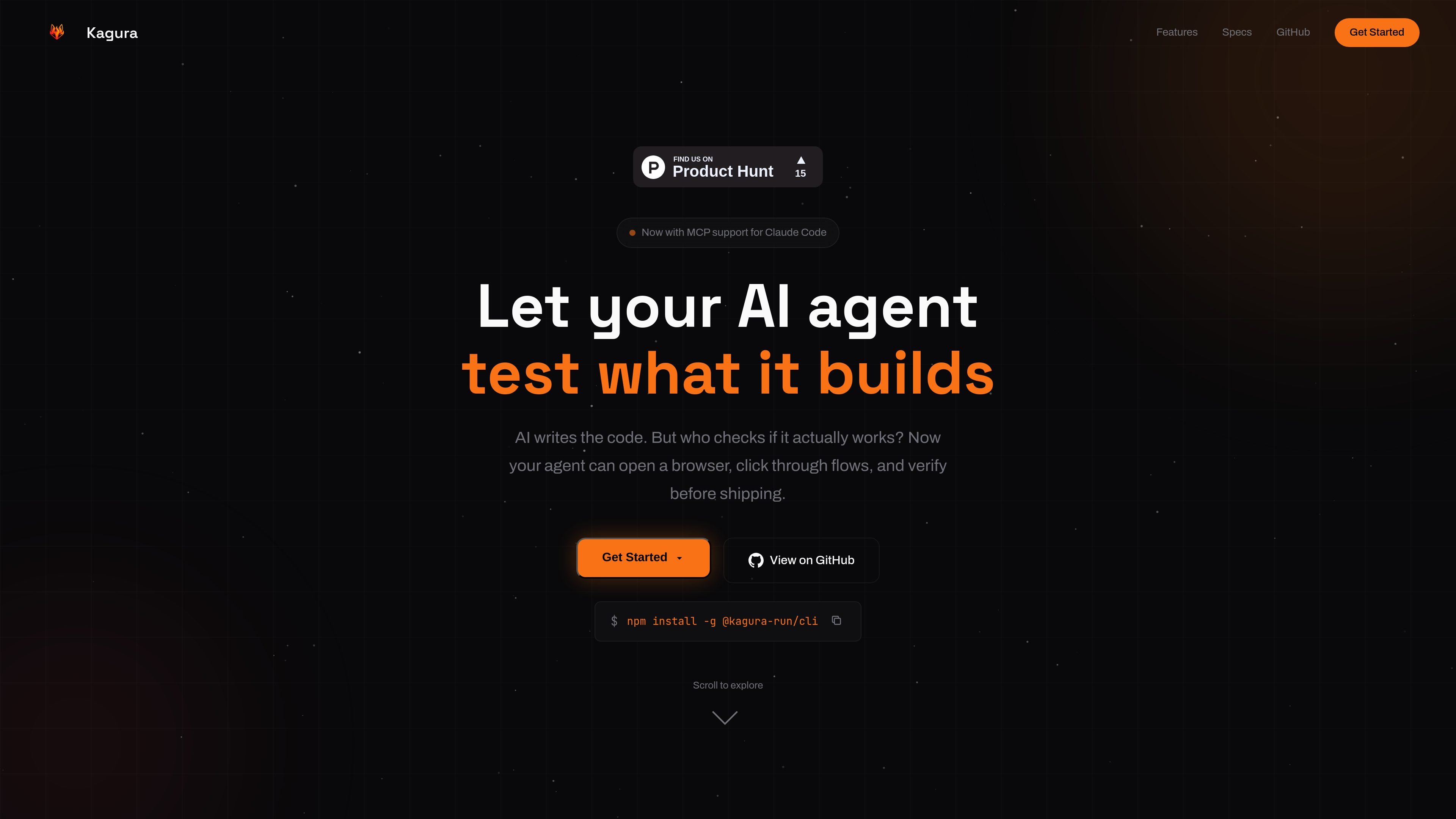
Kagura is an open source browser automation harness for AI coding agents. It is positioned as a way for agents such as Claude Code, Codex, and Cursor to open a browser, interact with a site, and verify that the code they wrote actually works before shipping.
The product combines browser control, email flow handling, screenshot capture, and CI/CD publishing in one workflow. The site presents it as MCP native and Playwright powered, with both self-hosted and cloud-managed deployment options.
Launch browser control from a CLI or via MCP, with HTTP API support for agents that connect that way. The site describes the browser layer as Playwright powered.
Handle magic links, OTPs, and email verification so browser tests can complete flows that depend on inbox access.
Use a structured accessibility tree so the agent can reason about the page through DOM context instead of only visual output.
Record every action for later replay, which the site says can be used in CI/CD without rewriting tests.
Integrate with Claude Code through MCP, or use the HTTP API with Codex, Cursor, or another coding agent.
Publish passing tests into CI/CD and run them on every push, according to the workflow shown on the home page.
Use Kagura when an AI agent has finished writing code and needs to confirm the app behaves correctly in a real browser session before the change is shipped.
Use the email skill to complete sign-up, login, or passwordless flows that rely on magic links, OTPs, or verification emails.
Capture screenshots during a browser run to review visual results or attach evidence to a test pass.
Publish successful runs into CI/CD so browser checks can run on every push without turning them into handwritten test scripts.
Connect through MCP or HTTP API depending on the agent environment, including Claude Code, Codex, Cursor, or another tool that can make requests.
Kagura launches a browser control harness through either a CLI command, an HTTP API, or MCP. The site says you can copy a prompt into your coding agent and have it handle the rest, but it does not provide a full setup guide on the public pages.
The public site shows a workflow where an AI agent opens a browser, navigates, clicks, fills forms, captures screenshots, and then publishes passing tests to CI/CD. It positions Kagura as a harness for validating what the agent built before shipping.
The site says Kagura handles magic links, OTPs, and email verification so agents do not get blocked by inbox-based flows. It describes this as an email skill rather than a separate product area.
Kagura is presented as both self-hosted and cloud-managed. The site says self-hosted runs on your own infrastructure and is free and open source, while cloud includes managed hosting, CI/CD, and email.
The public pages do not list detailed limits, plan pricing, or a full supported-agent matrix. They do state that Kagura works with Claude Code, Codex, Cursor, and any coding agent that can use an HTTP API or MCP.

ByteAsk is a terminal-first AI coding agent for C and C++ that edits repositories and verifies changes with the real compiler, debugger, sanitizers, and tests before showing a diff. It offers a free tier plus paid plans, with editor connectors and zero-retention handling described in the source.

Manta AI is an autonomous web app testing tool for teams that want to map application behavior, catch regressions, and generate tests without writing scripts or maintaining selectors. It works from a URL and supports plain-English test flows, run results with screenshots, and scheduled or deployment-triggered checks.

CreateOS Sandbox is an isolated compute environment for running code and agent workloads inside Firecracker micro-VMs. It is designed for workflows that need machine-level isolation, private networking between sandboxes, and programmatic control through SDK, CLI, or MCP.

GitBot is a local browser-based workspace for creating reusable coding bots powered by Claude Code, Codex, or OpenCode. It helps developers run those agents across repository folders with persistent threads and configurable permissions.

hob is an independent workspace for coding agents that keeps agent sessions, terminals, history, and follow-up work organized around the tools and providers you already use. It is aimed at developers who want local control over routing, history, and workspace structure rather than a bundled model stack.

Ably Chat is a chat API platform for building custom realtime chat applications. It supports room-based messaging, typing indicators, presence, reactions, and message updates, with usage-based pricing options for different deployment stages.