
In-app reporting with automatic context capture
Users can submit a report through an in-app widget or via the API, and the product captures technical context automatically instead of relying on manual reproduction steps.

Miniback is an in-app bug reporting tool for teams that captures screenshots, console logs, and network requests automatically. It helps non-technical users submit useful reports while giving developers the context they need to investigate issues.
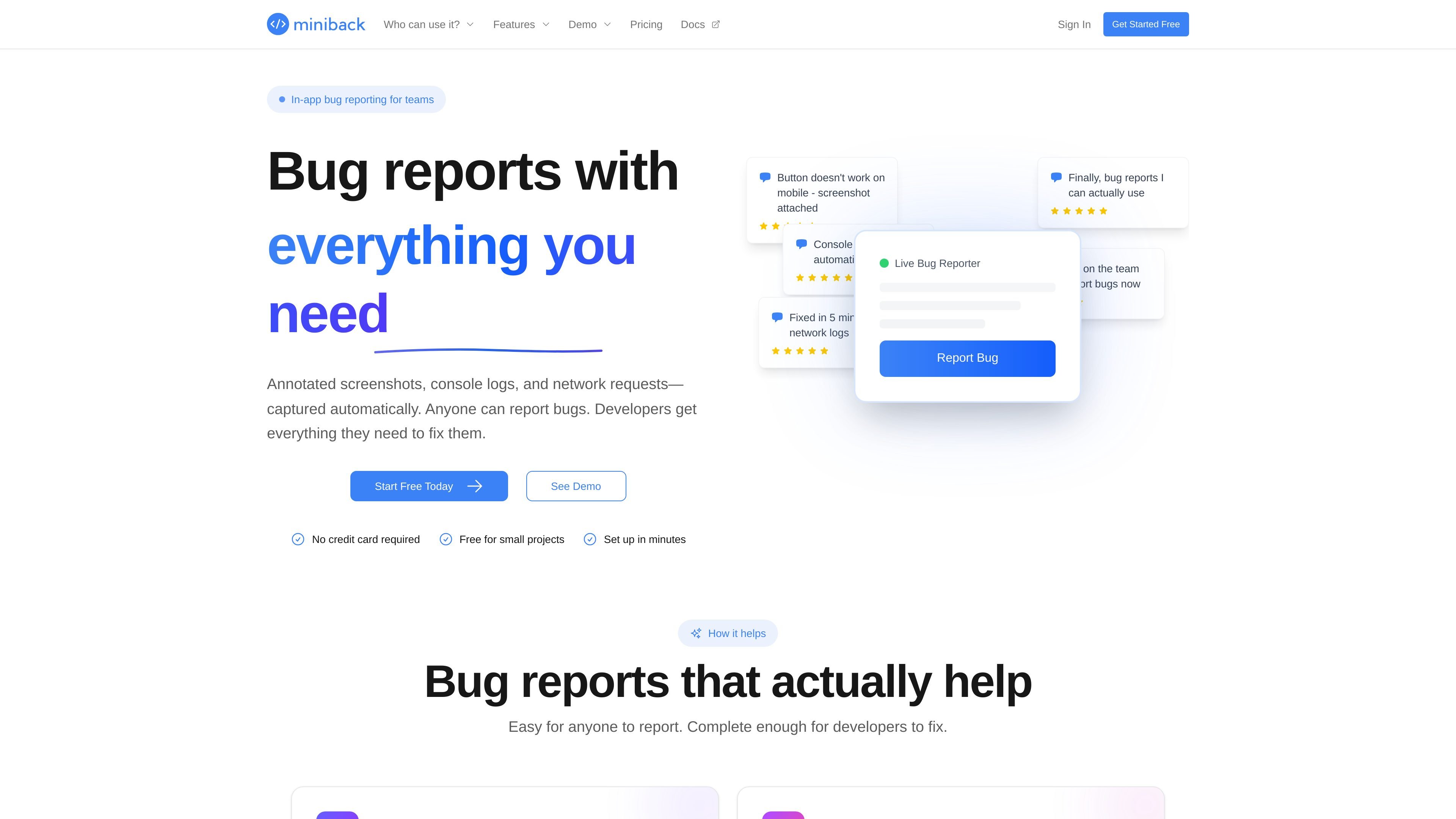
Miniback is an in-app bug reporting tool for teams. Its main job is to collect actionable reports with the technical context developers usually need to investigate an issue: screenshots, console logs, and network requests.
The product is designed so non-technical users can submit a report easily while developers receive structured context automatically. The site also positions Miniback as a workflow tool, with delivery options that include the dashboard, Slack, email, webhooks, and a REST API.
Users can submit a report through an in-app widget or via the API, and the product captures technical context automatically instead of relying on manual reproduction steps.
Reports include screenshots, console logs, and network requests so developers can inspect what happened without asking users for extra details.
The site describes screenshot annotations, with users able to draw, circle, and highlight the problem area before sending the report.
Reports can be routed to Slack or any webhook endpoint, letting teams skip the dashboard when they want feedback in existing workflows.
The API page describes RESTful endpoints, JSON responses, API keys, rate limiting, and webhook support for programmatic feedback handling.
The product emphasizes client-side capture, user review before sending, and the ability to control which data types are collected.
A product or support team collects reports from users inside the app and sends them to the team’s Slack channel or dashboard for follow-up.
Developers inspect screenshots, console output, and failed network requests to understand a bug without waiting for another round of questions.
Teams monitoring staging or production can control which domains submit reports and use the widget to catch bugs before users complain.
Teams that already automate workflows can use the REST API or webhooks to route feedback into their own systems and processes.
Miniback can be set up in minutes with a one-line integration, and the site says no credit card is required to start. The product also advertises a free forever plan, with 100 bug reports per month on the main site.
The source material shows reports can go to the Miniback dashboard, Slack, or a webhook endpoint. The notifications page also describes email, Slack, and webhooks as delivery channels.
Miniback is built for teams, and the site says anyone can report bugs while developers receive screenshots, console logs, and network requests automatically.
The site says users can review screenshots before sending and that Miniback does not use session replay or background tracking. It also describes client-side capture and user-controlled sharing.
The documentation shown does not list a full platform matrix. It does show widget-based in-app reporting, a REST API, Slack notifications, and webhook support.

ByteAsk is a terminal-first AI coding agent for C and C++ that edits repositories and verifies changes with the real compiler, debugger, sanitizers, and tests before showing a diff. It offers a free tier plus paid plans, with editor connectors and zero-retention handling described in the source.

Manta AI is an autonomous web app testing tool for teams that want to map application behavior, catch regressions, and generate tests without writing scripts or maintaining selectors. It works from a URL and supports plain-English test flows, run results with screenshots, and scheduled or deployment-triggered checks.

PromptScout tracks how ChatGPT, Gemini, Google AI Overviews, and Perplexity mention your brand or competitors, then pairs those results with source analysis and website audits. It helps teams decide what to fix in content, positioning, or site readiness next.

CreateOS Sandbox is an isolated compute environment for running code and agent workloads inside Firecracker micro-VMs. It is designed for workflows that need machine-level isolation, private networking between sandboxes, and programmatic control through SDK, CLI, or MCP.

Sleek Analytics is a privacy-friendly web analytics tool with real-time visitor tracking, Core Web Vitals, and revenue attribution. It helps site owners understand traffic and conversions without cookie banners or a heavy setup.

hob is an independent workspace for coding agents that keeps agent sessions, terminals, history, and follow-up work organized around the tools and providers you already use. It is aimed at developers who want local control over routing, history, and workspace structure rather than a bundled model stack.