
No domain blocklist
The project replaces the official extension's allowlist with no blocklist, so Claude can navigate sites the README says are blocked in the original extension.

Open Claude in Chrome is an open-source browser automation extension for Claude Code that works with any Chromium browser and removes the official Claude in Chrome domain blocklist. It keeps the same 18 MCP tools and is meant for local browser control through a Node.js MCP server.
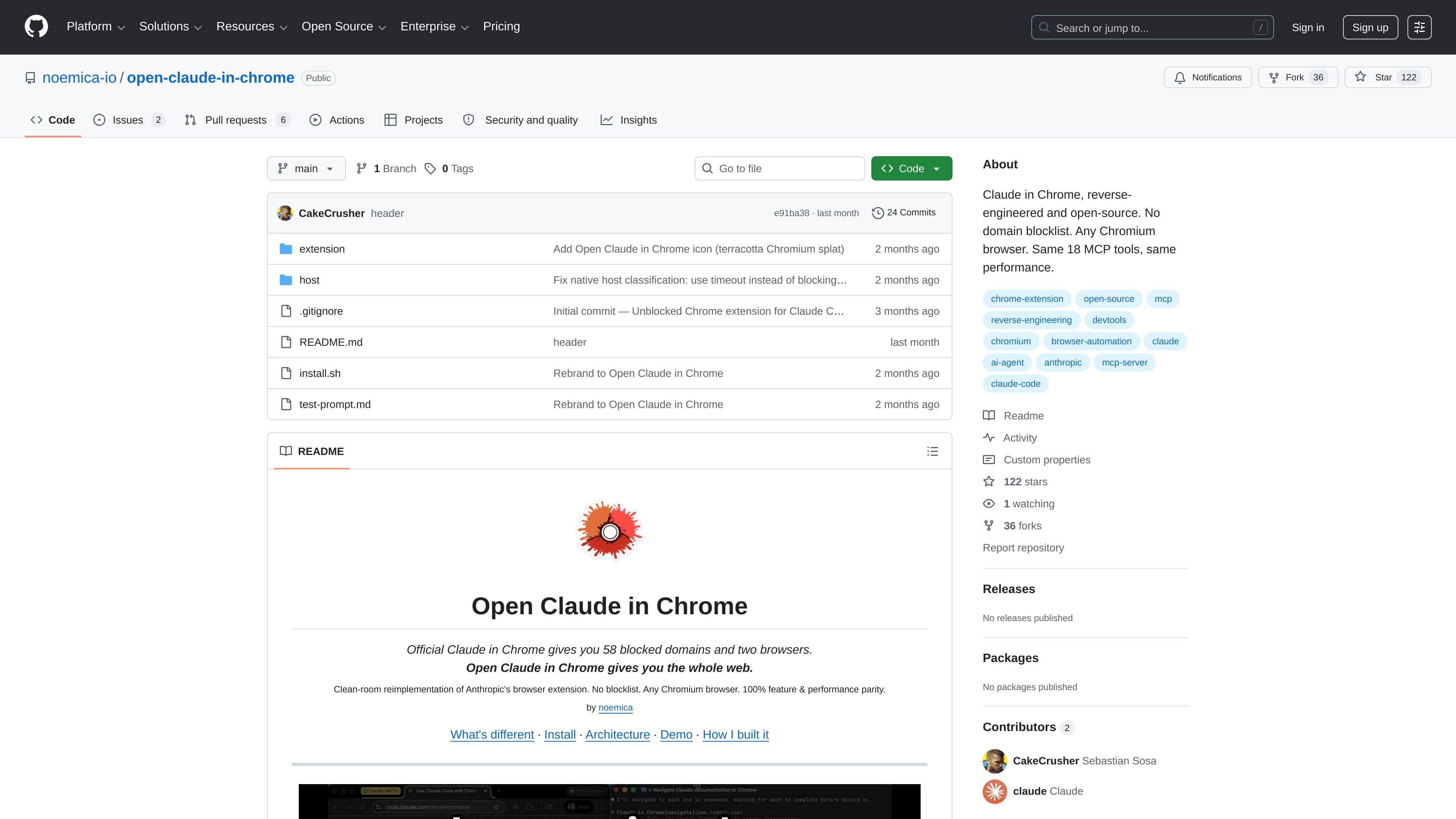
Open Claude in Chrome is a clean-room, open-source reimplementation of Anthropic's Claude in Chrome browser extension. It is designed to let Claude Code control a browser through MCP while removing the official extension's domain blocklist and browser restrictions.
The repository positions the project as a local browser-automation bridge for any Chromium-based browser. According to the README, it preserves the same 18 MCP tools and claims identical performance to the official extension, while expanding browser support beyond Chrome and Edge.
The project replaces the official extension's allowlist with no blocklist, so Claude can navigate sites the README says are blocked in the original extension.
The extension is described as compatible with any Chromium browser, not just Chrome and Edge.
The README says it keeps the same 18 MCP tools as the official extension, covering navigation, page inspection, input, screenshots, and browser control.
The architecture separates the MCP server, native messaging host, and browser extension so Claude Code can communicate with the browser locally.
The project is open source under MIT and is presented as a clean-room reimplementation of Anthropic's browser extension.
The install flow is script-driven and documented step by step, including dependency installation, extension loading, native host registration, and Claude Code configuration.
Use Claude Code to automate browsing tasks on sites that the official Claude in Chrome extension blocks, such as domains in banking, investing, payments, or social media categories named in the README.
Install the extension in Chrome, Edge, Brave, Arc, Opera, or Vivaldi when you want Claude Code browser control on a browser other than Chrome or Edge.
Run a local MCP browser-automation stack when you want Claude Code to navigate pages, read content, fill forms, run JavaScript, or inspect console and network activity.
Follow the documented install and troubleshooting steps when you need a reproducible way to connect Claude Code to a browser and recover from stale server or host issues.
Yes. The README describes a setup that installs a local Node.js MCP server, loads the browser extension into a Chromium browser, registers the native messaging host, and then adds the server to Claude Code with `claude mcp add`.
The repository says it works with any Chromium browser, including Chrome, Edge, Brave, Arc, Opera, and Vivaldi. The official Claude in Chrome extension is described as Chrome and Edge only, while this project removes that restriction.
The README presents the same 18 MCP tools as the official extension, including tab management, navigation, mouse and keyboard control, page reading, text extraction, form input, JavaScript execution, console logs, network requests, window resizing, image upload, GIF recording, shortcuts, browser switching, and planning.
The repository states that it is a clean-room reimplementation of Anthropic's browser extension and that it is open source under MIT. It also says there is no domain blocklist.
The GitHub pricing page shows GitHub has a free plan, paid Team and Enterprise plans, and a 30-day free trial flow for the platform, but the repository itself does not describe separate pricing for this project.

AakarDev AI helps teams manage AI provider access, project-level setups, logs, and analytics from one dashboard. It supports BYOK workflows and lists providers including OpenAI, Google Gemini, Anthropic, Groq, Mistral AI, and Perplexity AI.

CreateOS Sandbox is an isolated compute environment for running code and agent workloads inside Firecracker micro-VMs. It is designed for workflows that need machine-level isolation, private networking between sandboxes, and programmatic control through SDK, CLI, or MCP.

Arduino VENTUNO Q is an edge AI computer for AI and robotics applications. It combines AI inference and deterministic control on a single board and is designed to work with Arduino App Lab.

ByteAsk is a terminal-first AI coding agent for C and C++ that edits repositories and verifies changes with the real compiler, debugger, sanitizers, and tests before showing a diff. It offers a free tier plus paid plans, with editor connectors and zero-retention handling described in the source.

Codex Plugins bundle reusable skills, app integrations, and MCP servers into workflows you can install in the Codex app or use from Codex CLI. They help extend Codex with connected-service tasks, reusable instructions, and shared team workflows.

hob is an independent workspace for coding agents that keeps agent sessions, terminals, history, and follow-up work organized around the tools and providers you already use. It is aimed at developers who want local control over routing, history, and workspace structure rather than a bundled model stack.