
Memory discovery
Presents memories from the default Claude Code projects location as cards, ordered oldest first, with project and memory details available for inspection.

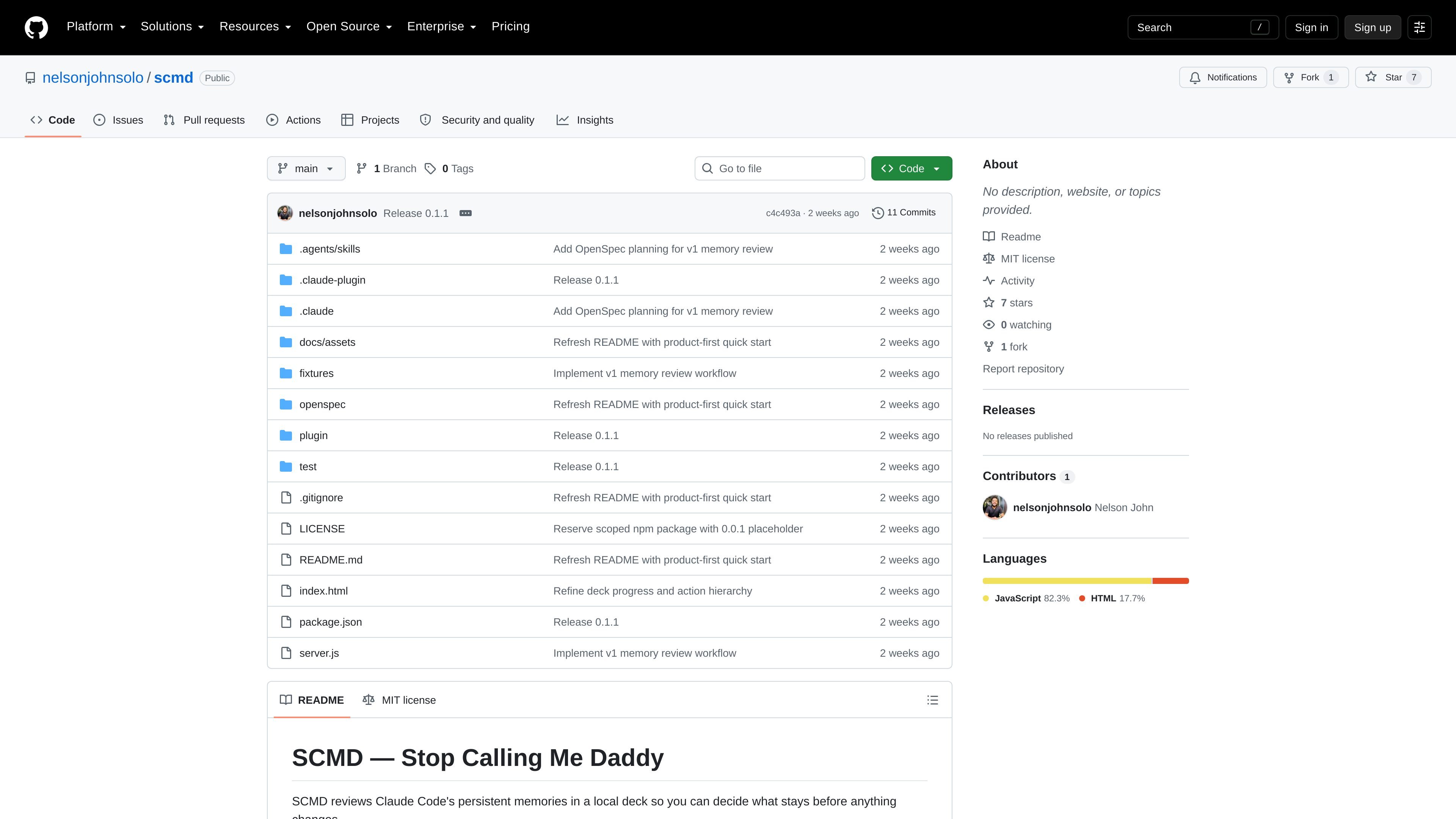
SCMD is a local browser-based review tool for persistent Claude Code memories. It helps Claude Code users inspect, filter, edit, delete, and restore memory entries while keeping changes staged until confirmation.
SCMD is a local review tool for persistent Claude Code memories. It loads memories from the Claude Code projects directory into a browser-based review deck, allowing users to inspect project and memory details, search and filter entries, and decide what should be kept, deleted, skipped, or edited.
The workflow separates review from modification: decisions remain staged until the user confirms Apply. Accepted edits update the memory and its matching `MEMORY.md` entry, while accepted deletions move memory files to local trash with metadata for later restoration. SCMD binds its server to `127.0.0.1`, uses a per-launch request token, and does not send data to an SCMD service.
Presents memories from the default Claude Code projects location as cards, ordered oldest first, with project and memory details available for inspection.
Filters by project or memory type and searches memory text, including read-only `CLAUDE.md` instructions, so relevant entries can be reviewed together.
Keeps keep, delete, skip, and undo decisions staged in the browser instead of modifying files during the review pass.
Applies a confirmed batch while moving deleted memories to restorable trash and refusing to overwrite a memory that changed after it was loaded.
Can show the session message associated with a memory when its origin is available, and can request a rewrite through the local Claude Code CLI or accept a hand edit before applying it.
Runs as a local server with live updates for decisions and file-state changes, uses no runtime dependencies, and protects API requests with a per-launch token.
Review accumulated memories under a project before they continue influencing later Claude Code sessions. Search the memory text, inspect project context, and stage keep, skip, delete, or edit decisions for one confirmed batch.
Investigate why a particular memory exists by viewing its originating session message when that source can be found, then decide whether the saved context is still appropriate.
Refine stale or poorly worded memory entries without editing files immediately. Request a rewrite through the local Claude Code CLI or make a manual edit, inspect the staged result, and apply it only after confirmation.
Recover from an accepted deletion when a memory is needed again. Use the explicit Restore action to put the memory and its matching `MEMORY.md` line back, or use Purge for a separate permanent deletion of a selected trash run.
Install Node.js 18 or newer, including npm and npx. The primary launch path is the Claude Code plugin; a terminal launch is also available through npx. Windows use currently requires Git Bash for the plugin command and shell snippets.
In Claude Code, add the marketplace with `/plugin marketplace add nelsonjohnsolo/scmd`, install it with `/plugin install scmd@scmd`, reload plugins, and run `/scmd:run`. The plugin starts SCMD in the background and reports the local review URL in the session.
By default, SCMD reads memory files and indexes under `~/.claude/projects`, along with relevant project session transcripts and global or project `CLAUDE.md` files. A custom Claude configuration or auto-memory location can be supplied with `--root <dir>`.
Review decisions remain staged in the browser until Apply is confirmed. Accepted deletions move memories to `~/.scmd/trash/` with restore metadata, while accepted edits update the memory and its matching index entry. Restore and Purge are separate explicit actions.

ByteAsk is a terminal-first AI coding agent for C and C++ that edits repositories and verifies changes with the real compiler, debugger, sanitizers, and tests before showing a diff. It offers a free tier plus paid plans, with editor connectors and zero-retention handling described in the source.

CreateOS Sandbox is an isolated compute environment for running code and agent workloads inside Firecracker micro-VMs. It is designed for workflows that need machine-level isolation, private networking between sandboxes, and programmatic control through SDK, CLI, or MCP.

GitBot is a local browser-based workspace for creating reusable coding bots powered by Claude Code, Codex, or OpenCode. It helps developers run those agents across repository folders with persistent threads and configurable permissions.

hob is an independent workspace for coding agents that keeps agent sessions, terminals, history, and follow-up work organized around the tools and providers you already use. It is aimed at developers who want local control over routing, history, and workspace structure rather than a bundled model stack.

Ably Chat is a chat API platform for building custom realtime chat applications. It supports room-based messaging, typing indicators, presence, reactions, and message updates, with usage-based pricing options for different deployment stages.

Manta AI is an autonomous web app testing tool for teams that want to map application behavior, catch regressions, and generate tests without writing scripts or maintaining selectors. It works from a URL and supports plain-English test flows, run results with screenshots, and scheduled or deployment-triggered checks.