
Copy components from live sites
Select a component from any live website in one click, then copy it as a structured prompt or code output rather than recreating it manually.

Slicer is a browser extension and canvas workflow that copies live website components into AI-ready prompts or React output. It helps developers and designers reuse existing UI patterns, restyle them, and paste them into tools like Claude Code, Cursor, Lovable, Bolt.new, and v0.
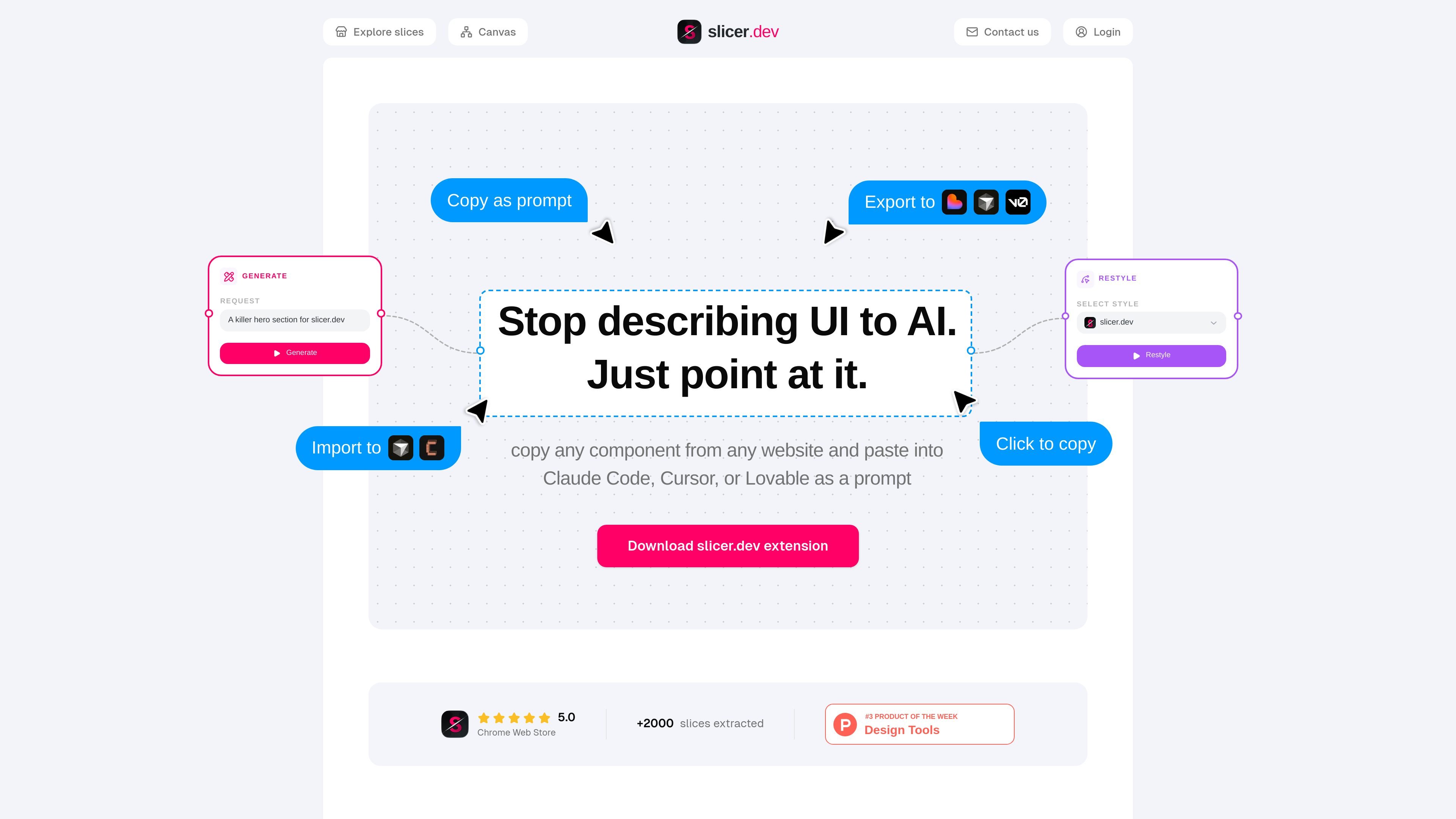
Slicer is a browser-based UI extraction tool for copying components from live websites and turning them into reusable prompts or React output. The product is positioned for developers, designers, agencies, and founders who want to reuse existing interface patterns instead of rebuilding them from scratch.
The workflow starts with the Slicer extension: open it on a site, hover or click a component, and copy it with styles, animations, hover states, and interactions preserved. From there, Slicer Canvas supports visual restyling and remixing before export, and the resulting output can be pasted into AI coding tools such as Claude Code, Cursor, Lovable, Bolt.new, and v0. Figma export is listed as coming soon.
Select a component from any live website in one click, then copy it as a structured prompt or code output rather than recreating it manually.
The capture process is described as preserving styles, animations, hover states, interactions, and responsive layout so the output stays closer to the original UI.
Slicer Canvas lets you combine slices, apply your brand, restyle components, generate variants, and remix layouts on an infinite canvas.
Export output as an AI-ready prompt or React component for use in tools such as Claude Code, Cursor, Lovable, Bolt.new, and v0.
The community library includes browsable slices grouped by patterns such as hero sections, pricing tables, navbars, testimonials, forms, and more.
The pricing section notes a Chrome extension, and the home page positions Slicer as working from any website through the extension.
Use the extension to inspect a competitor or reference site, copy a component, and move it into your own workflow without manually rebuilding the layout and styling.
Use Canvas to apply your brand style, merge multiple slices, and generate new variants before exporting to an AI builder or React code.
Pull sections such as pricing tables, navbars, testimonial blocks, or hero sections from the community library when you need a proven pattern quickly.
Export a copied component as a prompt for Claude Code, Cursor, Lovable, Bolt.new, or v0 when your next step is AI-assisted implementation.
Use the Team plan when multiple people need shared Canvas files, a team slice library, and collaboration features around the same design handoff.
Slicer is a browser extension and canvas workflow for copying website components into an AI-ready prompt or React output. You open it on a page, select a component, and export what it captured.
The source says Slicer can export as an AI prompt or clean React component, and that it can be pasted into tools such as Claude Code, Cursor, Lovable, Bolt.new, or v0.
Yes. The homepage says Slicer preserves styles, animations, hover states, interactions, and responsive layout when it captures a component.
The community page shows shared slices and the pricing section lists a Team plan with shared Canvas files, a team slice library, collaboration features, and priority support coming soon.
The homepage says Figma export is coming soon, and the pricing section also labels Figma export as coming soon.

ByteAsk is a terminal-first AI coding agent for C and C++ that edits repositories and verifies changes with the real compiler, debugger, sanitizers, and tests before showing a diff. It offers a free tier plus paid plans, with editor connectors and zero-retention handling described in the source.

CreateOS Sandbox is an isolated compute environment for running code and agent workloads inside Firecracker micro-VMs. It is designed for workflows that need machine-level isolation, private networking between sandboxes, and programmatic control through SDK, CLI, or MCP.

GitBot is a local browser-based workspace for creating reusable coding bots powered by Claude Code, Codex, or OpenCode. It helps developers run those agents across repository folders with persistent threads and configurable permissions.

hob is an independent workspace for coding agents that keeps agent sessions, terminals, history, and follow-up work organized around the tools and providers you already use. It is aimed at developers who want local control over routing, history, and workspace structure rather than a bundled model stack.

Ably Chat is a chat API platform for building custom realtime chat applications. It supports room-based messaging, typing indicators, presence, reactions, and message updates, with usage-based pricing options for different deployment stages.

Prompty Town is a web product that turns a link into a building in a small internet city. It appears to let users buy a tile, add a prompt, and publish the result alongside other buildings.