
Provider setup
Connect Claude Code or Codex during setup, then move into the app’s guided workflow instead of configuring everything manually.

vibespace is a macOS app for running Claude Code and Codex agents in isolated containers that collaborate on your Mac. It is designed for users who want local, visible agent workflows without needing an account.
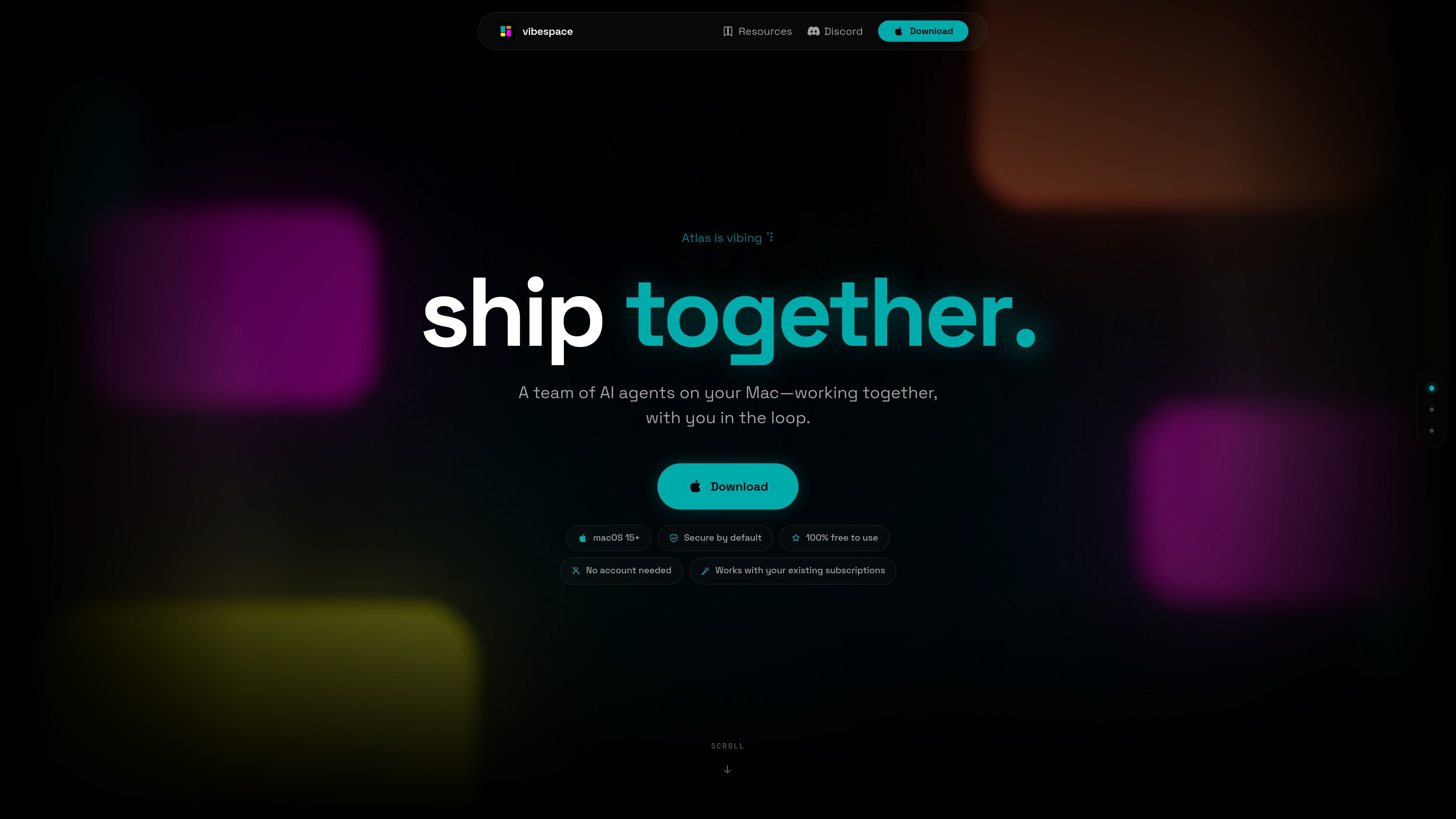
vibespace is a macOS app for running AI agent teams on your Mac. The homepage describes it as a way to run Claude Code and Codex agents in isolated containers that collaborate, communicate, and build together while you stay in the loop.
The product is designed around a local, container-based workflow rather than a cloud-only interface. Its docs point users through installation, provider setup, blueprints, and views such as Live Feed, Channels, DMs, Filesystem, Terminals, and Previews, giving you a place to watch agents work and review the output they produce.
Connect Claude Code or Codex during setup, then move into the app’s guided workflow instead of configuring everything manually.
Run agents in isolated containers on your Mac so they can work without sharing the same environment.
Follow agent activity through Live Feed, Channels, Direct Messages, Filesystem, Terminals, Previews, and the Command Bar.
See shipped work as live previews, which the homepage describes as forwarding artifacts from the agent container.
Manage vibespaces by pausing and restarting them, and shape how you work inside the app.
Use the Vault to handle API keys and secrets without losing control of sensitive access.
Use vibespace when you want an agent to start from a prompt, spin up a team, and keep you involved as the work progresses.
Use the live views to monitor what agents are doing, inspect their messages, and review previews without leaving the app.
Use the filesystem, terminals, and preview views when you need a local workspace for artifacts, commands, and rendered outputs.
Use the app if you already subscribe to Claude Code or Codex and want to apply those providers inside a Mac-native workflow.
Use the Vault when you need to keep API keys and other secrets available to the app without exposing them broadly.
vibespace is built for macOS 15 and later. The docs say you download the app, launch it, and then connect Claude Code or Codex during setup.
The homepage says vibespace runs Claude Code and Codex agents in isolated containers that collaborate, communicate, and build together on your Mac.
The public pages position vibespace for a single Mac user who wants to keep AI agents in the loop while they work. The homepage and docs emphasize live collaboration, previews, channels, direct messages, and terminal/file views.
The site does not list a pricing page at the URL provided. The homepage says the app is 100% free to use and requires no account, while also noting it works with your existing subscriptions.
Yes. The privacy page says telemetry can be turned off by setting `VIBESPACE_NO_TELEMETRY=1` before launching the app.

BotBoard is a task-management layer for AI agents that helps teams assign work, track progress, and review output. It supports CLI, MCP, and HTTP connections for tools like OpenClaw, Codex, Claude Code, and Cursor.

Devin is an AI coding agent and software engineer that helps developers and engineering teams plan and execute complex software tasks. It is available through desktop, cloud, JetBrains, and CLI surfaces, with plans for individuals, teams, and enterprises.

ByteAsk is a terminal-first AI coding agent for C and C++ that edits repositories and verifies changes with the real compiler, debugger, sanitizers, and tests before showing a diff. It offers a free tier plus paid plans, with editor connectors and zero-retention handling described in the source.

CreateOS Sandbox is an isolated compute environment for running code and agent workloads inside Firecracker micro-VMs. It is designed for workflows that need machine-level isolation, private networking between sandboxes, and programmatic control through SDK, CLI, or MCP.

Biji - это универсальная платформа, разработанная для повышения продуктивности с помощью инновационных инструментов и функций.

Codex Plugins bundle reusable skills, app integrations, and MCP servers into workflows you can install in the Codex app or use from Codex CLI. They help extend Codex with connected-service tasks, reusable instructions, and shared team workflows.