
AmyMind icon

AmyMind

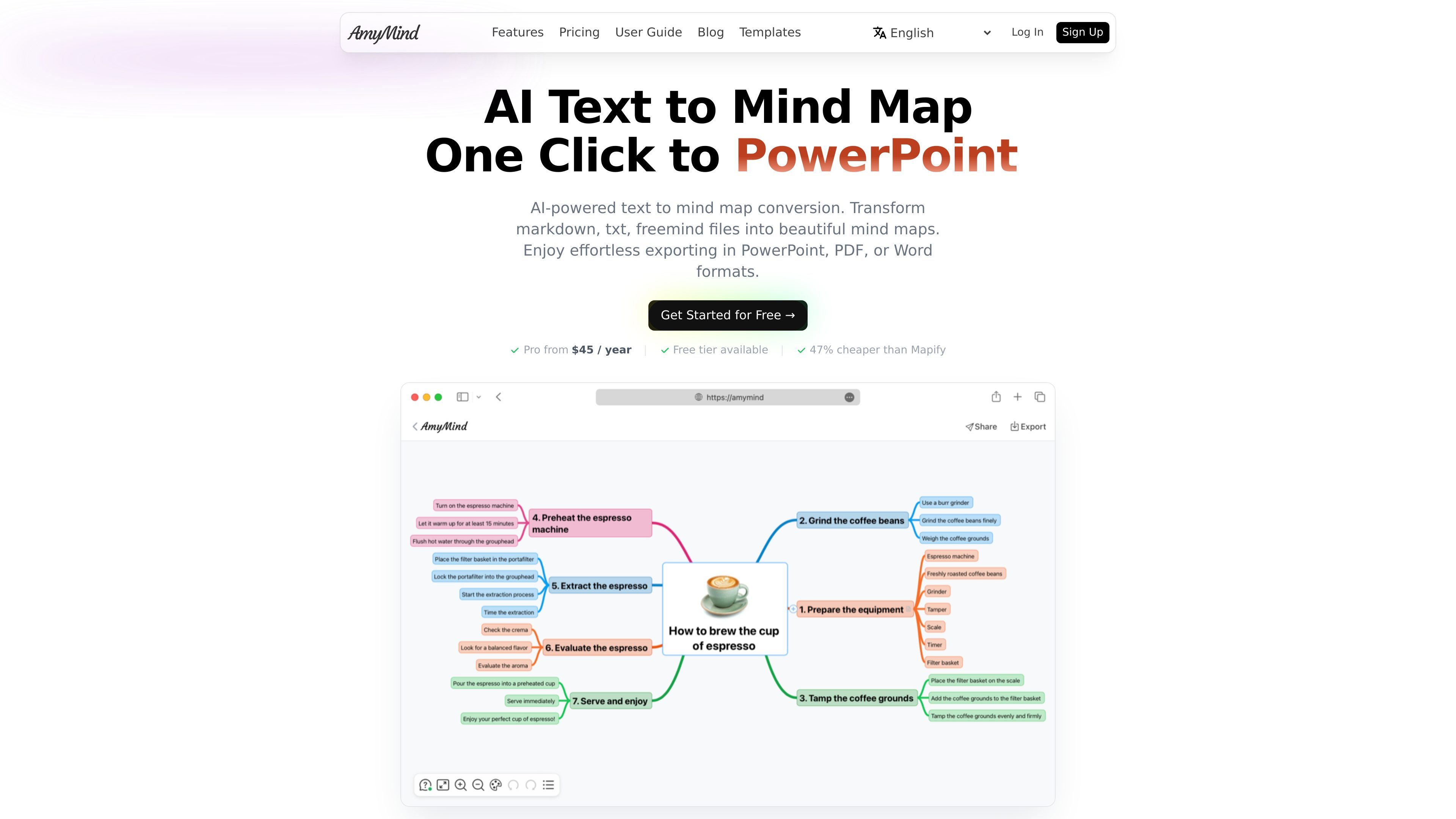
AmyMind is a web-based AI mind map generator that converts text, Markdown, PDF, Word documents, Freemind files, and YouTube captions into structured diagrams. It includes export options, editing tools, and a free tier with a paid Pro plan for heavier use.

AmyMind

Overview

AmyMind is an AI mind map generator that turns text, Markdown, PDF, Word documents, Freemind files, and YouTube captions into structured mind maps. The product is positioned as a browser-based tool for organizing ideas, notes, and documents into diagrams that are easier to review and edit.

Beyond mind maps, the site presents AmyMind as a diagramming workspace that also supports flowcharts and UML diagrams, plus presentation-oriented output through pitch mode. It combines AI generation with editing tools such as rich text node notes, outline mode, shortcuts, custom themes, and icons.

Key features

Text to mind map

Convert plain text into structured mind maps for breaking down ideas, notes, and documents.

Document and file import

Import Markdown, PDF, Word, and Freemind content and generate a visual outline from the source structure.

YouTube to mind map

Paste a YouTube URL and turn video captions into a mind map for lectures, talks, or tutorials.

AI-assisted editing

Use AI to generate new branches, expand a selected topic, or ask questions about the map content.

Multiple export formats

Export finished maps to formats such as PowerPoint, PDF, Word, PNG, TXT, MD, PPT, XMind, and SVG.

Mind map editing tools

Edit with rich text node notes, outline mode, shortcuts, themes, and icons for more detailed map building.

Common use cases

  • Study and knowledge organization

    Turn notes, articles, or long-form text into a visual map when you need to study or review a topic more efficiently.

  • Document conversion

    Import PDFs, Word files, Markdown, or Freemind content to extract structure from existing materials and reorganize them into diagrams.

  • Idea development

    Use branch generation, topic expansion, and outline mode to develop ideas during planning sessions or solo brainstorming.

  • Presenting and sharing

    Create presentation-ready output with pitch mode and export formats such as PowerPoint or PDF for meetings and classwork.

  • Template-based workflows

    Work through project planning, business notes, or technical structures with templates for areas such as planning, architecture, and meeting notes.

Pros and Cons

Pros

  • Supports several input types, including text, Markdown, PDF, Word, Freemind files, and YouTube captions.
  • Offers AI-assisted generation and refinement, including branch generation and topic expansion.
  • Exports to a wide range of formats, including presentation and document formats.
  • Includes editing tools beyond generation, such as outline mode, node notes, themes, icons, and keyboard shortcuts.
  • Provides a free tier for occasional users and a Pro tier for heavier use.

Cons

  • The public pricing page is unavailable, so some plan details are only described on other pages.
  • The site provides limited detail on third-party integrations or platform compatibility beyond browser-based editing and export formats.
  • Team or business pricing is not published as a separate plan on the pages provided.

FAQ

What can AmyMind import and export?

AmyMind can turn text, Markdown, PDF, Word documents, Freemind files, and YouTube captions into mind maps. The site also describes export to PowerPoint, PDF, Word, PNG, DOC, TXT, MD, and other formats.

Is there a free plan?

The source describes AmyMind as free for occasional users, with a Pro plan for heavier use. The home page shows a free tier and a Pro plan, and the pricing comparison page lists annual pricing for Pro.

Do I need to install anything to use AmyMind?

No. The docs describe AmyMind as an online tool that supports editing in the browser, so it does not require a software download for basic use.

Is AmyMind only for mind maps?

AmyMind is presented as a mind mapping tool that also supports flowcharts, UML diagrams, whiteboard-style editing, and pitch mode for presentations.

Does AmyMind have team pricing?

The pricing comparison page says Pro is priced per user and suggests contacting the team for group billing or volume discounts. It does not publish a separate team plan on the site pages provided.

Quick Facts

Category
AI mind mapping
Primary use
Convert text and documents into mind maps
Platform
Web-based
Supported outputs
PowerPoint, PDF, Word, PNG, TXT, MD, PPT, XMind, SVG
Source domain
amymind.com
Pricing model
Free tier plus paid Pro plan
AmyMind - AI Tool, Features, Use Cases & Alternatives | UStack

