KaraVideo icon

KaraVideo

KaraVideo is a web-based AI video creation platform for generating videos from text, photos, or clips. It includes multi-model access, consistency controls, and paid plans with faster generation and no-watermark exports.

KaraVideo

What KaraVideo does

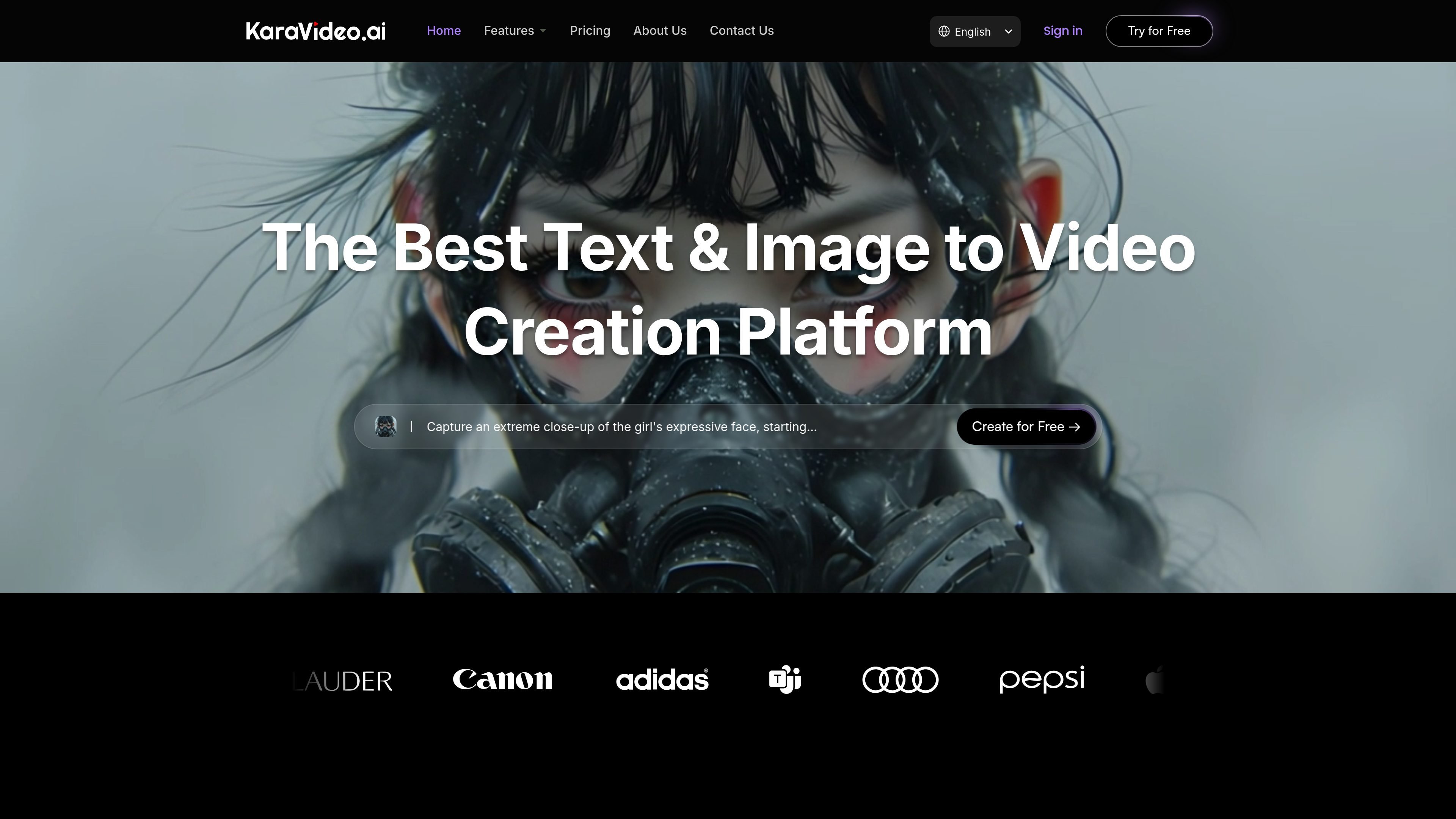
KaraVideo is an AI video creation platform that turns text, photos, and clips into generated videos from a single web interface. The site positions it as a place to create text-to-video, image-to-video, and video-to-video content without switching between separate tools.

The platform combines access to multiple model families with workflow controls for prompt input, reference images, character locking, start and end frames, and export settings. Its pricing page shows free and paid plans, with paid tiers adding features such as faster generation, no-watermark outputs, private visibility, and priority support.

Core features

Text to video generation

Create videos from written prompts, with the site describing semantic understanding and cinematic shot generation from text alone.

Image to video and start/end framing

Turn a photo into an animated clip, including optional end-frame control for more precise motion between two images.

Consistent character controls

Upload reference images and use character or style lock to keep a subject visually consistent across scenes.

Multi-model access

Choose from multiple model families, including Sora, Veo, Vidu, Runway, KLING, Pika, and Luma, from a single interface.

Video refinement tools

Apply enhancement and finishing tools such as upscaling, interpolation, stabilization, and color matching.

Output and preset settings

Use presets and output controls for aspect ratio, duration, quality, format, and channel-specific exports.

Practical use cases

  • Prompt-to-video prototyping

    Draft cinematic scenes from a short script or prompt when you need to move from idea to visual concept quickly.

  • Photo-to-video creation

    Animate product shots, portraits, or still frames into motion clips, with optional end-frame control for more directed transitions.

  • Consistent character scenes

    Keep a character recognizable across shots by using reference images and locking style or character traits during generation.

  • Styled animation generation

    Create anime-inspired or stylized clips by combining a brief scene description with the platform’s animation-oriented model options and style controls.

  • Video finishing and cleanup

    Improve an existing clip with tools such as upscaling, stabilization, interpolation, or color matching before publishing.

Pros and Cons

Pros

  • Supports text-to-video, image-to-video, and video-to-video workflows from one interface.
  • Offers access to several named video models, which reduces the need to move between tools.
  • Includes controls for consistency, such as reference images and character or style lock.
  • Provides post-generation refinement tools like upscaling, interpolation, stabilization, and color matching.
  • Shows a free plan alongside paid tiers, making it possible to try the product before upgrading.

Cons

  • The public pages do not fully spell out credit calculations, output formats, or all limitations.
  • Team collaboration features are not described in detail on the available source pages.
  • Some capability descriptions are broad, so practical limits may depend on the selected model and plan.

FAQ

How do I get started with KaraVideo?

KaraVideo is a web-based AI video creation platform, so users can start from the site without installing desktop software. The source does not provide a separate setup checklist or onboarding steps.

How are credits used for generation?

The pricing page says videos are created with a credit-based system, but it does not publish a full calculation table in the available text. Users can see plan-level credit amounts and usage limits on the pricing page.

Will my videos have a watermark?

The pricing page states that the free plan includes watermarking, while the Lite and Pro plans list no-watermark outputs. The site also mentions watermark-free exports in its about page.

What kinds of video workflows does KaraVideo support?

The homepage and how-it-works sections show support for text-to-video, image-to-video, and video-to-video workflows, plus options like reference images, style lock, and start/end frames. The source does not confirm every output format or export preset beyond general download and share options.

Is KaraVideo designed for team usage?

The available pages mention private video visibility, priority support, and commercial access on paid plans, but they do not describe team seats, shared workspaces, or collaboration controls in detail.

Quick Facts

Category
AI video generation
Platform
Web app
Primary workflow
Text, image, and video to video generation
Source domain
karavideo.ai
Pricing
Free plan plus paid tiers
Notable capabilities
Multi-model access, character consistency, video enhancement