Fast screen recording
Record your screen, a window, or a region from a single shortcut, with system audio, mic input, webcam bubble, and floating controls ready when you start.
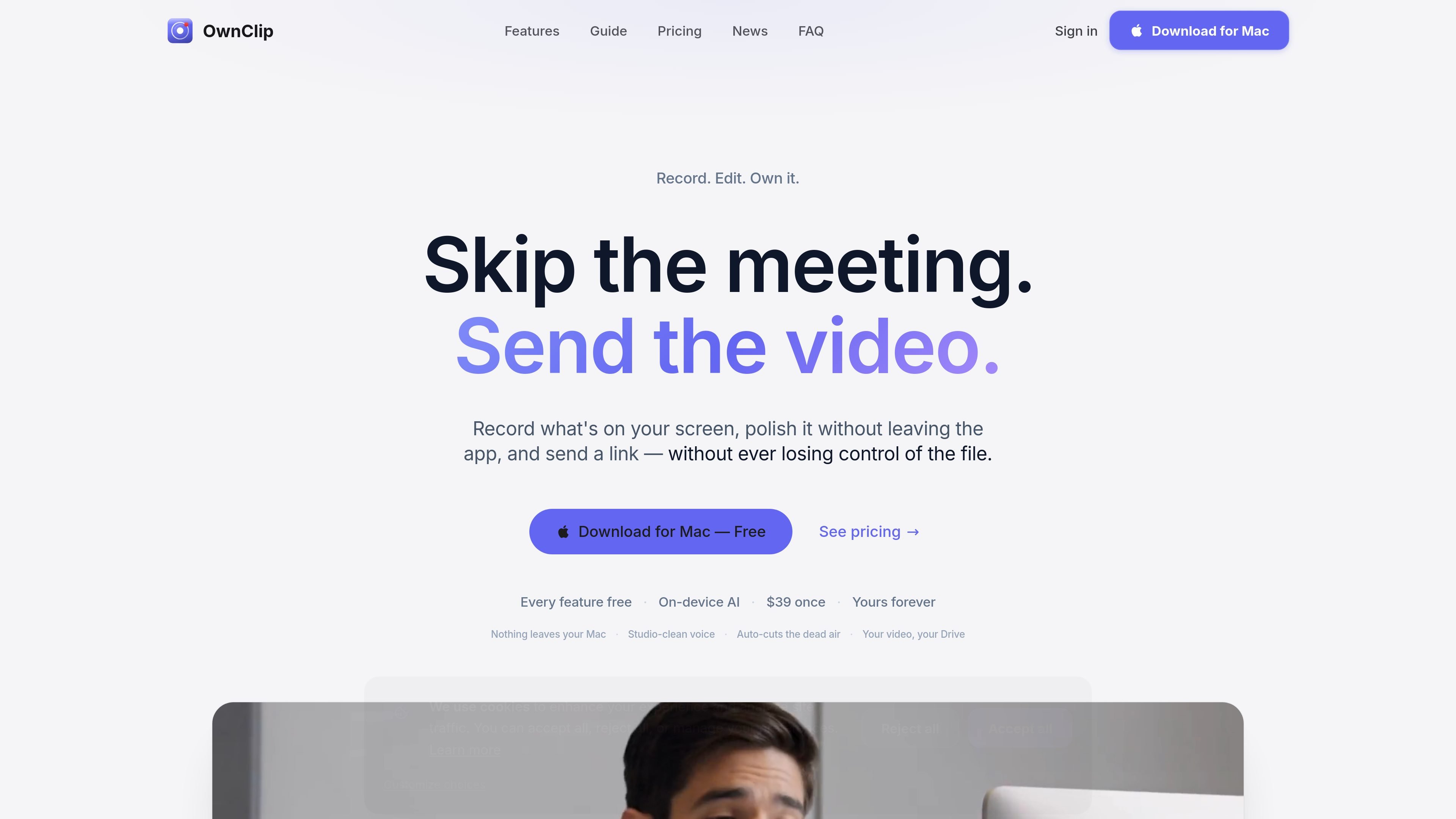
OwnClip is a native macOS screen recorder and editor built for people who want to capture, polish, and share screen content without moving into a separate cloud workflow. It combines screen recording, camera effects, audio cleanup, screenshots, PDF annotation, and video editing in one app.
The product is built around on-device processing: the site says recording, AI features, editing, and transcription stay on your Mac, and sharing goes to your own Google Drive or a branded link page. OwnClip is positioned for users who want local control over their files while still getting features such as live camera effects, transcript search, and non-destructive editing.
Record your screen, a window, or a region from a single shortcut, with system audio, mic input, webcam bubble, and floating controls ready when you start.
Use Metal-accelerated camera effects such as background blur, virtual backgrounds, Smart Framing, Auto-Light, and Beauty filter while you record.
Edit recordings without leaving the app, including trimming, cutting, redaction, chapters, speed changes, and non-destructive timeline adjustments.
Clean up audio with voice-focused noise removal, EQ presets, and on-device transcription, then turn transcripts into editable captions.
Capture screenshots, scroll pages, annotate, sign PDFs, and use OCR to lift text from images or screen content.
Export to MP4, HEVC, ProRes, GIF, or interactive before/after embeds, then share through your own Google Drive or a branded page.
Record product demos, bug repros, or walkthroughs directly from a Mac, then trim, redact, and share a link without handing files off to another editor.
Capture screenshots, annotate them, OCR text, and sign PDFs when you need a document-style workflow that stays on the device.
Create cleaner talking-head or tutorial videos with background blur, Smart Framing, Auto-Light, and noise removal applied as you record.
Generate editable captions from transcripts, then refine them into text that matches the timing and wording you want before export.
Produce branded customer-facing deliverables by exporting before/after videos or sending share pages with your own logo, colors, and domain.
OwnClip is designed for use on a single Mac workflow, and the site states it can be used on up to 2 Macs. The guide describes recording, editing, sharing, and live streaming from the app, but the public FAQ page does not provide team-seat details.
The site says OwnClip works on macOS 15 or later and requires Apple Silicon. The guide also lists the app as roughly 150 MB.
The homepage and guide say OwnClip keeps recording, editing, transcription, and sharing local to your Mac, and that sharing sends the file to your own Google Drive or a branded link page.
The guide says OwnClip exports to MP4, HEVC, ProRes, and GIF. It also supports interactive before/after embeds for web use.
The site presents OwnClip as a one-time purchase with every feature free to try and a $39 one-time payment to remove caps. The FAQ page includes a question about refunds, but the answer text was not visible in the provided source.
Ailytics is an AI-powered video analytics product for construction, manufacturing, and other heavy industries. It is positioned to improve safety and operational efficiency by turning site footage into actionable insight.
Dina 是一款 macOS 應用程式,可製作精緻的螢幕錄製內容,支援自動縮放、游標平滑、字幕、逐字稿編輯與簡報導向版面,適合在 Mac 上錄製、優化與輸出示範與教學。
Tavus is an AI video platform for building real-time, face-to-face agents, digital twins, and AI companions. It combines APIs, custom replicas, and multilingual conversational workflows for developers and teams.
HiringPartner.ai is an autonomous AI recruiting platform for sourcing, screening, and interviewing candidates 24/7. It supports ATS-connected workflows, bulk resume uploads, and reviewable interview outputs for hiring teams.
DeepMotion 是一個基於網頁的 AI 動作捕捉與 3D 動畫平台,提供 Animate 3D 影片轉動畫與 SayMotion 文字轉動畫,讓創作者與團隊可在瀏覽器中產生動作並匯出常見製作格式。
Bezel 是一款 macOS 應用程式,可在 Mac 上鏡像與錄製 Apple 裝置。支援 AirPlay 無線鏡像與 USB 有線鏡像,並提供適合示範、導覽與螢幕錄影的呈現工具。