

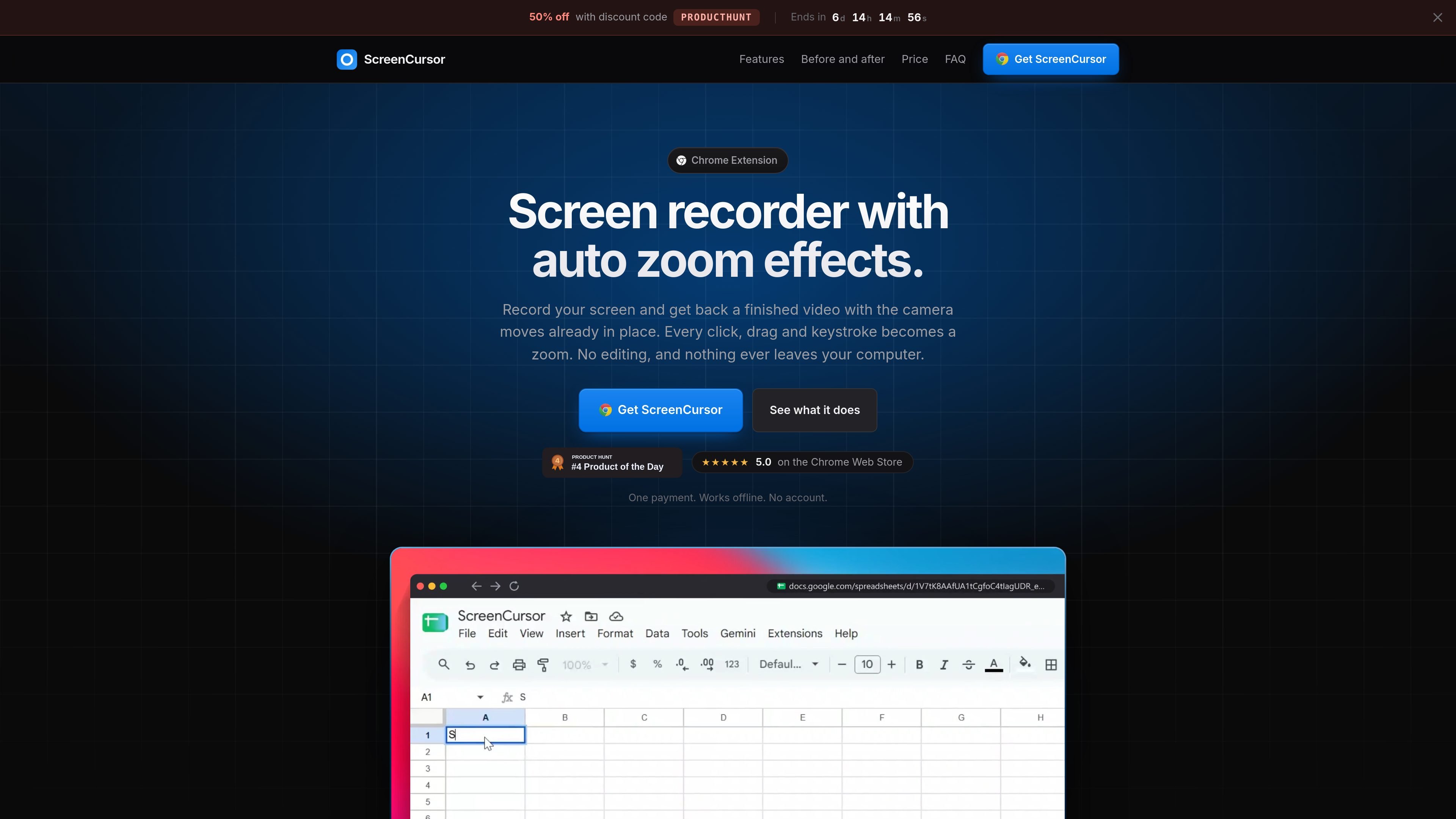
Automatic zoom effects
During recording, clicks, drags, and keystrokes are detected and converted into zooms. Each zoom is placed slightly before the relevant action so the viewer is already focused on the area being demonstrated.
ScreenCursor is a Chrome screen recorder that automatically adds camera movement while you record. It detects clicks, drags, and keystrokes, then places zooms around those actions so a raw capture becomes a more focused demonstration without requiring a separate editing pass.
After recording, you can refine the result with controls for zoom timing, depth, position, and motion, as well as standard trim, cut, split, speed, background, framing, and aspect-ratio tools. Finished videos export as MP4 files at up to 1080p.
The extension can capture the whole screen, including other applications and the desktop, and runs on macOS, Windows, and Linux through Chrome. The source states that recordings stay on the computer and that no account is required.
During recording, clicks, drags, and keystrokes are detected and converted into zooms. Each zoom is placed slightly before the relevant action so the viewer is already focused on the area being demonstrated.
Edit zoom timing, position, depth, and motion style, remove unwanted zooms, or add your own. The camera preview rebuilds as adjustments are made.
Trim or split clips, remove dead air, and speed up slower sections. Zooms follow cuts so the camera timing stays aligned with the edited footage.
Place the recording over a wallpaper, gradient, or custom image, with optional background softening. Add a browser frame with the page title, rounded corners, and an aspect ratio suited to the destination.
Export the finished recording as an MP4 at up to 1080p directly to the Downloads folder.
The product is presented as working offline, with recording, editing, and export performed in the browser rather than on a server.
Capture a product walkthrough once and let the automatic camera moves emphasize the controls being clicked, reducing the need to arrange zooms manually afterward.
Record browser-based instructions or application tutorials that need to show a sequence of clicks, drags, and typed input clearly.
Demonstrate work in a design tool or another desktop application while capturing the full screen rather than only a browser tab.
Create short internal explanations of desktop workflows and export them as MP4 files for sharing without a separate conversion step.
ScreenCursor is a Chrome extension and runs on macOS, Windows, and Linux wherever Chrome runs. Recording performance depends on the computer having hardware video encoding; the source says this is available on almost all machines made in the last decade.
It can record the whole screen, including browser content, other applications, the desktop, and design tools. Chrome displays its own screen-sharing bar during recording, so ScreenCursor waits three seconds at the start to give you time to collapse it.
It exports MP4 files at 720p or 1080p to the Downloads folder. The files can be used without another format conversion.
No. Recording, editing, and export happen inside the browser, and the source states that the video does not leave the computer. An account is not required.
Yes. Automatic zooms can be retimed, moved, made deeper or shallower, switched between snappy and gentle motion, or deleted. You can also add zooms manually, and the editor includes trimming, cutting, splitting, and speed adjustments.

Jupitrr Cut 是免費的 iOS 與 Android 提詞錄影 App,適合製作腳本口播影片。逐句分段錄製、重拍單句、自動剪除停頓,並串接成俐落的跳剪影片。

Ailytics 是一款 AI 驅動的影片分析產品,適用於營建、製造及其他重工業,透過將現場影像轉化為可行洞察,協助提升安全與營運效率。

Tavus 是一個 AI 影片平台,協助開發即時面對面代理、數位分身與 AI 陪伴。提供 API、客製化複製體與多語言對話工作流程,適合開發者與團隊。

HiringPartner.ai 是可自動運作的 AI 招募平台,支援 24/7 人才搜羅、篩選與面試,整合 ATS 流程、批量履歷上傳,並提供可供審閱的面試結果。

Video Effects SDK 提供即時 webcam 特效,包括背景模糊、背景替換或移除、去噪、畫面取景、美顏與色彩調整,適用於 Web、桌面與行動端的即時視訊體驗。

DeepMotion 是一個基於網頁的 AI 動作捕捉與 3D 動畫平台,提供 Animate 3D 影片轉動畫與 SayMotion 文字轉動畫,讓創作者與團隊可在瀏覽器中產生動作並匯出常見製作格式。