
Layer-based screenshot editor
Upload real app captures and place them with text, backgrounds, and device frames on a single editable canvas. Font, color, spacing, and size controls support manual refinement.

AppGrowthKit is an AI-assisted workspace for creating editable Apple App Store and Google Play screenshot sets from real app screens. It helps indie developers and app teams generate layouts and copy, localize screenshots across 42 App Store locales, add device frames and icons, and export store-ready assets.
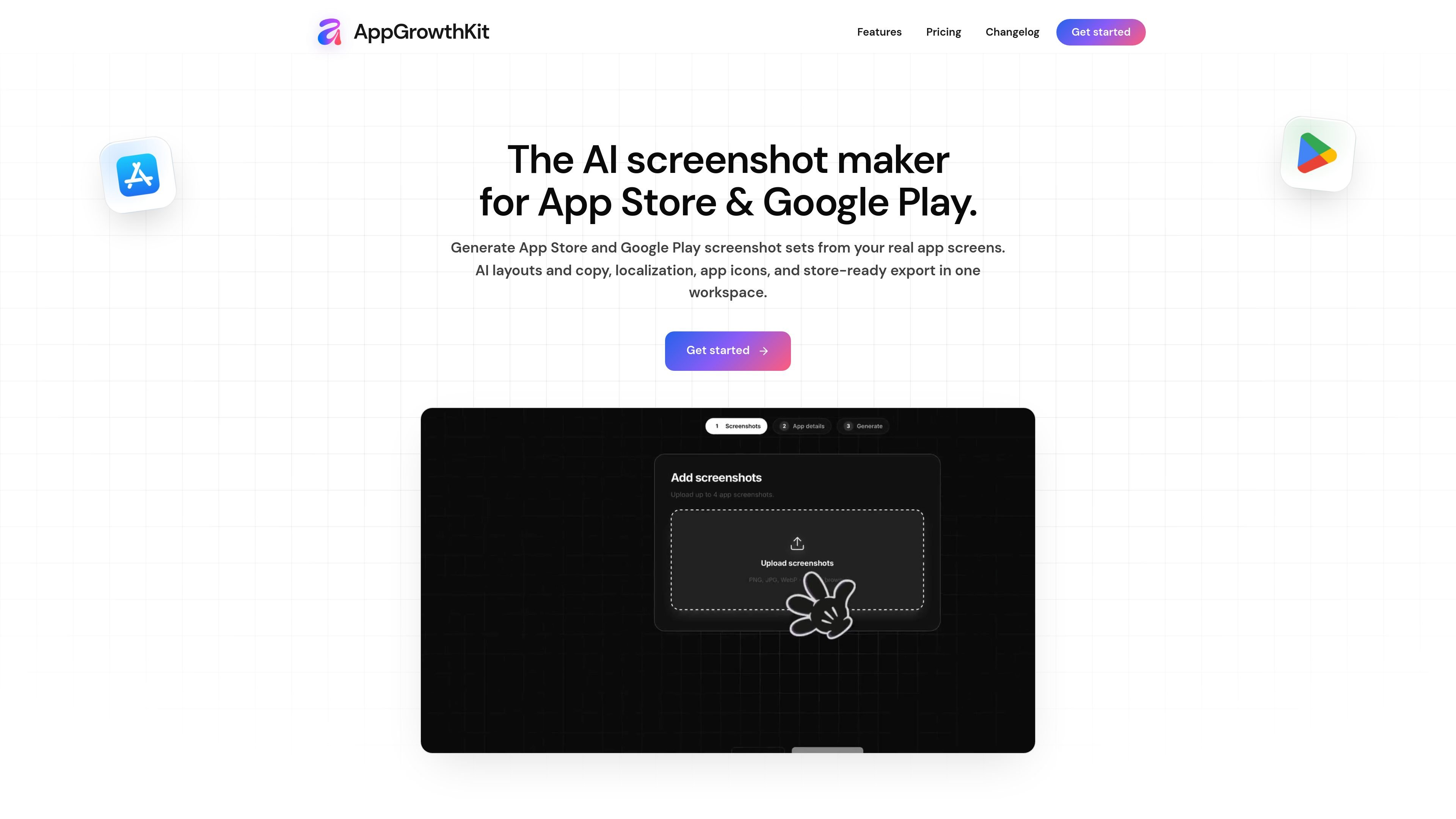
AppGrowthKit is an AI-assisted screenshot and app-store asset workspace for Apple App Store and Google Play listings. It lets developers upload real app screens, arrange them with device frames, headlines, backgrounds, and spacing, and keep the result editable in a layer-based canvas.
The workflow supports both manual design and AI assistance: AI can propose layouts and write screenshot copy, while users review and adjust each layer before exporting a complete set. The product also provides localization for 42 App Store locales, app-icon generation, and batch export in store-required dimensions for iPhone, iPad, and Android workflows.
Upload real app captures and place them with text, backgrounds, and device frames on a single editable canvas. Font, color, spacing, and size controls support manual refinement.
Describe the app and let AI plan a layout, draft headlines and store copy, and apply backgrounds and spacing across the screenshot set. Generated work can be reviewed and edited.
Generate adapted titles, subtitles, and custom text for 42 App Store locales while preserving the master composition and editable text layers.
Use iPhone, iPad, and Android device frames, including current models shown on the site, and choose a frame finish before placing a screenshot.
Export all screens in a project in the dimensions and formats required for Apple App Store and Google Play workflows, including examples such as 1260×2736 for a 6.9-inch iPhone, 2064×2752 for a 13-inch iPad, and 1080×1920 for a Play phone.
Describe a desired feeling, subject, and style to generate one, two, or four icon directions, then download selected icons with Apple-ready icon exports on paid plans.
Upload raw captures, apply device frames and store copy, then export a complete set without moving the work between a design tool and a separate resizing tool.
Start with an English screenshot master, generate market-specific titles and captions, and review each locale’s text in the existing composition before export.
Refresh screenshot headlines, spacing, colors, or device treatments for a release while keeping the underlying app screens and project layers available for further edits.
Generate several icon directions alongside screenshot assets, compare the options, and download the selected icon for the app’s store materials.
Upload your raw app screenshots, describe what the app does if you want AI assistance, then arrange screens, text, backgrounds, and device frames on the canvas. Review the result and export the finished set.
AppGrowthKit supports Apple App Store and Google Play screenshot workflows, including iPhone, iPad, and Android device frames and store-ready exports.
AI can plan layouts, write headlines and store copy, and apply backgrounds and spacing. You can review and edit the resulting layers before exporting.
Choose a market and generate localized titles, subtitles, and custom screenshot text from an English master. The device frames, app screens, spacing, and other editable layers remain in place for review.
Launch Pass costs $9.99 as a one-time payment and includes 250 AI credits. Pro costs $14.99 per month or $99.99 per year and includes 750 AI credits per month. Both plans include unlimited projects and store exports.

imgcook is a design-to-code tool that converts design drafts into front-end code. It supports plugin-based and developer workflows for Sketch, Photoshop, VS Code, and CLI usage.

Beautiful.ai is an AI presentation platform for individuals, teams, and enterprises. It helps users create branded slide decks with Smart Slides, collaborative editing, and export options while reducing manual formatting work.
SlideSpeak Onbrand gives AI agents live access to approved brand assets and slide layouts so decks, one-pagers, and other collateral can start on brand. It is designed for Claude Code, Codex, Cursor, and other MCP clients.

GitFig is a Figma plugin that syncs design tokens and styles with GitHub in both directions. It supports repository files, branches, commits, and pull requests from inside Figma.

Decktopus AI is a web-based AI presentation maker that generates branded slide decks from prompts, pasted text, or PDFs. It is aimed at individuals, teams, and enterprises that want to produce presentations faster while keeping layouts and branding consistent.

Chronicle is an AI presentation maker for teams that need to turn notes, docs, or existing decks into polished business presentations. It supports AI slide generation, brand controls, collaboration, and export to PPT, PDF, or a published website.