
AI subtitle generation
Upload a video and generate subtitles in seconds using the site’s AI transcription workflow. The product says it is designed to handle accents, background noise, and multiple speakers.

AutoSubtitles is a browser-based AI subtitle generator that creates, styles, and exports captioned videos with burned-in subtitles. It is designed for creators and teams that want a fast, no-signup workflow for social, educational, and client video content.
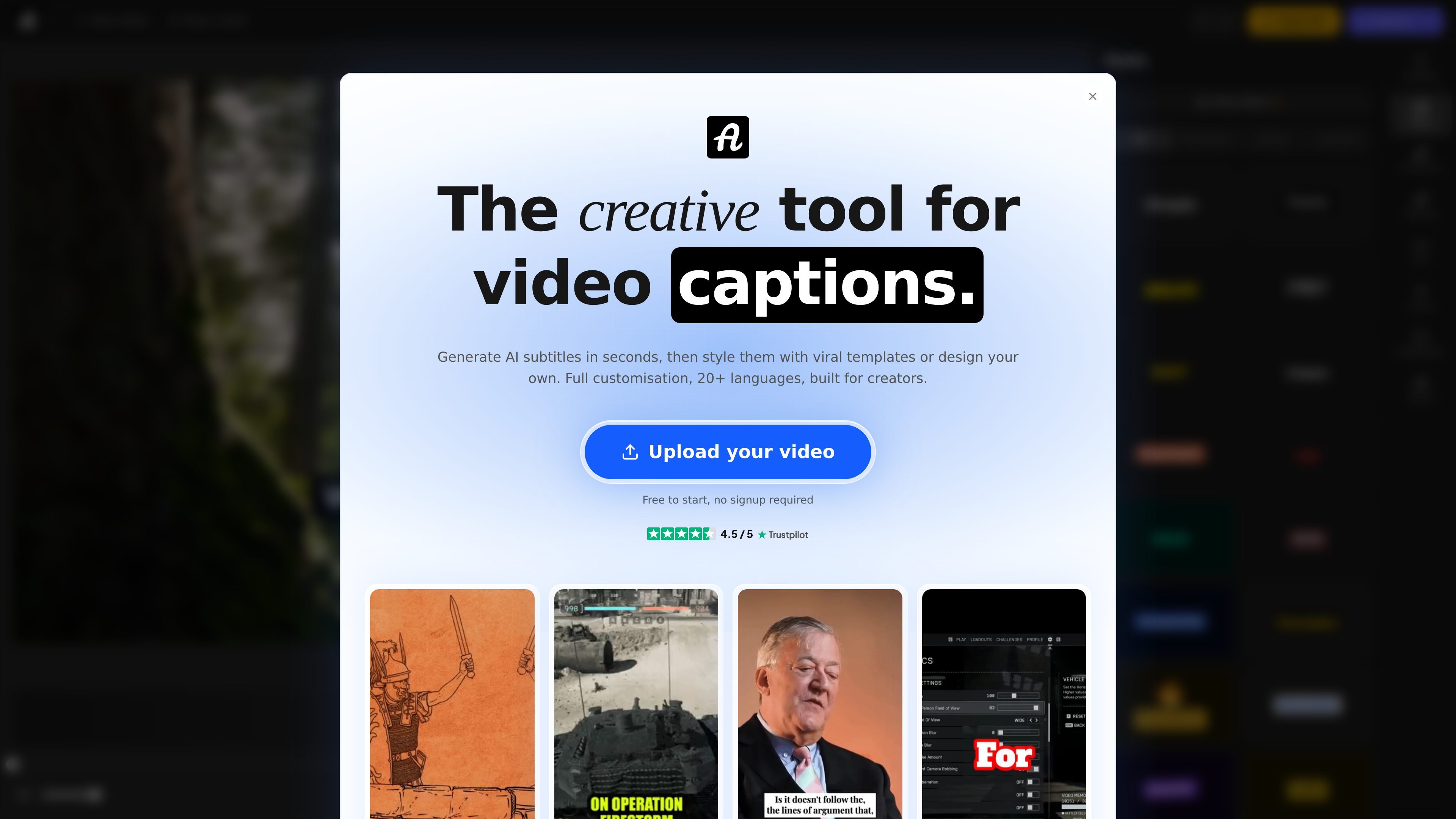
AutoSubtitles is a browser-based AI subtitle generator for videos. It creates subtitles from uploaded footage, then lets users style the captions, adjust timing, and export a video with burned-in subtitles.
The product is aimed at creators, marketers, educators, freelancers, agencies, and social media managers who need a fast way to produce captioned video without learning a complex editing workflow. The site says it works with no signup and offers a free tier to start.
Upload a video and generate subtitles in seconds using the site’s AI transcription workflow. The product says it is designed to handle accents, background noise, and multiple speakers.
Apply ready-made looks such as Classic, Neon, Karaoke, Street, and Corporate with one click. These presets are meant to speed up styling without starting from scratch.
Work across 20+ languages with automatic language detection, including English, Spanish, French, German, Portuguese, and Japanese.
Adjust font, size, color, outline, background, position, and alignment to match a brand or video format. The editor is positioned as a full customization layer rather than a fixed template tool.
Edit every word, change start and end times, and merge or split segments inside the browser editor. This gives users timing control after transcription.
Upload common video formats such as MP4, MOV, and WebM, then export a video with burned-in subtitles. The site also says free exports are limited to 720p.
Add subtitles to YouTube videos, then export a captioned version that can be published directly. The homepage highlights this for improving watch time, accessibility, and search visibility.
Create short-form captions for TikTok and Reels, where on-screen text is often part of the format. The product supports styled captions and animations for this workflow.
Generate subtitles for lessons, coaching sessions, or course videos in multiple languages. This is useful when you want spoken content to remain understandable without manual captioning.
Caption client videos for ongoing freelance or agency work without committing to a heavier editing tool. The site positions the browser workflow as suitable for delivering finished videos quickly.
Turn podcast or interview audio into captioned clips for social sharing. The transcription flow is designed to handle different speakers and accents.
Yes. The site says you can generate subtitles, edit them, and export a video for free. Free exports include a small AutoSubtitles.com watermark, and Pro removes it.
No. The site states that AutoSubtitles works in the browser with no signup, no login, and no account required.
No. According to the site, your video stays on your device and is processed locally in the browser. Only the audio track is sent for AI transcription and is deleted immediately after.
AutoSubtitles supports MP4, MOV, WebM, and most common video formats. It also works with landscape, portrait, and square videos.
The site says it supports 20+ languages with automatic language detection, including English, Spanish, French, German, Portuguese, Japanese, and more.

QuickQuill is a macOS dictation and transcription app that runs locally on the device. It helps users record meetings, transcribe audio, generate summaries, and export notes without using a cloud service.

Speech to Text Converter is a browser-based transcription tool for live dictation and uploaded audio or video files. It offers a free tier for short tasks and a Pro plan for unlimited transcription, AI summaries, translation, speaker identification, and advanced exports.

Pewbeam is a church presentation app that listens to sermons, detects Bible verse references in real time, and displays the matching passage on screen. It is built for pastors, projection teams, and church media volunteers who want to reduce manual slide control during live services.

Dictato is a Mac dictation app that transcribes speech into text in any app using an on-device, offline workflow. It supports multiple transcription engines, optional cleanup and translation, and a one-time purchase license.

Notta Desktop Privacy Mode is a local transcription workflow that records and transcribes audio on your computer instead of sending it to the cloud. It is designed for sensitive meetings and offline use, while still allowing users to switch back to standard Notta workflows when needed.

Tactiq is an AI note taker for Google Meet, Zoom, and Microsoft Teams that transcribes meetings live and turns them into summaries, action items, and follow-up outputs. It is built around a Chrome extension and supports team workflows through sharing and integrations.