Dover icon

Dover

Dover is a recruiting platform with a free ATS and AI features for application scoring, interview note-taking, interview summaries, and MCP access from tools like Claude and ChatGPT.

Dover

Overview

Dover is a recruiting platform that combines a free applicant tracking system with AI features for screening, interviewing, and candidate context. Its AI page focuses on application scoring, interview note-taking, interview summaries, and Dover MCP, which connects recruiting data to AI tools such as Claude and ChatGPT.

The product is aimed at teams that want to move faster through early hiring work without leaving their recruiting stack. Dover says you can review applicants, capture interview notes, and ask questions about jobs, candidates, and pipeline status from supported AI clients, while keeping access controls and write actions under your control.

Core features

AI application review and scoring

Rank applicants against the criteria you set for each role. Dover says it can score resumes against job-specific requirements, surface strong candidates as new applications arrive, and help keep review decisions consistent across the hiring team.

AI interview notetaker

Automatically capture interviews with transcripts and structured notes so feedback is preserved after the call. The page says Dover can transcribe video interviews, pre-fill scorecards with structured observations, and reduce manual admin.

Interview synopses

Generate concise post-call summaries for hiring managers who were not in the interview. The synopses highlight strengths, concerns, and next steps so decisions can move forward without sharing a full transcript.

Dover MCP for AI assistants

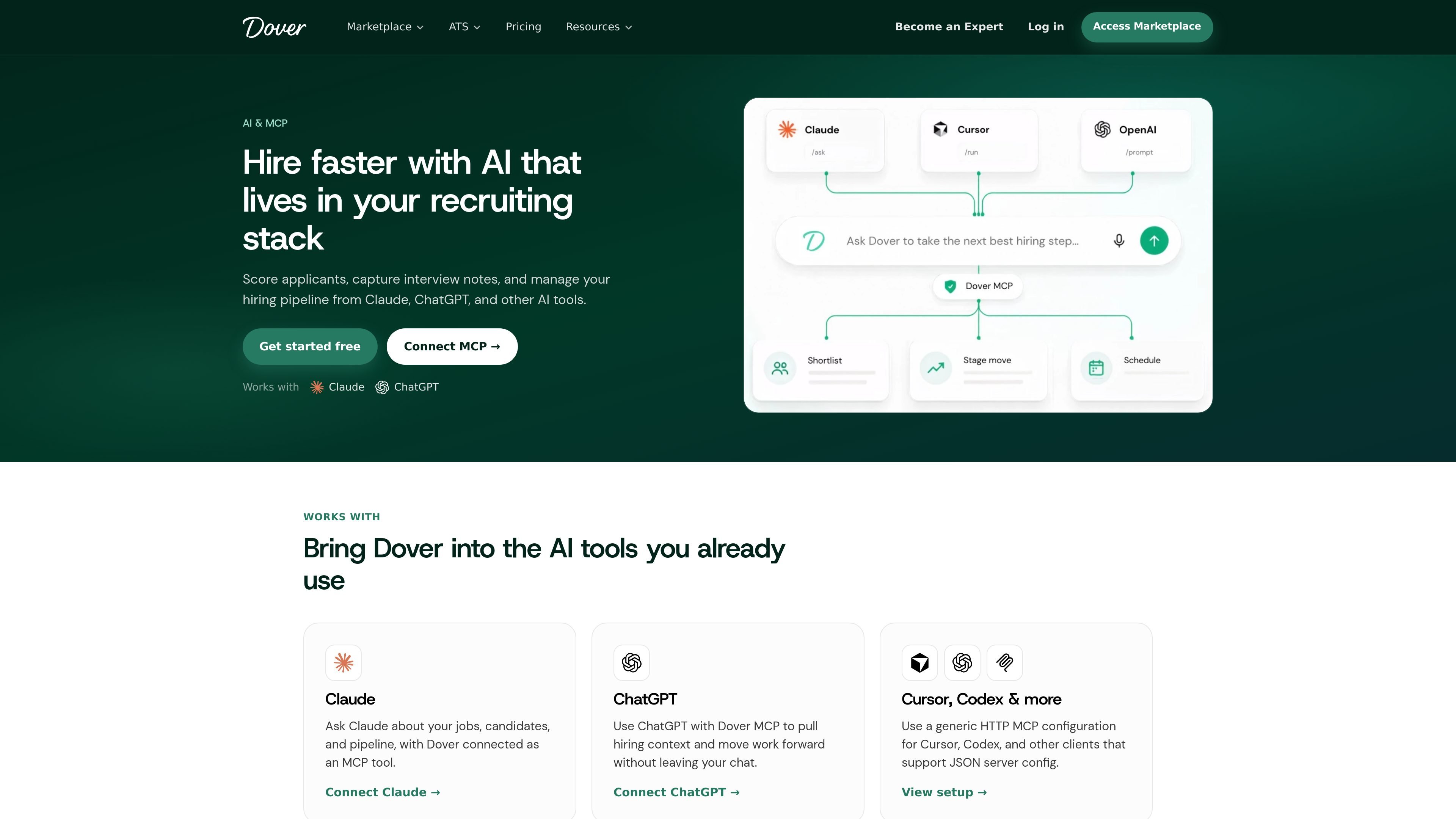
Connect Dover to Claude, ChatGPT, and other MCP-compatible clients to ask about jobs, candidates, and pipeline status from the AI tool you already use. The page also shows examples such as checking scored applicants, summarizing interviews, and identifying pipeline blockers.

Generic MCP client setup

Use a generic HTTP MCP configuration for clients such as Cursor and Codex. Dover provides a server URL and example JSON configuration for setup in supported clients.

Free ATS and candidate management

Run recruiting from a free ATS that includes unlimited users and jobs, candidate tracking, Gmail and Outlook integrations, and 100+ job board integrations. The ATS page also describes actions such as reviewing candidates, scheduling or rejecting applicants, and publishing a careers page.

Common workflows

  • Screening applicants for an open role

    Use AI application scoring to rank incoming applicants against role-specific requirements, then review the strongest fits first instead of reading every resume in the same order.

  • Summarizing interviews for stakeholders

    Connect an AI assistant to Dover MCP and ask for a concise summary of the last interview, including strengths, concerns, and next steps for a candidate who needs a hiring-manager readout.

  • Managing pipeline and coordination

    Ask Dover-connected Claude or ChatGPT what is blocking a hiring pipeline, which roles still need scheduled interviewers, or which applicants exceeded a scoring threshold this week.

  • Running interviews with less admin

    Use the interview notetaker to capture transcripts and structured notes automatically, then pre-fill scorecards so interviewers can focus on judgment instead of manual note taking.

  • Centralizing early-stage hiring

    Start with the free ATS to manage applicants, jobs, and candidate stages, then add AI assistance and MCP connections when the team is ready to work from chat-based tools.

Pros and Cons

Pros

  • Combines AI recruiting workflows with a free ATS, so teams can start with core hiring operations and add AI assistance in the same product.
  • Supports application scoring, interview note-taking, and interview summaries, covering several high-friction recruiting tasks.
  • Lets users interact with hiring data from Claude and ChatGPT without switching away from their AI chat environment.
  • Provides explicit permission controls, including read access and separate write access, and says users stay in control of disconnecting anytime.
  • Includes ATS basics such as unlimited users and jobs, candidate tracking, job board integrations, and careers page publishing.

Cons

  • MCP setup for Cursor, Codex, and similar tools requires a generic HTTP client configuration, so it is not limited to a one-click in-app connection for every client.
  • The AI page does not spell out every supported integration beyond Claude, ChatGPT, and the generic MCP setup, so buyers may need to verify their exact workflow before adopting.

FAQ

What AI features does Dover offer?

Dover combines a free ATS with AI recruiting workflows. The source highlights AI application review and scoring, an AI interview notetaker, interview synopses, and Dover MCP for using hiring context inside Claude, ChatGPT, Cursor, Codex, and other MCP clients.

What is Dover MCP?

Dover MCP is the Model Context Protocol connection that lets supported AI tools talk to your Dover account securely. The page says you can use it with Claude and ChatGPT directly, and with Cursor, Codex, and other clients through a generic HTTP MCP configuration.

Can I use Cursor, Codex, or another MCP client?

Yes. Dover says you can connect Claude or ChatGPT directly, and that Cursor, Codex, and other MCP clients can use a generic HTTP MCP server configuration.

Do I need a paid plan to use Dover AI?

The pricing page shows a Free ATS plan and a Premium ATS plan. The AI page also says to start free with Dover’s ATS and then connect Claude or ChatGPT when ready.

Does AI replace recruiters or hiring managers?

No. Dover says AI assists with ranking and summaries, while hiring decisions stay with your team.

Quick Facts

Category
Recruiting software
Primary use
Applicant tracking and AI-assisted hiring
Platform compatibility
Claude, ChatGPT, Cursor, Codex, and other MCP clients
Free tier
Free ATS available
Paid plan
Premium ATS listed on pricing page
Source domain
dover.com

Alternativas a Dover

HiringPartner.ai icon

HiringPartner.ai

HiringPartner.ai is an autonomous AI recruiting platform for sourcing, screening, and interviewing candidates 24/7. It supports ATS-connected workflows, bulk resume uploads, and reviewable interview outputs for hiring teams.

SelectPrism icon

SelectPrism

SelectPrism is an agentic AI hiring platform for high-volume recruiting teams. It automates screening, scheduling, first-round interviews, and structured evaluation to help teams move candidates through hiring with less manual coordination.

Flunkey icon

Flunkey

Flunkey is a voice-first productivity layer for Windows that converts speech into text, AI-assisted outputs, and remembered context. It is built for users who want to capture ideas and actions without leaving the app they are working in.

Contextberg icon

Contextberg

Contextbergは、画面・入力・ブラウザ・AIエージェントの利用履歴をローカルで記録し、MCP経由でClaude CodeやCursorなどに作業コンテキストを渡すデスクトップアプリです。中断した作業の再開、過去ログの検索、日次レビューに利用できます。

Yattayo icon

Yattayo

Yattayo: Slider To-Do Board is a productivity app that turns tasks into a physical-style slider board with sticky notes, widgets, reminders, and iCloud sync. It helps people who want a more tactile way to manage to-dos and, in Premium, recurring habits.

recall icon

recall

recall is an AI flashcard app that turns reading and notes into study cards through Claude, ChatGPT, or another MCP client. It uses one-time lifetime access pricing and spaced repetition review.