
Predict
Work through exercises that ask you to predict a program’s output before running it, which builds the habit of reading code with intent rather than only executing it.

FlowState Reasoning is a coding practice site focused on predicting output, tracing state, and building from prompts. It helps people who can follow generated code but want more practice deciding what to write next.
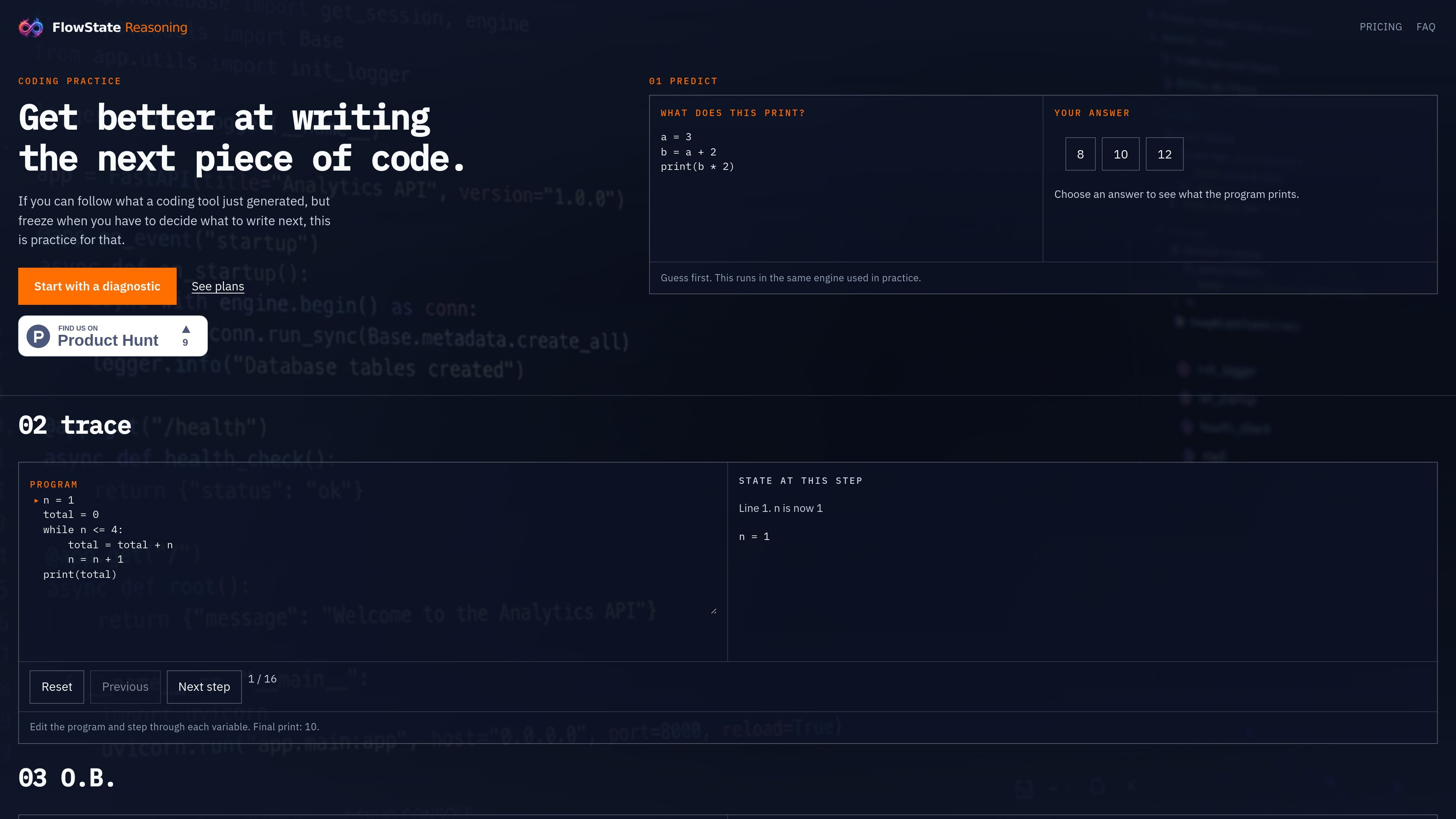
FlowState Reasoning is a practice site for people learning to write the next piece of code, not just read code that already exists. Its exercises focus on the kind of work that happens after AI or generated code gets you part of the way there: deciding what to change, stepping through the result, and debugging it when it does not behave as expected.
The homepage shows three core exercises: predicting what a program prints, tracing variables through a loop, and moving O.B. through a grid puzzle. The site also frames the product around a set of reasoning skills—recognize, predict, trace, explain, modify, choose, build, and combine—and offers a Free plan with a diagnostic and weekly budget plus a Pro plan that increases the weekly limit and unlocks the rest of the catalogue.
Work through exercises that ask you to predict a program’s output before running it, which builds the habit of reading code with intent rather than only executing it.
Step through a program variable by variable and observe how state changes over time, using the trace exercise as guided practice.
Edit a program and advance it step by step to see how each change affects behaviour, with examples shown for both code and a grid-based puzzle.
Start with a diagnostic that establishes a Reasoning Profile and a starting path before you move into the practice catalogue.
Use the weekly practice budget on Free, or raise the weekly practice limit on Pro and unlock the rest of the catalogue.
A developer who can read generated code but hesitates on the next edit can use the Predict and Trace exercises to practice deciding what happens before running anything.
Someone debugging a small loop or stateful program can step through variables one change at a time to build a more reliable mental model of program flow.
A learner who wants structured practice without committing to a full course can start with the free diagnostic, see a Reasoning Profile, and follow the suggested path.
A subscriber who wants broader practice content can move to Pro to raise the weekly limit and access the rest of the catalogue while keeping the same assessment approach.
A user who prefers to keep AI tools in their workflow can use the exercises to strengthen independent judgment without treating tools as something to abandon.
FlowState Reasoning is practice for writing the next piece of code. Its core work is Predict, Trace, and Build: guess what a program will print, step through variables, and move O.B. on a grid.
Free includes a diagnostic, your Reasoning Profile, a starting path, and a weekly practice budget. Pro raises the weekly limit and unlocks the rest of the catalogue. Assessment and mastery stay the same on both plans.
No. The product says you do not have to stop using your tools. The point is to direct them and still be able to write code when you are on your own.
Payment is handled by Stripe. You can cancel at any time from your account, and access continues until the end of the paid period.
No. The FAQ says this is not a kids product, and it is not Scratch.

AGINE Academy — игровая онлайн-академия для практического освоения Claude в работе, творческих задачах и автоматизации. Подходит тем, кто хочет начать с бесплатного урока и учиться на реальных миссиях без опыта в разработке.

TubeKit turns public YouTube videos and playlists into AI-powered tools that creators can customize and share. It is free to try and requires no signup for the initial workflow.

ChessWoodie is a chess tactics training app based on the Woodpecker Method. It helps players build pattern recognition through repeated puzzle cycles, track speed and accuracy, and review missed tactics from their own games.

Padel Chess is a web-based learning platform for improving padel tactical skills through puzzle-based practice. It helps players work on positioning, shot selection, and decision-making in realistic court scenarios.

Framework First Academy is an online learning platform focused on choosing and applying the right framework for the situation at hand. It offers 30 courses across Diagnose, Automate, Manage, and Deliver, plus a free decision map, individual course access, annual all-access, and team plans.

Teloframe is an AI-powered football coaching platform for building tactics, editing drills, planning sessions, and managing player development in one workspace. It includes a Free tier plus Pro and Club plans for coaches and analysts who need more collaboration and team features.