
Three operating modes
Supports two-way, one-way, and transcribe modes, letting teams choose between live interpretation and note capture workflows.

Saydi is an AI voice translation platform for meetings, events, conferences, and document translation. It supports live interpretation workflows, meeting minutes, and browser-based use across common meeting platforms.
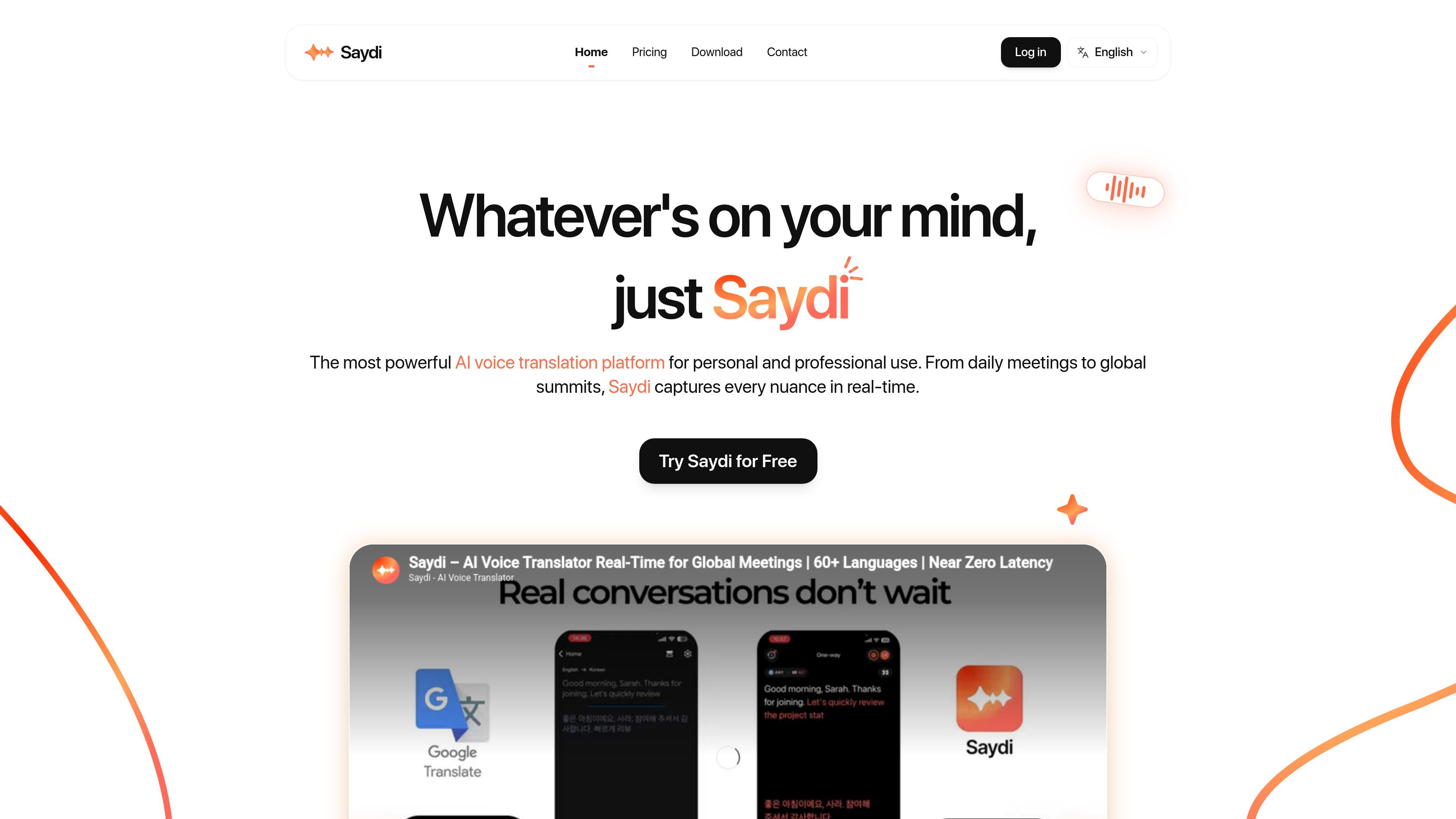
Saydi is an AI voice translation platform built for meetings, events, conferences, and other professional communication where participants need to understand each other in real time. The site positions it as a tool for both personal and business use, with a focus on preserving nuance, context, and speaking intent rather than translating only literal wording.
The product combines live translation with workflow features such as two-way, one-way, and transcribe modes, automatic language detection, speaker diarization, custom terminology, and meeting-minute generation. It is offered through a monthly subscription and credit top-up model, with integration paths for Google Meet, Zoom, Teams, and Webex, plus web, mobile, and Chrome extension access.
Supports two-way, one-way, and transcribe modes, letting teams choose between live interpretation and note capture workflows.
Uses an AI context engine with scenario presets, meeting details, keywords, and a custom dictionary to guide interpretation.
Automatically detects the speaker’s language and labels who said what in notes, reducing manual switching and cleanup.
Provides a Chrome extension for Google Meet, Zoom, Teams, and Webex, plus web and mobile access for broader use.
Includes DocTranslate for event documents and QR code entry for events, extending the product beyond live conversation.
Supports up to 50 custom terms on the home page and meeting-minute generation on the pricing page, helping teams preserve specialized vocabulary and capture outputs.
Run live multilingual meetings with real-time interpretation, speaker labeling, and context from keywords or meeting details.
Support large conferences with QR-code entry and live interpretation so attendees can join and follow sessions quickly.
Handle international sales conversations where preserving tone, nuance, and terminology matters across languages.
Translate or localize event documents with DocTranslate alongside the live session workflow.
Use the product on the web, in a browser meeting, or on mobile when teams need a flexible translation workflow across devices.
Yes. The pricing page lists use on Google Meet, Zoom, Teams, and Webex, and the home page also describes a web and mobile app for use on any device.
The source describes Saydi as an instant AI voice translation tool for meetings, events, conferences, and document translation through DocTranslate.
The pricing page says the monthly plan includes 10 hours of double-column real-time translation during the membership period, along with meeting minutes generation and support for 60 languages.
The pricing page says credit top-ups are available only to active Pro or Team members, and unused monthly minutes do not roll over to the next billing cycle.
The source does not describe a self-serve installation process, but it does mention a Chrome extension plus web and mobile access, and a contact form for consulting and quotes.

MagicSlides is an AI presentation generator that turns text, topics, documents, URLs, and videos into slide decks. It creates presentations in Google Slides by default and supports PowerPoint export, with multilingual output and AI-assisted editing.

Microsoft Translator is a Bing translation web app for translating short text between English and more than 100 languages. It also supports image capture translation and basic output actions like listen and copy.

Rubriq 是一款面向科研写作的 AI 学术论文润色与翻译工具,支持个人订阅、机构方案和论文查重相关服务。它帮助研究人员在上传稿件后快速生成带修订痕迹的可审阅文档。

Glarity is a browser extension for summarizing, translating, and chatting with web content such as YouTube videos, web pages, PDFs, search results, and Gmail. It supports major browsers and combines reading, writing, and translation workflows in one tool.

Caplo is an iPhone app companion that turns audio from other apps into real-time translated captions in a floating Picture-in-Picture window. It helps users follow live streams, anime, sports, podcasts, courses, news, and other live audio when subtitles are missing or not usable.

Streva is a native macOS app for real-time AI dictation, translation, and text transformation. It works inline across apps, with support for more than 100 languages and a free plan with limited usage.