
Text to video
Generate video from text prompts, with examples on the site emphasizing cinematic motion, audio, and storytelling in a single workflow.

SkyReels is an AI video generation platform with a web creative studio and API access. It supports text-to-video, image-to-video, and reference-based workflows for creators and developers.
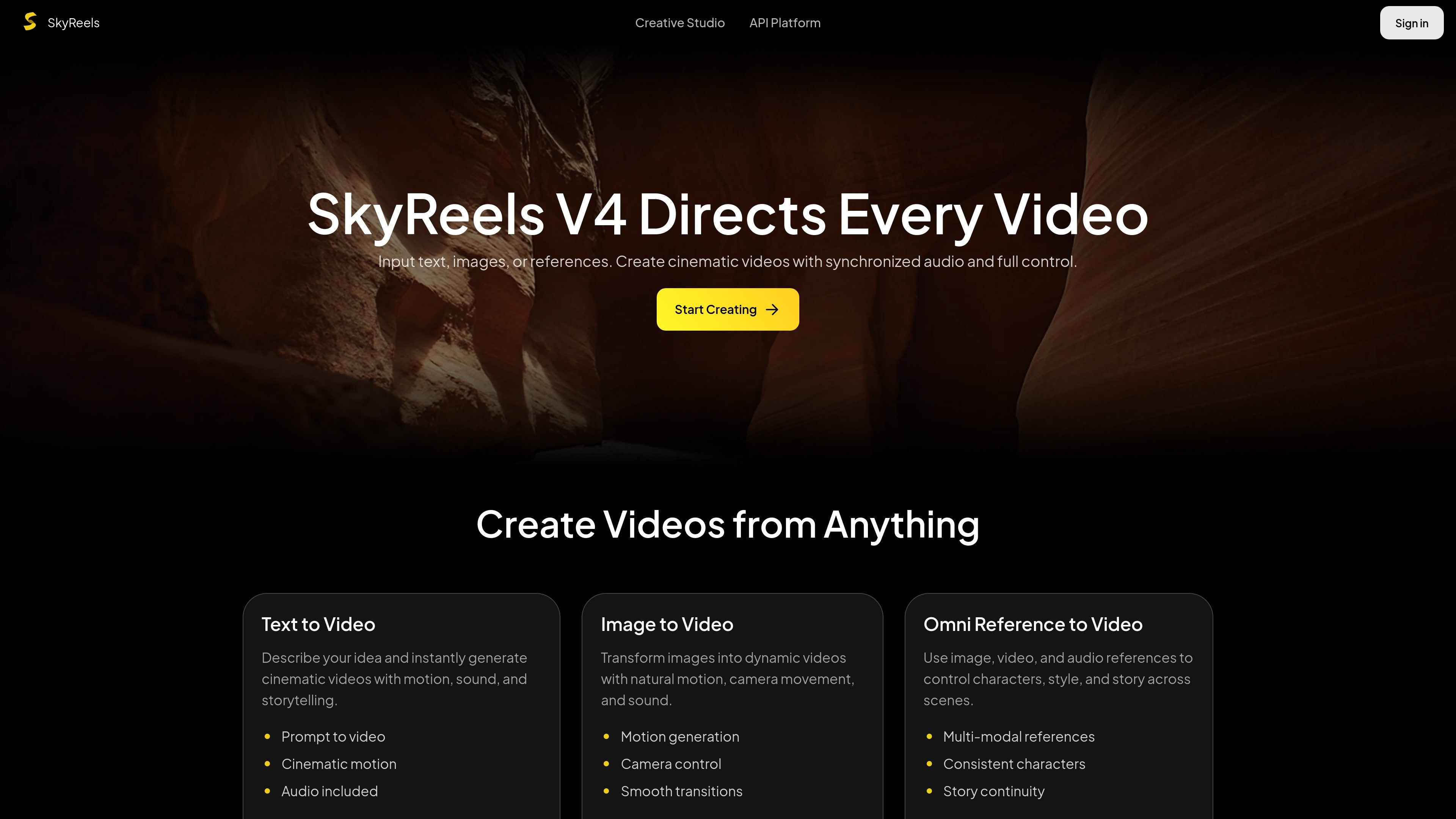
SkyReels is an AI video generation platform with both a creative studio and an API platform. Its homepage positions SkyReels V4 as a way to direct videos with text, images, and reference media, while the API docs present the product as a developer-facing service for generating cinematic video outputs.
The site emphasizes multimodal video creation: text-to-video, image-to-video, and omni reference workflows that combine text, images, video, and audio. The product also highlights audio-synchronized generation, shot transitions, and tools for extending, restyling, or continuing video content across scenes.
Generate video from text prompts, with examples on the site emphasizing cinematic motion, audio, and storytelling in a single workflow.
Turn still images into moving scenes, with controls and templates focused on motion generation, camera movement, and smoother transitions.
Combine image, video, and audio references to shape characters, style, and scene continuity across shots.
Produce audio and video together instead of adding sound later, which the site presents as a core part of the V4 workflow.
Use extension, restyling, shot switching, and avatar-related tools from the API and document pages to adapt or continue existing video assets.
Access the model through the web studio or the API platform, with a documented server endpoint and API key-based setup for developers.
Use the studio to turn a prompt into a cinematic scene with motion and sound when you want a fast concept video from text alone.
Use image-to-video when you already have a still frame, product shot, or illustration and want to add motion and camera movement.
Use omni reference inputs to keep characters, style, and story aligned across multiple shots or scenes.
Use the API platform when you need to build AI video generation into your own product or internal workflow.
Use extension, restyling, or shot-switching workflows when you need to continue an existing clip or reshape a sequence rather than start over.
SkyReels provides a web-based creative studio and API platform for generating videos from text, images, video, and audio references. The studio includes text-to-video, image-to-video, and omni reference workflows, while the API exposes similar model families for developers.
The source shows an API quickstart that requires an account, creation of an API key from the account page, and requests sent to the SkyReels server endpoint at https://api-gateway.skyreels.ai/.
The interface shown on the site includes generation options such as text-to-video, image-to-video, omni reference, video extension, video restyling, and talking avatar workflows. The API docs also list reference to video, restyling, extension, and avatar-related endpoints or sections.
The source does not provide detailed pricing numbers or plan limits on the pages provided, but it does show a pricing section and separate paths for signing in, getting an API key, and contacting sales.
SkyReels is presented as a web product with an API platform. The source does not document third-party integrations, authentication beyond API keys, or SDK availability beyond the web console and API reference pages provided.

Una plataforma de IA todo en uno que combina herramientas para imagen, video, voz, escritura y chat para mejorar la creatividad y la colaboración.

Slidesgo is a presentation template platform for Google Slides, PowerPoint, and selected Canva workflows. It offers free and Premium templates, plus AI-assisted presentation creation and team-friendly access options.

Wysera is an AI business platform that combines PostWyse for content and OpsWyse for CRM and revenue workflows, powered by the shared Wyse AI. It is built for solo operators, teams, and agencies that want approval-first automation across publishing, lead follow-up, and related operations.

Grok es un asistente de IA gratuito desarrollado por xAI, diseñado para priorizar la verdad y la objetividad al tiempo que ofrece capacidades avanzadas como acceso a información en tiempo real y generación de imágenes.

Creativly is a web-based AI creative studio for generating visual concepts, mockups, and stylized images from short inputs. It is aimed at designers, creators, and entrepreneurs who want fast visual ideation without writing long prompts.

Video Effects SDK adds real-time webcam effects such as background blur, background replacement or removal, denoising, framing, beautification, and color grading. It is built for teams shipping live video experiences on web, desktop, and mobile platforms.