
Headless editing core
The editor core provides Tiptap/ProseMirror extensions and commands without React or CSS, allowing the editing logic to support another renderer later.

slash-editor is an MIT-licensed, Notion-style block editor for React, built on a headless Tiptap/ProseMirror core with source-owned shadcn UI components. It supports structured blocks, collaboration, comments, and adapter-based AI actions without a paid tier or hosted editor dependency.
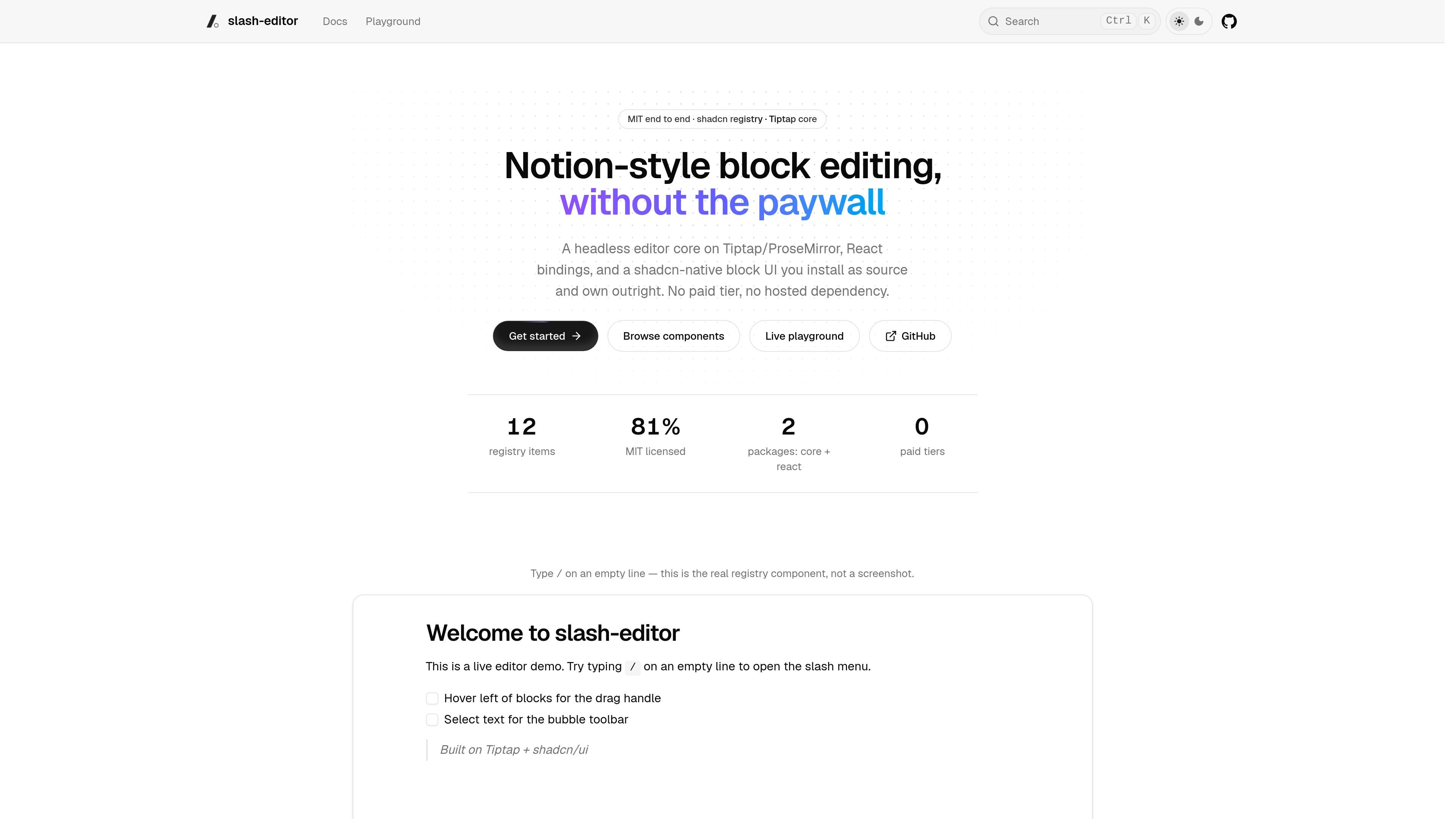
slash-editor is a Notion-style block editor for React. It combines a headless editing core based on Tiptap and ProseMirror with React bindings and a shadcn-native interface distributed through a component registry. The core exposes extensions and commands without React or CSS, while the UI layer provides the interactive block-editing experience.
The project is designed for teams that want to install editor code into their own application rather than depend on a locked component library or hosted editor service. Its documented scope includes slash-command insertion, structured blocks, comments, Yjs-based collaboration, and AI actions that stream through an adapter connected to a model or backend.
The editor core provides Tiptap/ProseMirror extensions and commands without React or CSS, allowing the editing logic to support another renderer later.
The source-distributed UI includes a slash menu, hover drag handles, bubble toolbar, block reordering, nesting, and block comments for keyboard-first document editing.
The documented block set includes headings, to-dos, tables, columns, Mermaid, callouts, images, embeds, toggles, quotes, dividers, and AI actions.
UI pieces are added as shadcn registry entries and copied into the application repository, where teams can modify markup and styling tokens.
The collaboration layer wraps Tiptap's collaboration extensions over y-prosemirror and supports awareness-based presence carets with Yjs providers such as Hocuspocus or WebRTC.
AI actions stream into transient results and support retry, accept, discard, replace, and insert-below workflows through a developer-supplied adapter.
Add a rich document surface to a React product while keeping the editor commands and extensions separate from the presentation layer. This suits applications that need to control their own rendering and styling.
Give users a keyboard-driven way to create structured documents with slash commands, block menus, nesting, tables, media, callouts, and other non-paragraph content.
Build a shared editing workspace with presence carets and comments using Yjs, a self-hosted Hocuspocus server, WebRTC, or another compatible provider selected for the deployment.
Add model-assisted writing tools such as continuing text, summarizing, brainstorming, or grammar correction while retaining control over the model connection and streamed result handling.
Install only selected registry items or the complete kit, then adapt the copied React components to an application's own tokens and interaction requirements.
slash-editor is a React block editor built on a headless Tiptap/ProseMirror core, with React bindings and a shadcn-native UI distributed as source through a shadcn registry.
The project is MIT licensed and has no paid tier or hosted dependency. The editor UI is installed into the application as source, so teams can edit and restyle it in their own repository.
Add registry components with the shadcn CLI, for example `bunx --bun shadcn@latest add @slash-editor/slash-menu`. The full kit can install the listed components, but the source notes that one-time registry setup in `components.json` is required first.
Yes. Collaboration uses Yjs and can run through a self-hosted Hocuspocus server, WebRTC, or another provider satisfying the documented awareness contract. Presence carets are supported; WebRTC uses a full mesh and may not suit large rooms or restrictive networks.
AI actions require an adapter that implements the documented StreamAdapter contract. The product does not register an OpenAI adapter by default; developers connect their chosen model or backend and can use slash, selection, and block contexts.

ByteAsk is a terminal-first AI coding agent for C and C++ that edits repositories and verifies changes with the real compiler, debugger, sanitizers, and tests before showing a diff. It offers a free tier plus paid plans, with editor connectors and zero-retention handling described in the source.

CreateOS Sandbox is an isolated compute environment for running code and agent workloads inside Firecracker micro-VMs. It is designed for workflows that need machine-level isolation, private networking between sandboxes, and programmatic control through SDK, CLI, or MCP.

GitBot is a local browser-based workspace for creating reusable coding bots powered by Claude Code, Codex, or OpenCode. It helps developers run those agents across repository folders with persistent threads and configurable permissions.

hob is an independent workspace for coding agents that keeps agent sessions, terminals, history, and follow-up work organized around the tools and providers you already use. It is aimed at developers who want local control over routing, history, and workspace structure rather than a bundled model stack.

Ably Chat is a chat API platform for building custom realtime chat applications. It supports room-based messaging, typing indicators, presence, reactions, and message updates, with usage-based pricing options for different deployment stages.

Manta AI is an autonomous web app testing tool for teams that want to map application behavior, catch regressions, and generate tests without writing scripts or maintaining selectors. It works from a URL and supports plain-English test flows, run results with screenshots, and scheduled or deployment-triggered checks.