
One SDK integration
Install a single SDK and wrap the app once to enable localization. The product emphasizes a unified setup rather than managing translation files by hand.

VerbX Localize is a localization tool for apps that uses one SDK and treats the source string as the translation key. It also routes machine output through human review before it can reach production.
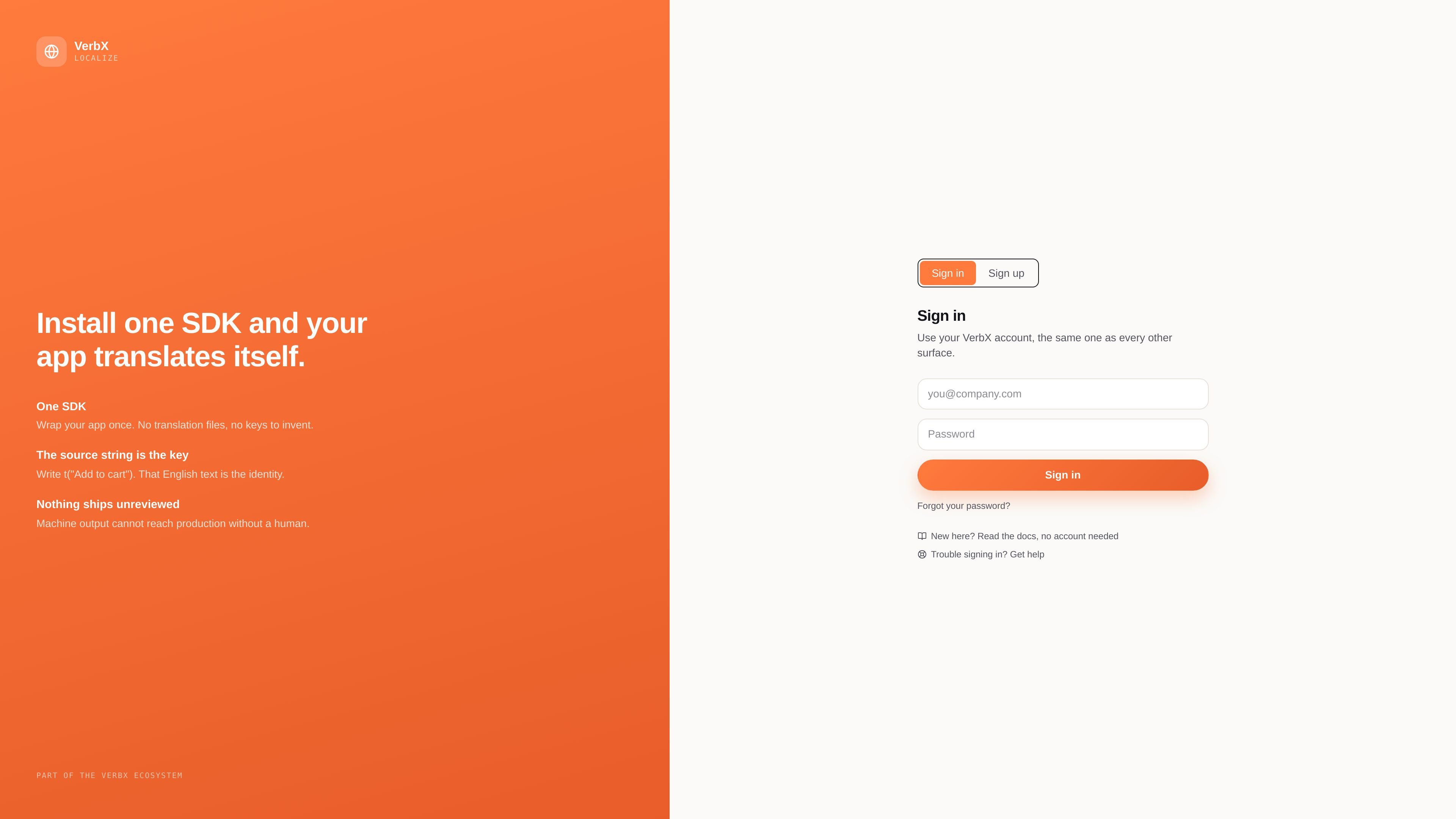
VerbX Localize is a localization product for apps that centers on a single SDK workflow. The site describes it as a way to wrap an app once so it can translate itself, without managing separate translation files or creating keys in advance.
Its core model is simple: the source string is the key. The example shown on the site uses t("Add to cart"), treating the English text as the identifier. The product also adds a human review step, with the explicit note that machine output cannot reach production without human approval.
Install a single SDK and wrap the app once to enable localization. The product emphasizes a unified setup rather than managing translation files by hand.
Use the source string itself as the key, so the English text becomes the identity of the string instead of a separate invented identifier.
Translate the app without creating or maintaining translation files. This reduces the manual layer between source content and localized output.
Keep machine-generated output out of production until it has been reviewed by a human, adding a human approval step to the workflow.
Use the same VerbX account across the product’s surfaces, which ties Localize into the broader VerbX ecosystem.
Useful for teams that want to add localization without managing separate translation files or a large key map by hand.
Fits projects where developers prefer to write source strings directly and let those strings serve as translation identities.
Appropriate for workflows that require human sign-off before translated content is released to production.
Relevant for organizations already using other VerbX products and wanting the same account experience across surfaces.
Helpful when a team wants a simpler translation workflow centered on one SDK rather than multiple localization artifacts.
VerbX Localize is positioned as a localization tool for apps that translates content through a single SDK. The source string is used as the key, so you write strings like t("Add to cart") rather than managing separate translation files or invented keys.
The source says machine output cannot reach production without human review, so the workflow includes a human review step before translated content is shipped.
The site frames VerbX Localize as part of the VerbX ecosystem and says users sign in with the same VerbX account used across other surfaces.
The source text does not list platform-specific SDKs or frameworks. It only states that one SDK is used to wrap an app for localization.

MagicSlides is an AI presentation generator that turns text, topics, documents, URLs, and videos into slide decks. It creates presentations in Google Slides by default and supports PowerPoint export, with multilingual output and AI-assisted editing.

Microsoft Translator is a Bing translation web app for translating short text between English and more than 100 languages. It also supports image capture translation and basic output actions like listen and copy.

Rubriq 是一款面向科研写作的 AI 学术论文润色与翻译工具,支持个人订阅、机构方案和论文查重相关服务。它帮助研究人员在上传稿件后快速生成带修订痕迹的可审阅文档。

Globalize.now is an AI localization tool that converts hardcoded app text into repo-owned locale files and keeps translations synced on every Git push. It is aimed at developers shipping multilingual web apps in tools like Cursor, Claude Code, GitHub, GitLab, Lovable, and common frontend stacks.

Glarity is a browser extension for summarizing, translating, and chatting with web content such as YouTube videos, web pages, PDFs, search results, and Gmail. It supports major browsers and combines reading, writing, and translation workflows in one tool.

Caplo is an iPhone app companion that turns audio from other apps into real-time translated captions in a floating Picture-in-Picture window. It helps users follow live streams, anime, sports, podcasts, courses, news, and other live audio when subtitles are missing or not usable.