ZenABM icon

ZenABM

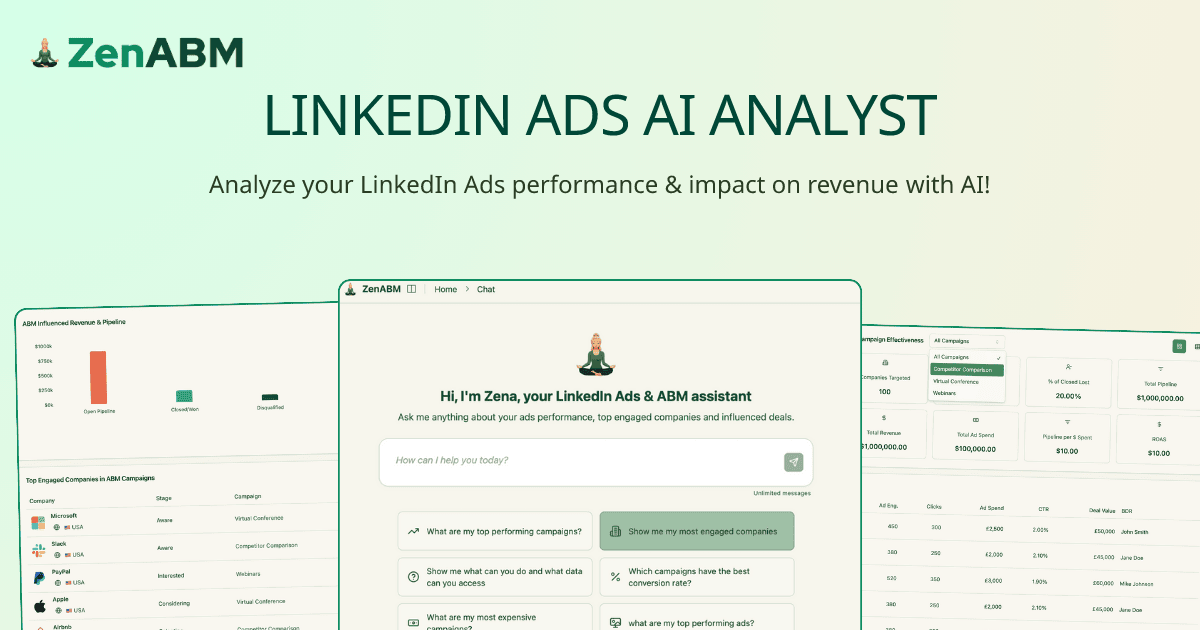
ZenABM is an account-based marketing platform that uses its Zena AI analyst, MCP server, and API to analyze LinkedIn Ads alongside company, CRM, pipeline, intent, and revenue data. It helps ABM and marketing teams plan campaigns, produce reports, optimize approved changes, and hand engaged accounts to sales.

ZenABM

AI-assisted LinkedIn Ads and ABM operations

ZenABM is an account-based marketing platform with an AI layer for LinkedIn Ads analysis, campaign management, reporting, and revenue-oriented account research. Its built-in AI analyst, Zena, works with LinkedIn advertising, company engagement, CRM, pipeline, intent, and revenue data available in ZenABM.

Teams can use Zena inside ZenABM, connect the same data and actions to external AI clients through the ZenABM MCP server, or use the API to bring LinkedIn Ads data into other applications and dashboards. The system is designed to support a review-and-approval workflow: it can prepare campaigns and recommend or stage changes, but actions affecting live ad delivery are not executed without confirmation.

Core capabilities

Build LinkedIn campaigns with Zena

Describe a campaign and Zena can produce the campaign, ad sets, targeting, copy, and ads using creatives from a connected media library. It can also check audience size, reuse saved audiences and lead forms, and duplicate existing campaigns or ads before anything is launched.

Create ads through an AI client

Generate ads from Claude or another compatible AI client, then place them into a new ad set with the requested objective, budget, and bidding settings. ZenABM provides a Campaign Manager review link and waits for approval before launch.

Automate performance reporting

Receive weekly, monthly, or quarterly reports by email, or request a report on demand. Reports combine performance with pipeline data, identify high and low performers, and include insights and action items rather than only raw metrics.

Run structured ABM workflows

Use 15 ready-made ABM workflows for audits, planning, reporting, ad-decay checks, account engagement, revenue attribution, and sales handoff. The MCP documentation describes 96 read and write tools covering LinkedIn Ads, campaigns, companies, CRM and revenue data, creatives, stages, deals, contacts, and intent data.

Optimize campaigns with approved actions

Find inefficient ads, ad sets, and campaigns, then pause them, adjust bids or budgets, or create retargeting audiences from ad engagement and CRM events. Each live change remains subject to user approval.

Connect performance to benchmarks and revenue

Ask for advice based on the account's own data and comparisons with benchmarks drawn from more than 30 ABM and LinkedIn Ads experts. The documented workflows also expose calculations, assumptions, sample sizes, and correlation labels where relevant.

Practical use cases

  • Diagnose inefficient LinkedIn spend

    Use an audit, budget-waster, persona, or ad-decay workflow to locate inefficient spend, weak targeting, delivery problems, and fatigued creative. The resulting fix list is ordered by potential financial impact and can lead into approved optimization actions.

  • Plan and prepare an ABM campaign

    Start with a pipeline goal and use account deal size, pipeline per dollar, eCPC, audience size, and format performance to define a campaign structure. The campaign-execution workflow then turns the plan into briefs, copy variants, Thought Leader Ad copy, and design briefs.

  • Create recurring performance reports

    Give stakeholders a recurring view of spend, pipeline, pipeline per dollar, format performance, newly engaged accounts, risks, and opportunities. Weekly, monthly, and quarterly reporting options serve both account operators and non-specialist stakeholders.

  • Hand off engaged accounts to sales

    Prioritize sales activity using account engagement, intent, stage movement, engagement spikes, contacts, and deal context. The sales handoff workflow produces a list of accounts to call with a contact and a talking point based on each account's journey.

  • Work with ABM data from an AI client

    Connect Claude, ChatGPT, Perplexity, Gemini, or another compatible client to ask for campaign assets, performance analysis, and approved actions without switching to a separate reporting interface. OAuth links the client to the ZenABM organizations and permissions available to the user.

Pros and Cons

Pros

  • Combines LinkedIn Ads performance with company-level engagement, CRM, pipeline, intent, and revenue context.
  • Supports both analysis and approved write actions, including campaign creation, budget and bid changes, pausing delivery, and retargeting audience creation.
  • Provides 15 prebuilt ABM skills and 96 read/write tools for repeatable audits, planning, reporting, attribution, and sales handoff workflows.
  • Offers report delivery by email as well as on-demand analysis, with action items and comparisons against prior periods or benchmarks.

Cons

  • The product is centered on LinkedIn Ads and ZenABM's ABM data layer rather than being a general-purpose advertising platform.
  • AI chat availability varies by plan; the pricing page lists daily chat limits for Starter and Growth and unlimited chats for Pro and Agency.
  • External AI clients require client-specific MCP setup, although ZenABM provides setup instructions inside the app.

FAQ

What is the difference between Zena, the MCP server, and the API?

Zena is ZenABM's built-in AI analyst for asking questions and taking approved actions on LinkedIn Ads and ABM data. The MCP server connects that data and action layer to external AI clients such as Claude, ChatGPT, Perplexity, Gemini, Claude Code, and Cursor. The API is intended for connecting LinkedIn Ads data to other applications and dashboards.

How is the MCP server connected?

The MCP connection uses OAuth with a ZenABM account, so no separate API key is required. The documentation says setup instructions for Claude, Claude Code, Codex, and ChatGPT are available inside the app.

Which AI clients can work with ZenABM?

The MCP server supports external AI clients including Claude, ChatGPT, Perplexity, Gemini, Claude Code, Cursor, and other compatible AI tools. The exact setup path depends on the client.

Can ZenABM AI take actions, or does it only read data?

Yes. Zena can surface and pause underperforming ads or campaigns, change bids and budgets, and build retargeting audiences from ad engagement and CRM events. MCP tools can also create, edit, and delete LinkedIn campaigns, ad sets, and ads. Actions that change live delivery require explicit approval.

Which plans include the AI features and is there a trial?

The pricing page lists Zena chat limits of 10 chats per day on Starter, 50 per day on Growth, and unlimited chats on Pro and Agency. It also advertises a 37-day free trial, no setup fees, cancellation at any time, and full support.

Quick Facts

Category
AI marketing analytics and ABM campaign management
Primary platform
LinkedIn Ads
Built-in assistant
Zena AI analyst
External access
MCP server and API
MCP coverage
15 skills and 96 read/write tools
Trial and plans
37-day free trial; Starter, Growth, Pro, and Agency plans

Alternativas a ZenABM