
Notch and top-of-screen access
Hover over the Mac notch, or use the top-of-screen pill on systems without a notch, to open Calendar, Reminders, Notes, and Focus controls without changing apps.

Cupola is a Mac productivity app that combines Apple Calendar, Reminders, and Notes in a notch or top-of-screen panel, with a full app view for broader planning. It is designed for Mac users who want faster capture and a single place to review and edit their existing Apple data.
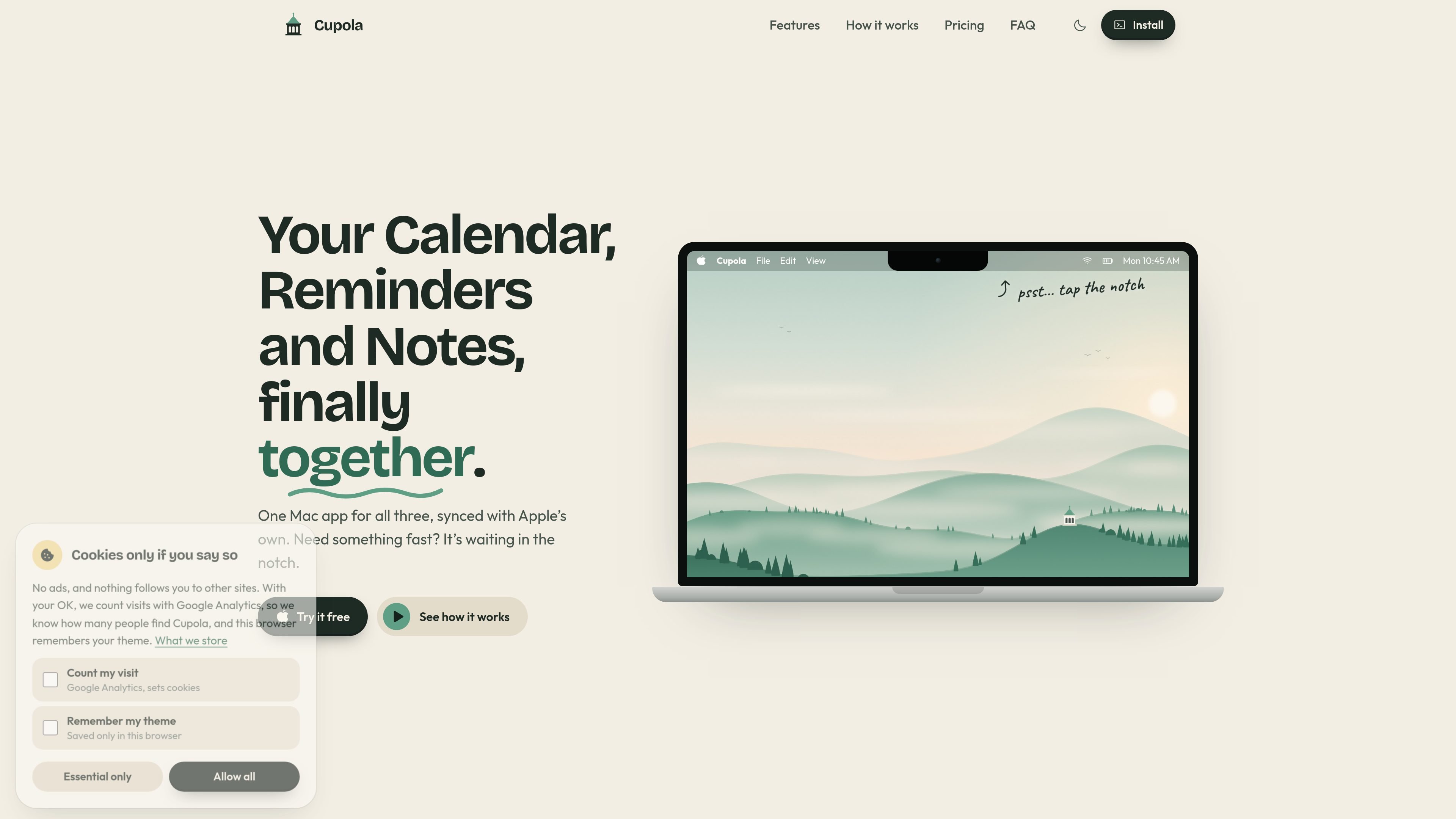
Cupola is a native Mac productivity app that brings Apple Calendar, Reminders, and Notes into one interface. Its compact panel opens from the MacBook notch—or a small pill at the top of the screen on Macs and displays without a notch—so frequently checked information is available without switching between apps.
The app reads the existing data in Apple’s apps and writes new items and edits back to the same sources. A full-window view adds room for planning, while the app’s local-data design means calendars, reminders, and notes stay on the Mac rather than being uploaded to Cupola’s servers.
Hover over the Mac notch, or use the top-of-screen pill on systems without a notch, to open Calendar, Reminders, Notes, and Focus controls without changing apps.
Enter natural-language requests such as “call mom tonight” or “dentist next Tuesday 4pm”; Cupola interprets the day and time and places the item in Calendar or Reminders.
Review a week, select a day, and view events in calendar layouts including day, week, month, and agenda views.
View, create, organize, and complete reminders, including lists, due-date groupings, priorities, flags, tags, and checklists.
Read and write Apple Notes, including checklists and tables, and connect notes with tasks through the larger app view.
Open the full Mac app for a larger planning view, with Calendar, Reminders, Notes, today’s overview, and a focus timer in one workspace.
Capture a spoken-style request such as a call, appointment, or purchase reminder and let Cupola place it in the appropriate Apple app with the interpreted date or time.
Use the combined overview to check today’s events, reminders, and recent notes, then open the relevant item without searching across separate apps.
Manage errands and personal projects through reminder lists, tags, priorities, due-date groupings, and checklists while keeping the data in Apple Reminders.
Review meeting notes, trip plans, and other Apple Notes content alongside tasks, using the full Mac view when a compact notch panel is not enough.
Start a focused work session from Cupola’s Focus view, add tasks to the timer, and use the larger workspace for a distraction-reduced planning session.
Cupola is a Mac app that works on top of Apple Calendar, Reminders, and Notes. Items created or edited in Cupola are written back to those apps, and their existing content can be viewed in Cupola.
Cupola runs on Macs with Apple silicon, including M1 or newer, and macOS 26 or later. Intel Macs are not supported.
On a Mac or display without a notch, Cupola opens from a small pill at the top of the screen instead. The same panel is available there.
Cupola can request Calendar and Reminders access so it can display and edit those items. Notes works best with Full Disk Access, which allows Cupola to read notes directly. The welcome tour explains the permissions, and they can be changed later in macOS settings.
The app offers a seven-day free trial with all features and no card required. After the trial, events, reminders, and notes remain viewable, but adding and editing require a lifetime license. The stated price is $20 once, with a 14-day refund window.

Contextbergは、画面・入力・ブラウザ・AIエージェントの利用履歴をローカルで記録し、MCP経由でClaude CodeやCursorなどに作業コンテキストを渡すデスクトップアプリです。中断した作業の再開、過去ログの検索、日次レビューに利用できます。

Yattayo: Slider To-Do Board is a productivity app that turns tasks into a physical-style slider board with sticky notes, widgets, reminders, and iCloud sync. It helps people who want a more tactile way to manage to-dos and, in Premium, recurring habits.

at8pm is an iPhone journaling app that locks each day’s entry after a chosen time so it can’t be edited later. It supports text, voice, photos, locations, and quick video notes, with private iCloud syncing and optional Face ID lock.

Goldfish is an AI memory app for macOS that helps you reply, write, summarize, and continue using the context already on your Mac. It stores memory locally and writes in your tone.

Flunkey is a voice-first productivity layer for Windows that converts speech into text, AI-assisted outputs, and remembered context. It is built for users who want to capture ideas and actions without leaving the app they are working in.

ArtDeck is a visual reference board app for iPhone, iPad, and Mac that lets artists collect mixed reference material on one canvas and study it with ToolBox lenses. It works offline, supports optional iCloud sync, and is sold as a one-time purchase with no account required.