
PNG to SVG変換
アップロードしたPNG画像を、ロゴ、アイコン、Webグラフィック向けのAIベースのトレースで、拡張可能なSVGファイルに変換します。

ToSVGは、背景削除とサイズ変更を同じ流れで行える無料のオンラインPNG to SVG変換ツール。開発者向けREST APIプランも提供します。
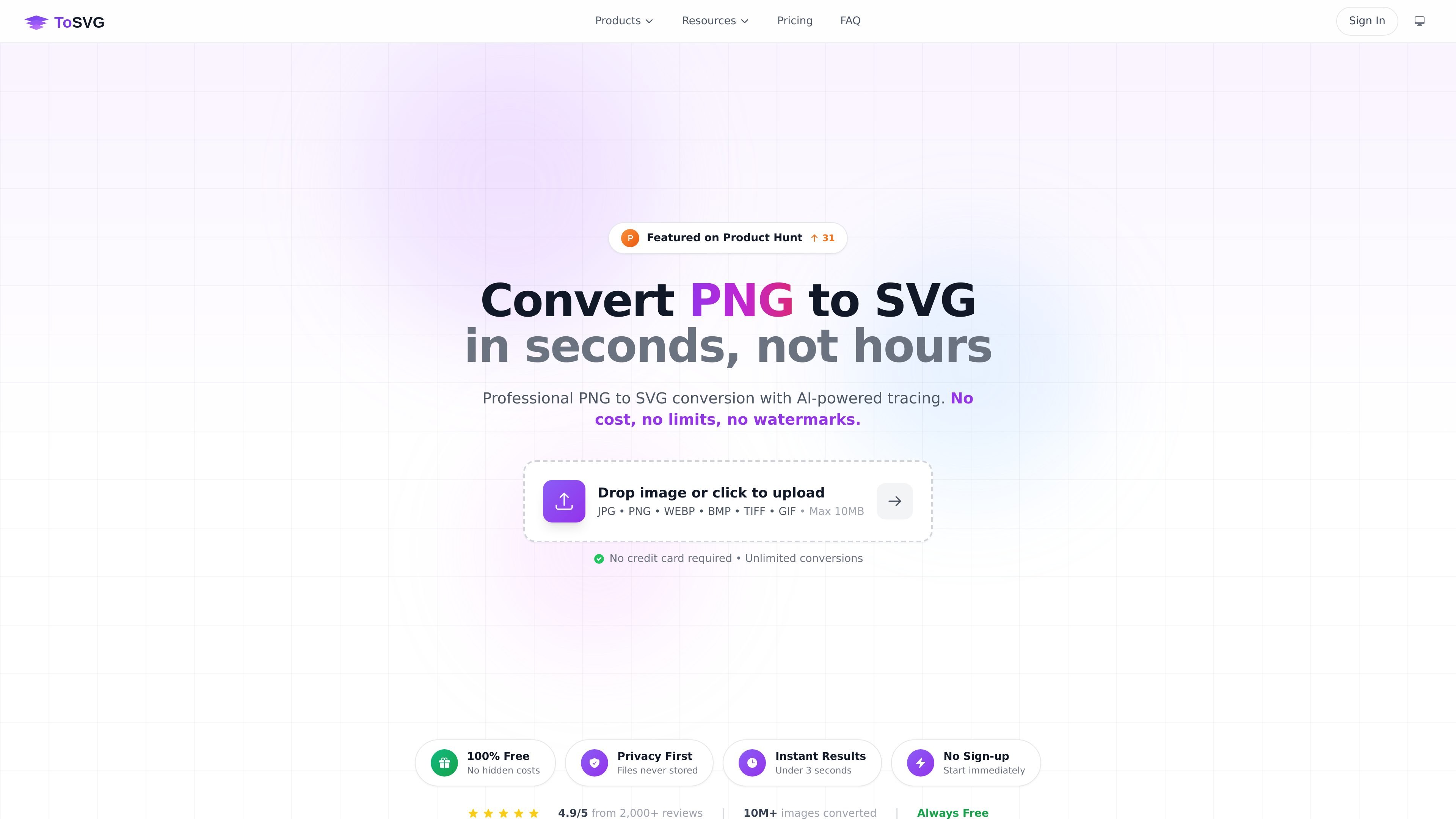
ToSVGは、ラスター画像を拡張可能なベクターファイルに変換するオンラインPNG to SVG変換ツールです。ホームページでは、背景削除とサイズ変更を同じワークフローに組み込んだ、素早く変換できる無料のWebアプリとして紹介されています。
また、このサイトは、アプリケーションへの変換機能の統合や画像ワークフローの自動化を行いたい開発者向けにAPIプランも提供しています。サービスは、Webアプリでの高速なブラウザベース利用と、REST APIによるより構造化された利用の両方に対応しています。
アップロードしたPNG画像を、ロゴ、アイコン、Webグラフィック向けのAIベースのトレースで、拡張可能なSVGファイルに変換します。
変換前に画像の背景を削除し、透過出力ファイルとして扱えるようにします。
同じ編集フローの一部として、画質を落とさずに画像を別のサイズへ変更します。
1つのワークフローで複数ファイルを処理でき、より大きな画像セットの変換や編集に便利です。
ホームページに表示されているJPG、PNG、WEBP、BMP、TIFF、GIFなどの一般的な画像形式をアップロードできます。
サインアップなしで無料のWebアプリを使うか、統合や自動化のためにAPIアクセスを選べます。
拡大してもピクセル化しない拡張可能なグラフィックが必要なときに、PNGロゴやアイコンをSVGに変換します。
画像を変換する前に背景を削除し、デザイン作業やWeb素材で再利用しやすい結果にします。
別々のツールを行き来せずに、アップロードと編集を同じワークフロー内で行いながら画像をリサイズします。
製品のREST APIプランを使って、変換をアプリケーションや自動化ワークフローに統合します。
はい。ウェブアプリは、アカウント不要、隠れた料金なし、透かしなしで完全に無料で使えると案内されています。
APIプランは、ToSVGを自分のアプリケーションに統合したり、ワークフローを自動化したりしたい開発者向けです。
料金ページによると、APIプランはいつでもアップグレードまたはダウングレードでき、変更はすぐに反映されます。
1日の利用上限を超えると、APIは429エラーを返します。上限はUTCの深夜にリセットされます。

ArtDeckは、iPhone、iPad、Mac向けのビジュアル参考ボードアプリ。素材を1枚のキャンバスに集約し、ToolBoxレンズでオフラインでも観察できます。iCloud同期は任意、買い切りでアカウント不要。

Codex Plugins は、再利用可能なスキル、アプリ連携、MCPサーバーを Codex app や Codex CLI で使えるワークフローにまとめます。接続サービスの作業や共有チームワークフローを拡張できます。

Pixelcutは、商品画像やSNSコンテンツ、動画素材を作成・編集できるAI写真編集ツールです。無料・有料プランに対応し、モバイルアプリとブラウザから個人・チームで利用できます。

Video Effects SDKは、背景ぼかし、背景置換・削除、ノイズ除去、画面の自動フレーミング、美肌補正、カラー調整などのリアルタイムWebカメラエフェクトを追加します。Web、デスクトップ、モバイル向けのライブ動画体験を提供するチーム向けです。

PixelDriveは、ブラウザ編集、REST API、CSV一括、MCPで1つのテンプレートから大量のブランド画像を生成できるAPI。キャッシュ可能なレンダリングと従量課金に対応。

Snapmarkは、AIチャットへ貼り付ける前にクリップボード内のスクリーンショットへ注釈を追加できるVS Code拡張機能です。ぼかしによる秘匿、番号付き注釈、巨大画像の自動リサイズに対応しています。